Android 6.0 Marshmallow has been out for a few months. But if you’re like most Android users, then you’re not going to get it until early this year.
Is Marshmallow worth the wait? Here are the top 5 features in Android 6.0 Marshmallow to get you excited.
1) Personalized Lockscreen Messages
Okay, we admit it: this feature is really small. But it’s also pretty cool. You can now add a personalized lockscreen message to your device under the clock.
Use that message to say whatever you like. Maybe you want to add your phone number in case your phone gets lost or stolen. Maybe you need a motivational quote. Or maybe you just want to remind everyone that it’s your device.
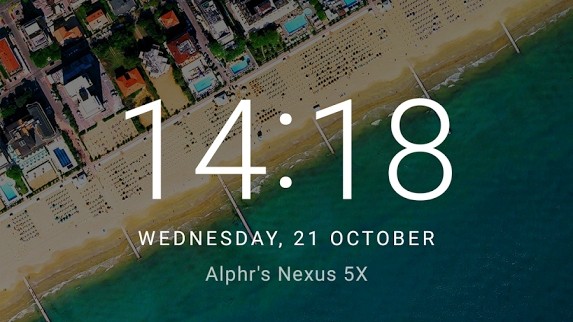
In any case, this might be the new Marshmallow feature you interact with most frequently.
2) Android Pay
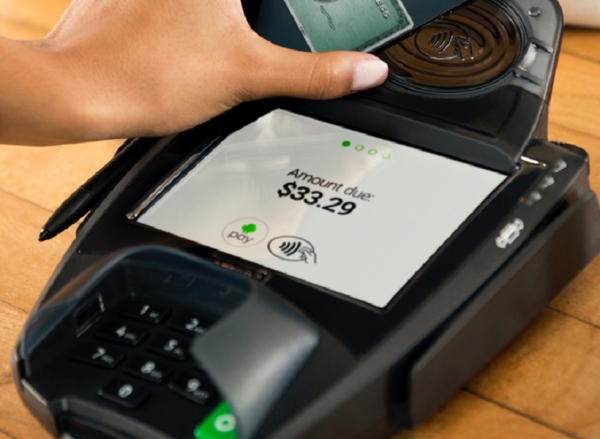
Despite rolling out in the United States in September, most Android users do not use Android Pay. On Marshmallow, Android Pay takes center stage as the payment platform gets opened up to the majority of Android users.
Android Pay lets you store your credit card and debit card information on your phone and then wirelessly pay for goods with a tap. Since the payment information is stored on your device, you don’t have to trust your account data in the hands of retailers – who admittedly, don’t have the best track record.
At the same time, Android Pay takes extra steps to protect your payment information. The system uses a virtual account number instead of your own.
Of course, if your phone ever gets stolen, you can remotely lock and wipe your Android to prevent your payment information from getting into the wrong hands.
3) Smarter Permissions
Android’s built-in permissions system has never been great. Originally, you had to accept all of the permissions of an app in order to install that app.
Today, Marshmallow makes it easier than ever to customize permissions for each app. Android has taken an iOS-like approach by asking for individual permissions
only when you need to use them within the app.
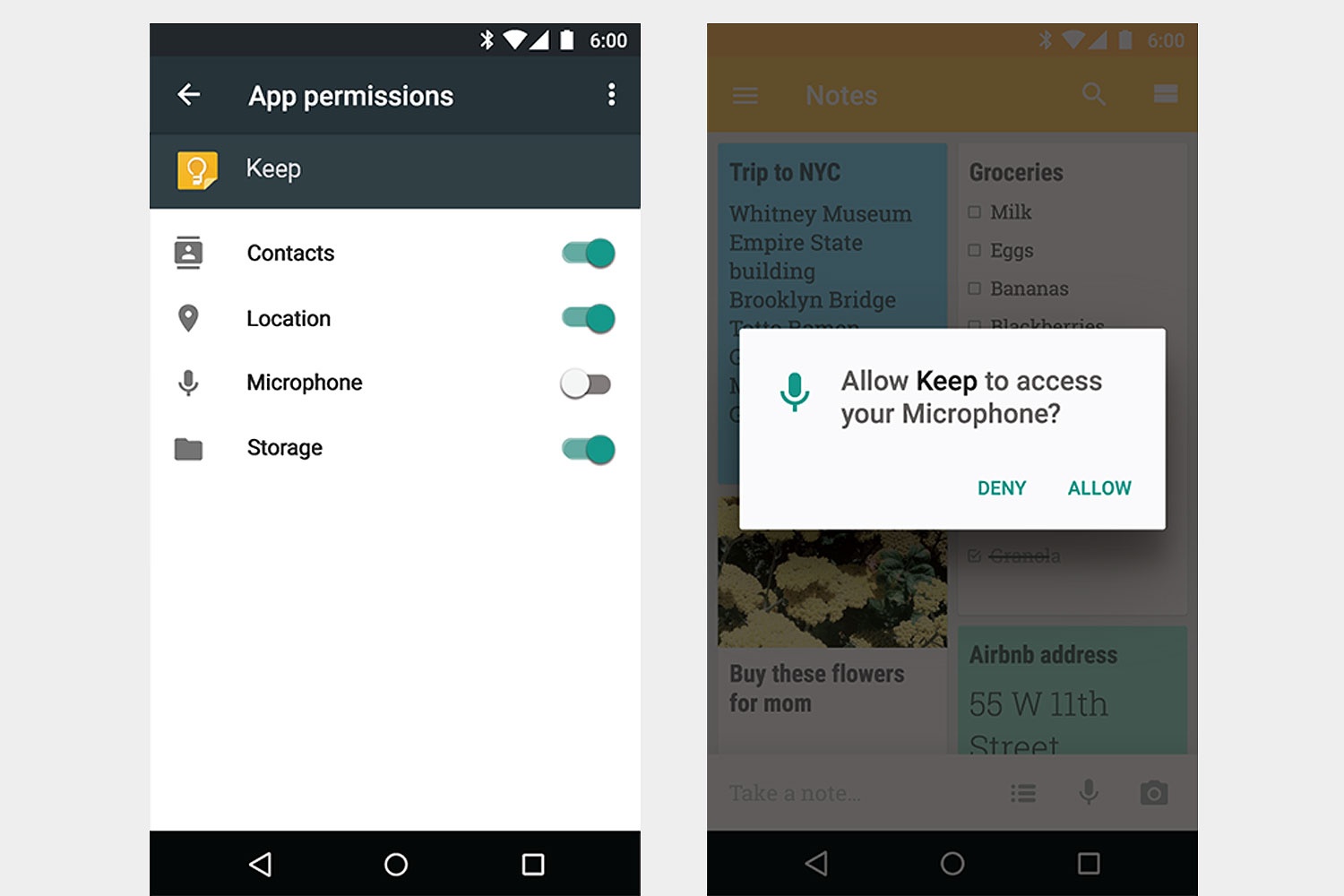
You won’t be asked if Snapchat can use your camera, for example, until you actually open the camera within the app to take a picture.
4) Save Battery Life with Doze
Google told its engineering team to cook up a battery saving system that saved significant battery life without having a big impact on users. They came up with Doze, which monitors when your phone is not in use and then shuts off non-essential processes.
The result? Hours of battery life savings.
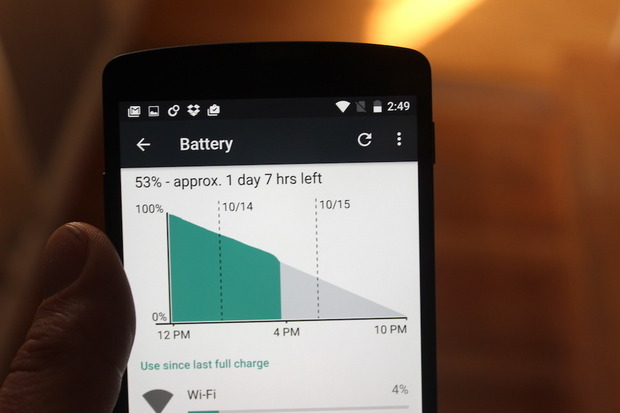
Doze works using the same sensors that your phone uses to detect movement. When these sensors stop recording movement, Doze kicks into action. The longer your phone goes without moving, the more battery life you save. Doze detects the lack of movement and determines your phone isn’t that important at the moment. It shuts down app network usage until you pick up your phone again.
5) Smarter “Open With” App Menu
One of the silly things about Android is when you open an app-specific link and you’re asked how you want to open that link.
You would open an Instagram.com link, for example, and Android would ask whether you wanted to open that link in your Instagram app or your Chrome browser.
That’s very polite of you, Android, but this interface was clunky, unwieldy, and ugly.
In Marshmallow, Android has cleaned up the Open With experience and will intelligently predict which app you want to use to open a specific link. How hard was that?
Android Marshmallow isn’t the biggest Android update, but it brings about some much-needed little changes. What are you most excited about in Android 6.0?