

- Put the device into the Safe mode. On many of the gadgets, you only have to press the power to get to the safe mode option. If that does not work, you need to use Google and follow instructions accordingly. When you are in safe mode, the same is indicated at the left bottom of your screen. This will ensure that no third party apps are able to run and that includes malware.
- Now go to Settings and look at the downloaded apps to find out the suspect. Uninstall the suspected app or remove it. If you are unable to do so due the Uninstall button getting grey, you know that the virus has been able to acquire the Device Administrator status on your gadget.
- Get out of the menu for Apps and go to Settings>Security>Device Administrators. You will now be able to see the apps with the administrator status. Just untick the box against the app you wish to eliminate and touch Deactivate when it pops up. You will now have to go back to the apps menu to eliminate that pesky app totally.
- Now you only have to restart the phone to get it out of the Safe mode. If you find it working properly, ensure you take a back up of important data and install a good antivirus app to provide you protection for the future. This time make sure you install an app that is able to scan anything dodgy even at the risk of them showing false positive indications. That means they might detect apps you have been using for a long time as having malware though you know they are ok. Just ignore such alerts.
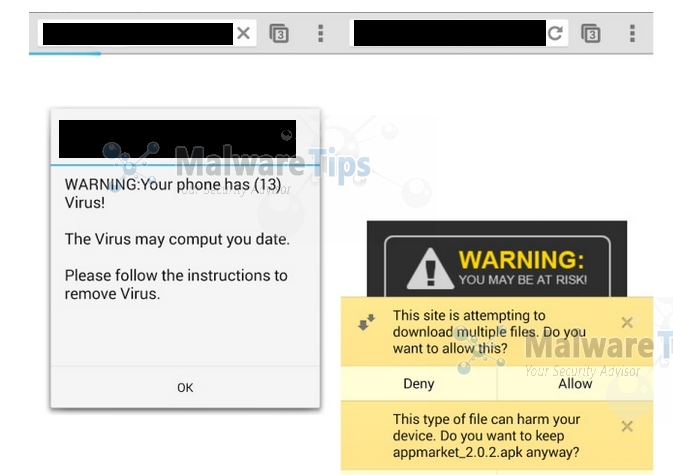
How to Eliminate An Existing Virus From Your Android
3 min read
If despite all precautions such as only using Google Play Store to download apps, having an anti virus app installed and so on, you still find your Android infected with a virus, then don’t panic. You can and have to take steps to eliminate it at the earliest from your device before it can cause any further damage. They are as under:
Newsletter
Get the latest tech news delivered to your inbox weekly.