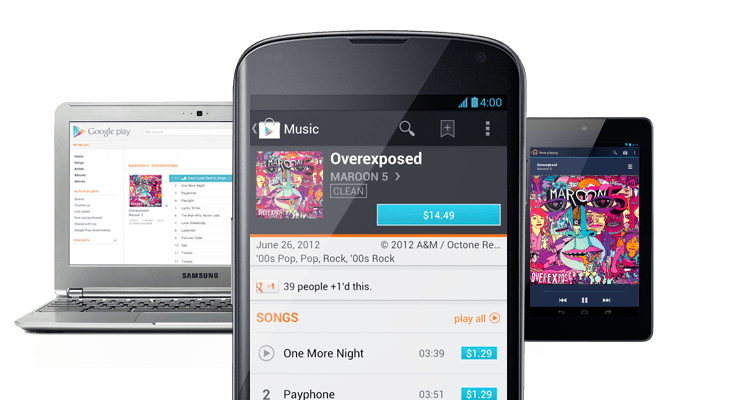
You don’t have to go very far on tech websites these days before you see ‘cloud computing’ this and ‘cloud storage’ that. Half of these people don’t even know what cloud computing means.
But no matter how you feel about cloud computing, it’s easy to appreciate Google Music’s support for ‘the cloud’. Google Music has a feature called Google Music Match that scans your entire Android’s music folder and then rebuilds your collection of songs on the cloud.
As Apple fans know, iTunes has a similar service called iTunes Match. However, Google Music has one killer advantage over iTunes Match: it’s free (
iTunes Match costs $24.99 per year).

That’s right: for the low low price of free, Google Music will automatically drag all of your songs to the cloud, which means you can access them both on your device, and on any other internet-connected device you use.
Now wait a minute, you may be saying. I’ve always been able to upload my music to the cloud and access it online. How is this different? Well, Google realized that people with 5,000+ song libraries didn’t want to spend days waiting for their music collection to be uploaded to the cloud. Since this system now relies on Google’s own database of music, users don’t have to upload any of their own files at all.
Even better, Google automatically finds the highest quality version of the songs on your Android, which tends to be the 320kbps version.
There’s also more than enough storage space for even the most avid music collector: Google Music Match supports song collections of up to 20,000 songs in size. So if you have a larger collection than that, then you’re out of luck.
But wait, there’s a catch
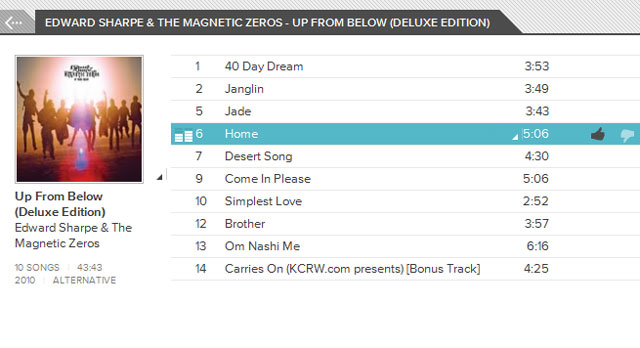
As One Click Root mentioned a few weeks ago, Google Music Match has one problem, and that problem might be a dealbreaker for some people – especially if you like songs with lots and lots of explicit language.
Google Music does not sell the explicit versions of songs. So when it’s rebuilding your music library in the cloud and looking through its collection of songs, Google Music will automatically choose the clean version of that song because that’s all it has.
I don’t know about you, but all the rap songs on my Android would sound pretty bad over the cloud if they didn’t have explicit language. I’m going to hold out on Google Music Match until Google realizes that it really needs to get over its explicit language policy.
Oh, and there’s another catch: Google Music is so far only accessible to American and European Android users. Canadians like me get this friendly message if they have the audacity to try to visit
music.google.com
Did Google Music already replace your explicit songs with clean versions?
If you saw the above disclaimer too late, then I’m sorry. But I have an easy fix for you.
Go to this article and scroll down to the bottom to find out how to get your original songs back. Regaining access to your swear word-laden songs is surprisingly easy.