

How to Use your Android Smartphone or Tablet as a Wi-Fi Hotspot
2 min read
We all like free Wi-Fi. But what can you do when you need wireless internet, but all you’ve got is a mobile connection? Tether your Android, of course!
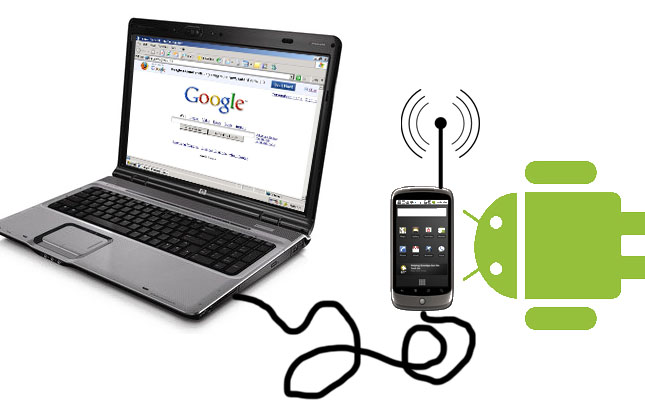
Tethering is an easy and effective way to turn your Android handset into a wireless router. After tethering your handset, other devices can connect to it and borrow its mobile internet connection. Whether you’re on top of a mountain and need to use your laptop, or you’re hanging out with friends who don’t have unlimited data plans, tethering is useful for a number of different reasons.
Today, we’re going to show you how to tether your Android handset with just a few simple steps.
Step 1) From the home screen, tap the Settings button
Step 2) Tap More or More settings at the top part of the menu
Step 3) Choose Tethering and portable hotspot
Step 4) Slide the bar next to Portable Wi-Fi hotspot
Step 5) Give your Wi-Fi network a name and choose a password
Step 6) On your laptop or whatever other internet-ready device you’re using, scan for wireless networks and connect to the network you just made. Enter the password and enjoy using your phone’s 3G or 4G internet connection to access the internet.
That’s it! Not as hard as you thought, right? The only thing you have to be careful of with tethering is to watch your data usage. It’s easy to get caught up watching YouTube videos or whatever else you do on the internet, only to realize you’ve burned through several hundred megabytes of data on your phone.
Newsletter
Get the latest tech news delivered to your inbox weekly.