

- Open the Samsung+ app after you have downloaded and installed it.
- Look for the Registration menu where you should find the Galaxy Beta Program and then select the “register for the program”.
- Under the Settings menu, look for firmware updates.
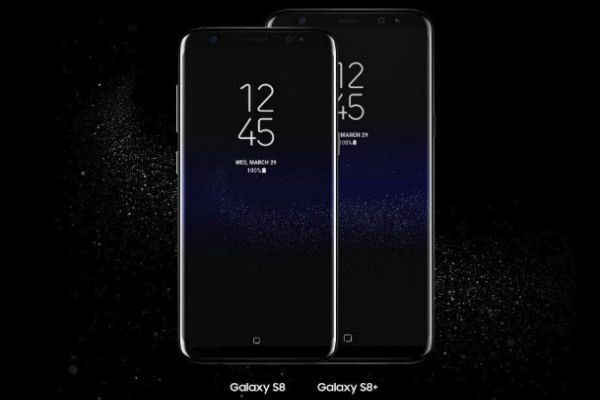
Android Oreo is now available for testing for Galaxy S8 and S8+ devices
4 min read
Samsung Galaxy S8 and S8+ users will now get to know what it feels like to use the latest Android Oreo features thanks to the Samsung Experiene 9.0 beta. This was announced on Thursday by Samsung Electronics Co. Ltd.
The new Samsung Experience replaces the TouchWiz and brings in Android Oreo which has been modified slightly in some cases by the company themselves. Android Oreo has long been available to other devices like Pixel and Nexus way back in August. The ability to test Android Oreo will only be available to some selected Galaxy S8 and S8+ owners within the U.S., U.K., as well as South Korea. As of now there hasn’t been any indication from Samsung as to when Android Oreo will be available to Note8, its latest flagship.
Samsung Experience 8.5 was released along with the Note8. On the other hand, there the upcoming Galaxy S9, which will be sporting Samsung Experience 9.0 will be out come February 2018 before the Mobile World congress.
So if you are one of the U.S. residents interested in signing up for the Samsung Experience 9.0 beta, you should have a Galaxy S8 or S8+ using Sprint or T-Mobile network carriers or have an unlocked version. As for U.K. users, you will have to have an unlocked device as well.
How can you enroll to the Samsung Experience 9.0 beta?
You will have to download the Samsung+ app from the Galaxy apps or from the Google Play Store if you are a Galaxy S8 or S8+ owner in the U.S., U.K., or from South Korea. And you must meet the requirements stated above regarding the unlocked devices and carrier restrictions.
Take note that this is still a beta version and as expected, there will be some bugs so before you install the beta, it would be better if you create some back up for your device.
Newsletter
Get the latest tech news delivered to your inbox weekly.