We’ve released plenty of Android tips on One Click Root.
Most of these tips involve games or how-to articles. Today, I’m going to share the best tips and tricks for a place most of us take for granted: the Google Play Store.
Restrict purchases with a password
I’ll start off with an easy tip: if multiple people use your Android smartphone or tablet, then you’ll want to limit their ability to install apps. To do that, open your Play Store, go to Settings, then tap on Password, type in your password, and confirm. This will setup a password requirement for every purchase made on the Play Store.
Filter adult apps
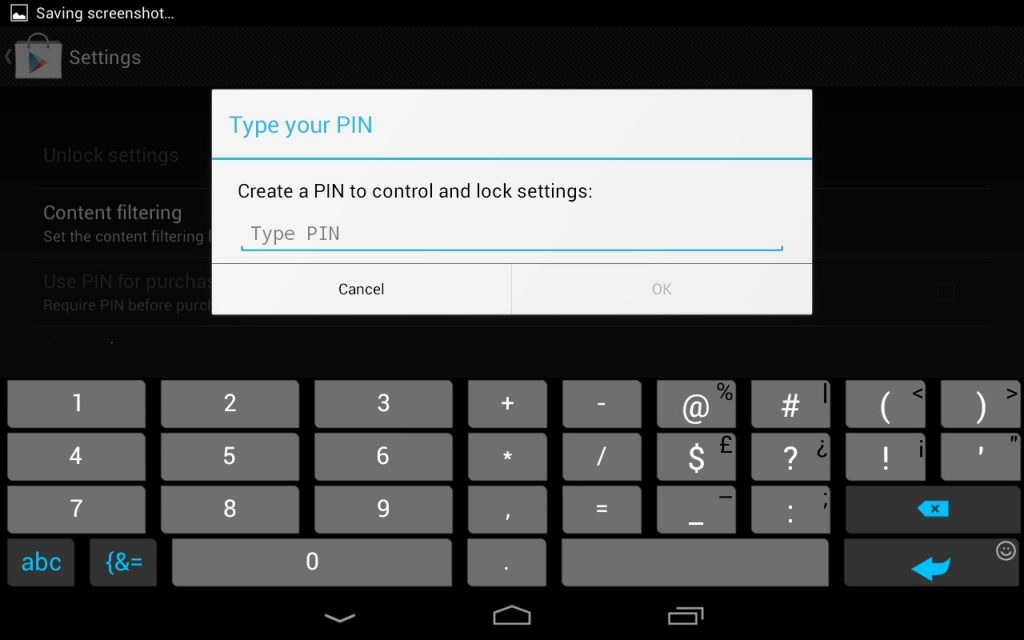
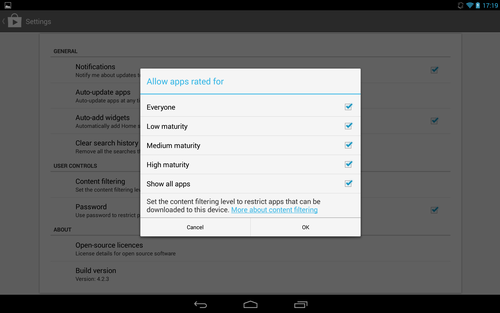
The Play Store doesn’t allow adult apps, but it does rank apps according to “Everyone” and “Low”, “Medium”, and “High” maturity ratings.
If your kid uses your Android, then you may want to restrict which apps they can look at. To do that, open the Play Store app and tap Settings, then tap Content Filtering and uncheck all the maturity levels you want to display.
Display all app orders and purchases
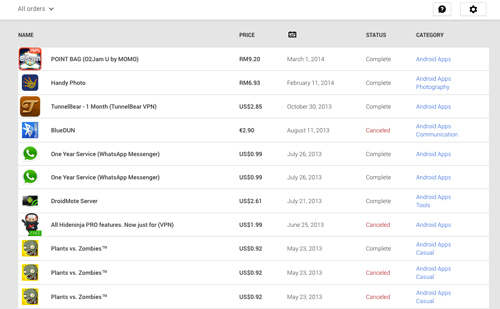
View all the app purchases and orders you’ve ever made on the Play Store by:
-Open the Play Store in your browser
-Click the gear icon in the top right corner of the screen
-Click My Orders
-This screen shows all Android app purchases along with price, date, status, category, and the name of the app itself.
Install apps not available in your country
If you live outside of the United States, then you’ve probably encountered the occasional warning stating “this app is not available in your country”.
Usually, these restrictions involve copyright problems or licensing issues. But who really cares about stuff like that?
To get around this restriction on the Google Play Store, you need to:
-Download and install a VPN app like Hideman VPN, HotSpot Shield VPN, or Tunnelbear VPN
-Open the app and choose the country you’re trying to emulate
-Choose a specific city or server
-Open the Play Store and download the geo-restricted app
That’s it! All of the Android VPN apps work the same way, and most popular apps provide a few hours of free VPN usage each week. America tends to be the most popular VPN server, so you should have no problems finding a server to add.
Try paid apps for free
This tip is sleazy but not illegal.
You can try any paid app for free if you download and return it within a 15 minute window. All you need to do is download it and then revisit the Google Play Store listing within 15 minutes to grab your refund. No questions asked.
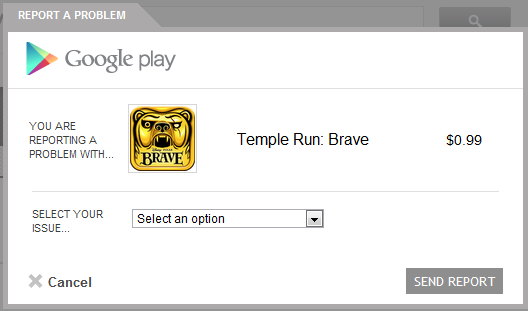
However, you can also keep a paid app for 48 hours and receive a full refund. Doing that requires a
little more effort as you have to fill out a refund request, but it’s still a basic process. It’s also important to note that you cannot receive a refund on wallpapers and ringtone purchases or any other items you can preview.
Disable app update notifications
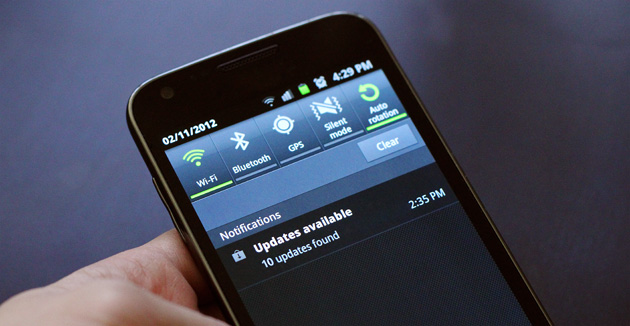
I don’t know about you, but I have a few dozen Android apps downloaded. Every day, Android likes to tell me about which apps received updates and which ones require manual updating.
You can actually disable these notifications and make your life less hectic. To do that, open the Play Store app and go to Settings. Then, uncheck the ‘Notifications’ box. Google will stop bugging you.
The Play Store is one of the most powerful and popular Android apps out there. However, most people don’t think about Play Store tips and tricks. Use the tips listed above to make your Android life significantly easier.