If you’re reading the One Click Root blog, then you probably already know about
some of the advantages of rooting Android. You can install custom ROMs, for example, and American Android users can Wi-Fi tether their Android while avoiding costly carrier fees.
But there are some rooted Android users who never do any of that. Instead,
they simply root Android to save battery life. Yes, the one drawback of just about every Android available today is its battery life. If I go out at night, then I usually have to charge my Android if I want it to last till last call – and that’s a pain.
Fortunately, here’s a way to easily extend the battery life of any rooted Android: install an app called Greenify.
How Greenify works
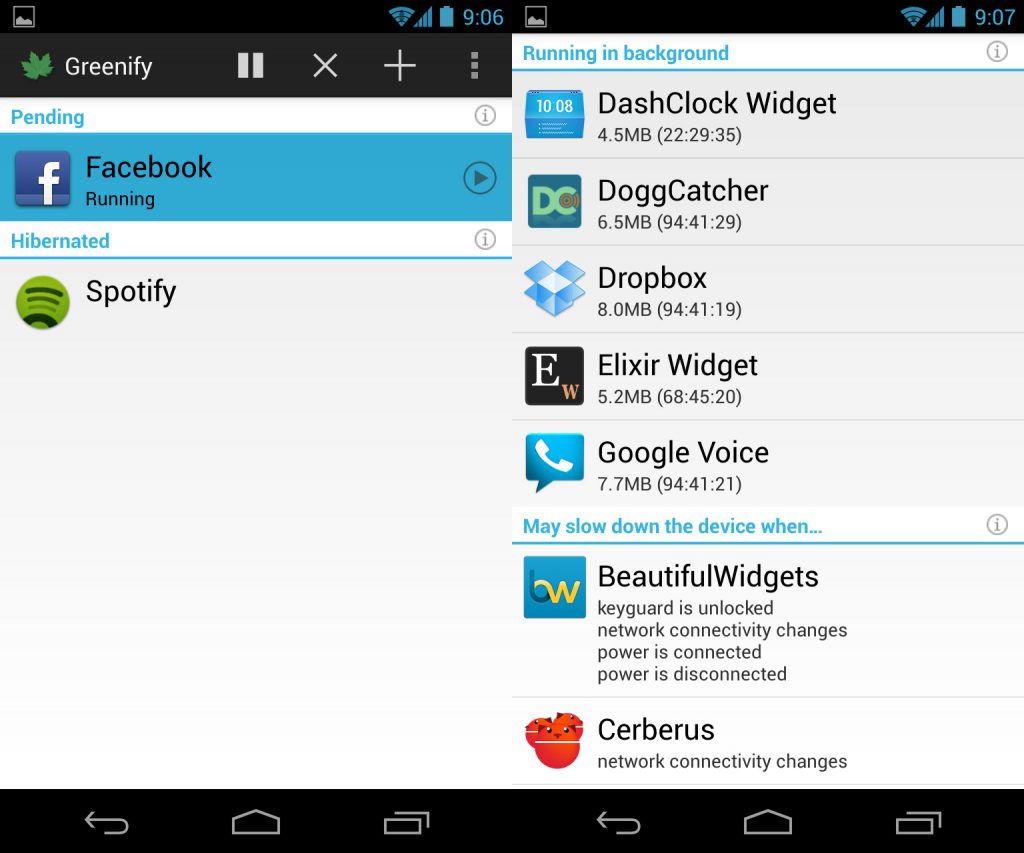
Greenify is a free app that is winning praise from Android users all over the world. With 5,000 reviews thus far, Greenify has maintained a phenomenal 4.8 star/5 rating.
So what’s the secret behind Greenify’s success? Here’s how it works:
Greenify aims to improve battery life without noticeably taking anything away from the Android user experience. Instead of leaving all apps running all the time, Greenify puts some apps into hibernation when they’re not in use.
This reduces battery usage and speeds up the Android’s performance – two things that Android users always appreciate.
After being ‘Greenified’ an app will need explicit permission from the user to start up again. This prevents apps from constantly closing and opening and ensures the app works at maximum efficiency.
Users can easily choose which apps to Greenify and which ones to leave alone. Since Greenify basically disables a particular app from running in the background, you won’t want to Greenify certain apps, including:
-Your alarm clock
-Antennas and connectivity apps
-Push message services
-Widgets that you actually use
Why it works
Greenify is basically how iOS apps work – and it’s why iOS devices generally outperform Android in terms of battery life. While Androids leave background apps running in order to keep widgets working, iOS simply closes apps as soon as users exit out. Greenify adds this same functionality to Android.
Over at The Gadgeteer, one writer compared Facebook’s battery usage before and after using Greenify. The results were surprising. Apparently, Facebook uses battery even when it’s not in use (the writer claims that he didn’t use Facebook at all during the spikes seen on this graph).
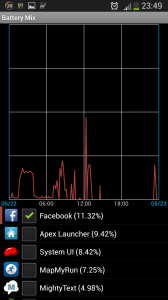
After installing Greenify at 13:00, background battery usage abruptly flatlines. Now think of how powerful that functionality will be once you add it to dozens of background apps. You’re going to save a lot of battery life.
Why it’s different from Titanium Backup Pro’s “Freeze” command
If you’re a veteran rooted Android user, then you probably already use an app called Titanium Backup Pro that appears to do the same thing with its ‘Freeze’ feature. But the ‘Freeze’ feature in TBP totally disables an app until the user manually defrosts it.
Meanwhile, Greenify makes it way easier and faster for users to simply switch apps on and off. And as you can read
in the Google Play Store app description, Greenify also claims to be superior to other ‘freezing’ apps, including:
-App Quarantine
-Autostarts
-Any general task killer app for Android
Greenify is free, easy to use, and most importantly, it actually works. If you’re a rooted user looking to squeeze extra battery life out of your device, then Greenify is highly recommended.
Download Greenify for free today by clicking here