

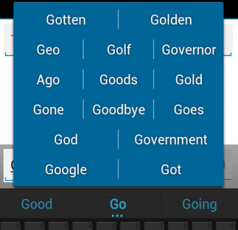
 Whether you’re trying to swear or you just like talking about Game of Thrones to your friends and are sick of spending 10 minutes trying to type out “Daenerys Targaryen”, this auto-correct toggle may change your ducking life.
How to Toggle Auto-Correct On and Off
2 min read
It’s easy to hate auto-correct. Nobody has ever tried to spell “ducking” intentionally, but auto-correct remains a driving force in our texting lives.
As much as you hate auto-correct, it does help us avoid common texting mistakes. Sometimes, it’s useful. And in other cases, it’s awful.
That’s why you need an auto-correct toggle button.
Thanks to a member of the XDA Developers Forum named theknut, you can easily install that button.
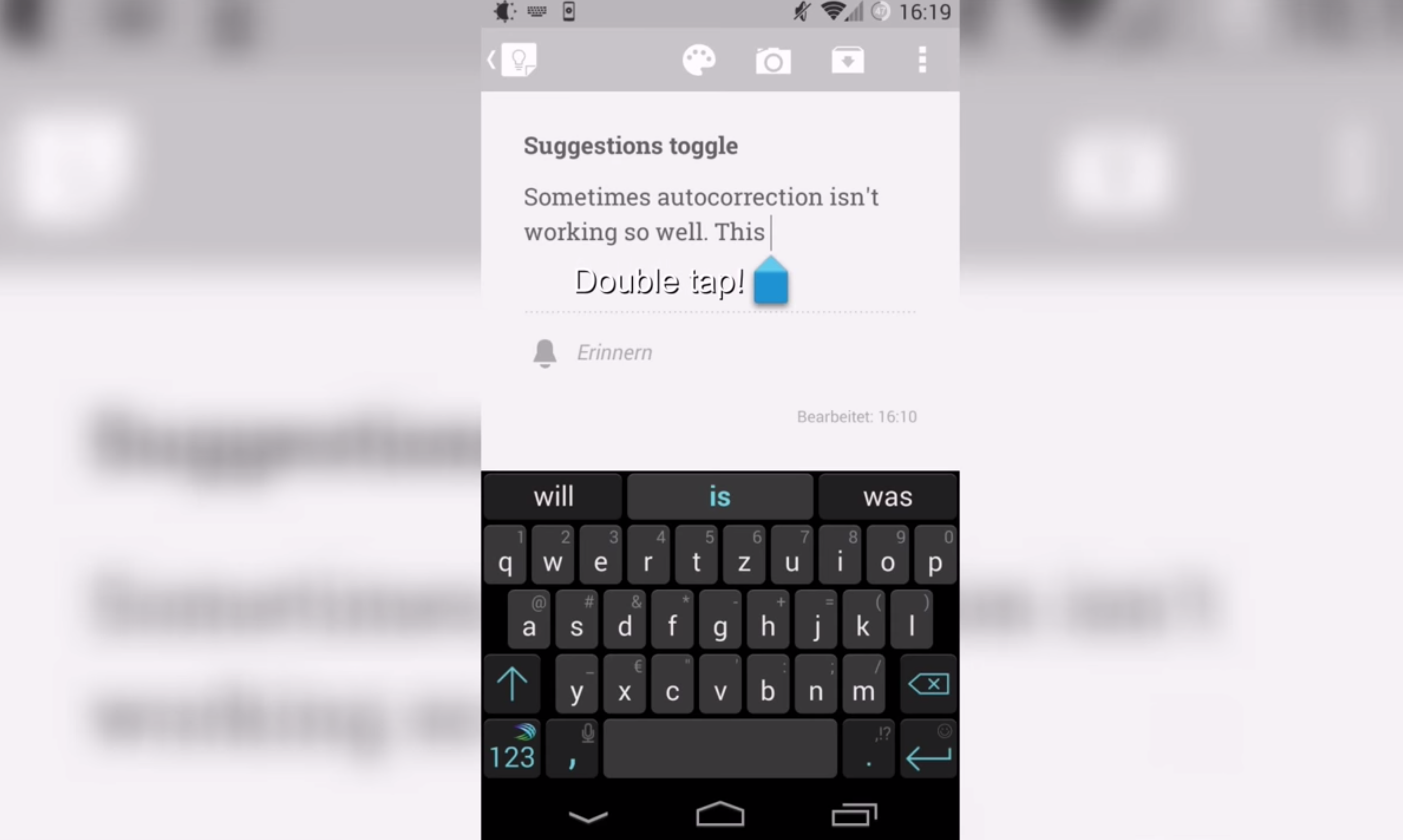
Theknut’s toggle is very simple: you can double tap any text box to enable/disable texting suggestions. It works on both the Google Keyboard and on Swiftkey – although it’s only been tested on Android 4.4 KitKat so far.
https://www.youtube.com/watch?v=HHO0ub6r-iw
The toggle isn’t yet available on the Google Play Store, but you can easily install it using the following steps:
Step 1) Open your mobile web browser and download the module from here
Step 2) Tap the downloaded file to install it
Step 3) Activate it using Xposed Installer > Modules
Step 4) Reboot your device
Step 5) Double tap in any text box to instantly enable and disable suggestions
Whether you’re trying to swear or you just like talking about Game of Thrones to your friends and are sick of spending 10 minutes trying to type out “Daenerys Targaryen”, this auto-correct toggle may change your ducking life.
Whether you’re trying to swear or you just like talking about Game of Thrones to your friends and are sick of spending 10 minutes trying to type out “Daenerys Targaryen”, this auto-correct toggle may change your ducking life.
Newsletter
Get the latest tech news delivered to your inbox weekly.