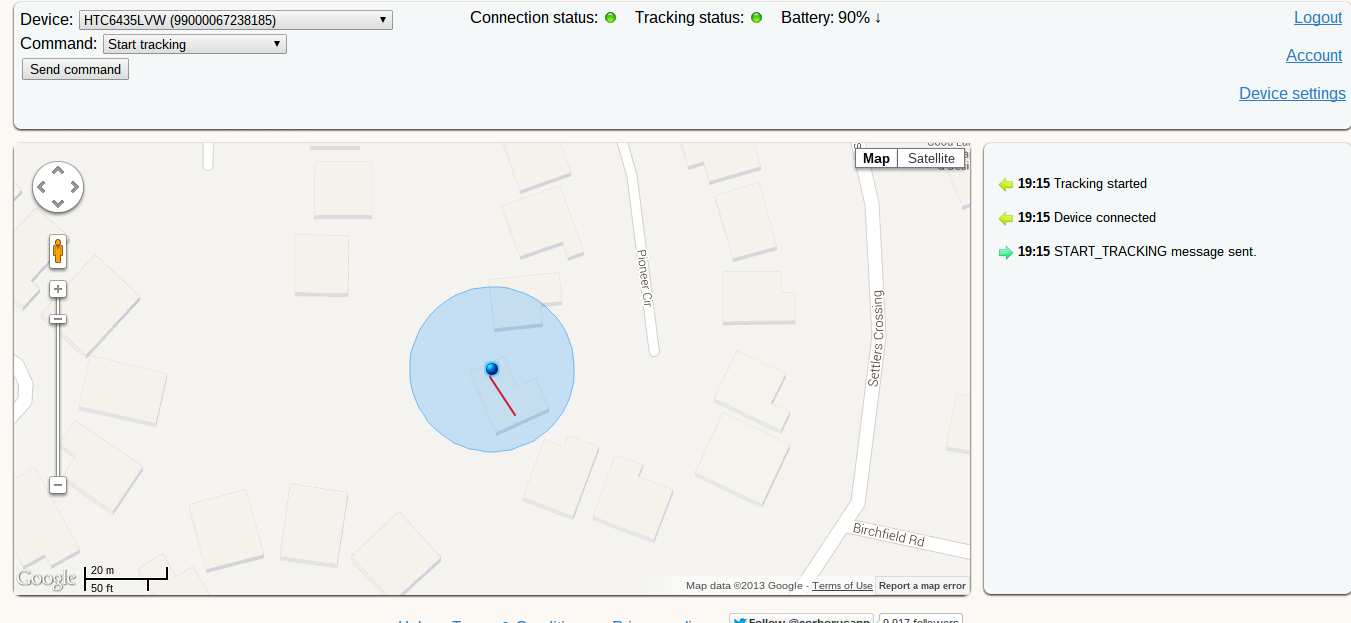
With iOS7, iPhone users received a “kill switch” that could remotely deactivate an iPhone after it’s been registered as stolen.
Android users don’t have similar protection (yet). Instead, they have many anti-theft apps that help deter thieves, locate stolen phones, and catch the perpetrator.
Want to make sure your local phone thief gets brought to justice? Here are the top 5 best Android anti-theft apps you should consider downloading today:
1) Android Device Manager
This is the first and best anti-theft app for good reason: it’s automatically available to all Android users.
As long as your Android device is subscribed to Google’s services, you can access the Android Device Manager at
https://www.google.com/android/devicemanager
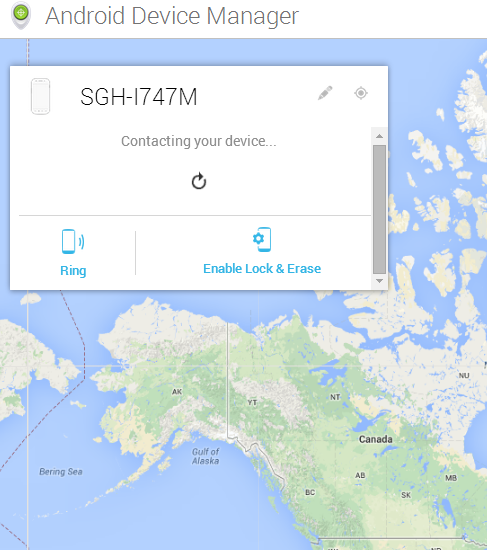
That link shows you the present location of your Android device. You can also call your device and activate its ringer, or you can remotely lock your device and erase all data.
You can also install the
Android Device Manager app from the Google Play Store, which allows you to customize Device Manager settings and ensure your phone is protected if worse comes to worst.
Most people will only ever use Android Device Manager to activate the ringer on a phone they lost in the couch. But if your phone is ever stolen, you can use Android Device Manager to identify your phone’s last known location.
2) Cerberus
Cerberus is the anti-theft app of choice for many Android users. Cerberus has a number of unique features that help you recover a lost phone.
 Cerberus
 is free for 7 days and then requires a one-time fee of $2.99. Compared to other options on this list – which require monthly trials or costly subscriptions - $2.99 is hardly anything. It’s also a fraction of the price you would pay for a lost smartphone.
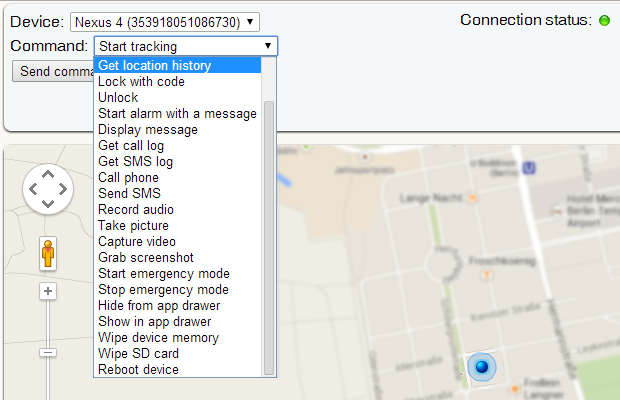
Top Cerberus features include:
-View a list of calls sent or received on your device
-Hide the Cerberus app icon from the app drawer to prevent thieves from noticing the device
-Remotely activate your phone’s microphone to hear the phone thief speak
The only complaint about Cerberus is that it won’t
quite hold your hand as much as other security apps. If you’re a user who likes to activate a security app, never configure settings, and then forget about it, then Cerberus may not be the app for you.
3) Lookout
Lookout, unlike BitDefender, specializes in mobile security and does not offer desktop software. That may be a good or bad thing, depending on your perspective, but it means that Lookout cares deeply about mobile security.
Lookout has many of the similar features listed here, including location monitoring, remote wiping, and remote locking.
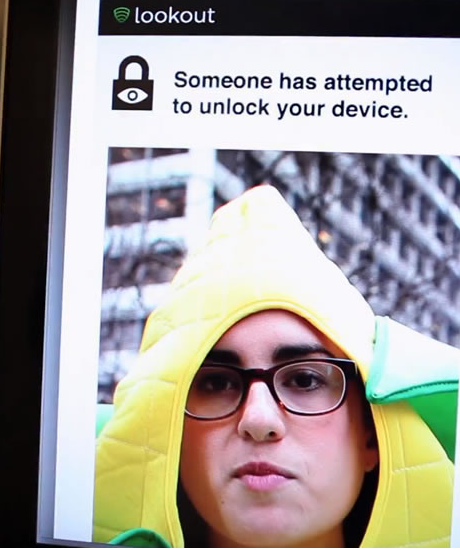
Lookout’s “killer feature”, however, is the ability to take a picture of the perpetrator using a front-facing camera.
Another useful feature is the ability to receive an email any time your phone is turned off or the SIM card is swapped out.
Lookout requires a premium subscription, so it’s not as cheap as some of the other options. However, users will receive unlimited access to a select number of features for free.
4) BitDefender Anti-Theft
BitDefender Anti-Theft provides many of the security features Android users need after their phone has been stolen.
Specifically, BitDefender Anti-Theft lets you locate, remotely lock, and remotely wipe your device at any time.
Other valuable features include SIM change notifications – if someone puts a new SIM card into your device, you’ll receive a message identifying that new phone number. You can choose which number that SIM change gets sent to – you can send that text to a friend or your parents, for example.
Additionally, BitDefender cannot be uninstalled by unauthorized people.
This app isn’t free, but it does offer a free 30 day trial. Maybe if you’re going to the rough part of town for the night, you can install this app and then uninstall it if your phone isn’t stolen.
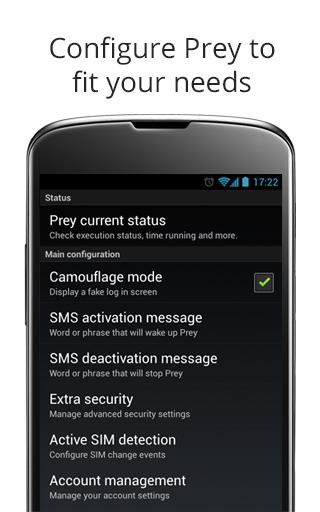 5) Prey
Prey is the only other app on this list that is 100% free to use (other than Android Device Manager). It doesn’t try to frighten you into a premium subscription.
I like Prey because it has many of the features that other developers charge for. Those features include:
-GPS location
-Take pictures remotely using the front and back cameras
-Lock devices from unwanted intruders
-Trigger a loud alarm remotely
-Display tailored alert messages
-SIM card change detection
-Uninstall protection
Prey has recently begun offering premium subscription options for users, including corporate plans which protect up to 500 devices for $399 per month. Most users, however, will be satisfied with the number of valuable free features available.