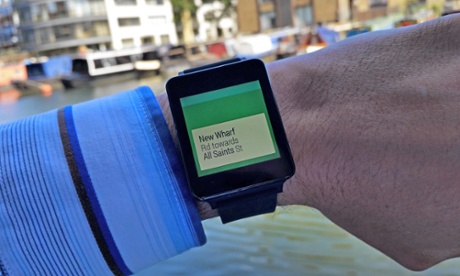
Google’s smartwatches are now available around the world.
In fact, there are three major Google smartwatches currently available along with smartwatches from LG, Samsung, and other manufacturers. All of the smartwatches run a customized Android kernel called Android Wear.
Not all apps are available for Android Wear. Today, I’m going to tell you about the best apps that
are currently available for your new Google smartwatch.
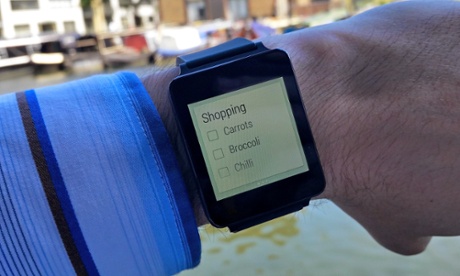
Google Keep
Google Keep is a lot like Evernote. Both Google Keep and Evernote are available for Android Wear, so use whichever one you like.
With Google Keep, you can easily keep track of tasks and “to-do” items on your wrist. It’s an easy way to manage shopping lists, for example.
Like Evernote, Google lets you dictate notes into the app using the smartwatch. If you’re the type of person who likes to make note of items and important events, then either Google Keep or Evernote are must-have apps for your new Android smart watch.
IFTTT
If This Then That is swiftly changing the way we use technology. IFTTT is available for PC and Android and lets you easily set up “triggers” for different events. You can tell your smartwatch to disable all sounds when you’re in a certain location, for example, like your office.
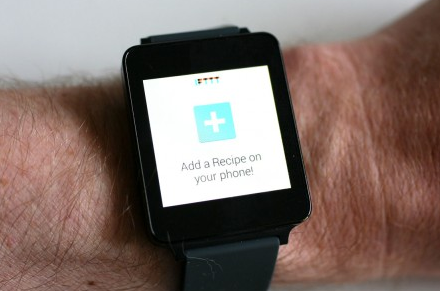
The smartwatch version of IFTTT is just as useful as its counterparts. After installing the app, you get a big button on your smartwatch. Pressing this button will trigger a certain action. You can setup multiple buttons and swipe through to find the one you need.
IFTTT is only as useful as you want it to be. If you don’t use any of its extensive features, then you may not appreciate it as much as someone who spends hours configuring their lifestyle around it.
In either case, however, IFTTT is a killer smartwatch app.
Runkeeper
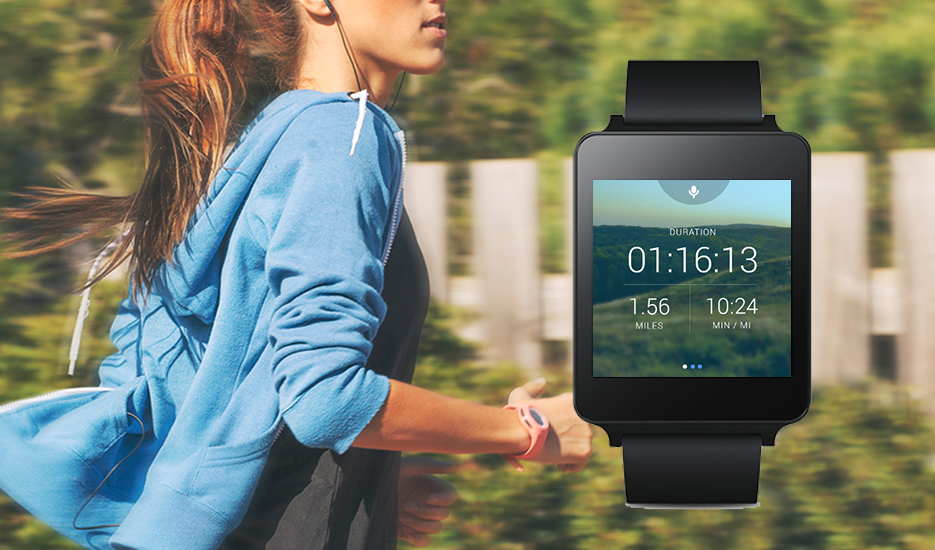
Fitness is one of the major reasons why people buy smartwatches. Runkeeper developed an app for smartwatches that is just as useful as its native Android app.
The Runkeeper app for Android Wear lets you track steps, distance, pace, calorie burning, and more. You can also connect it to your phone’s Runkeeper app for further functionality.
Out of all the apps listed here, Runkeeper is my favorite. Checking my watch for pace and distance information during a run is so much easier than pulling my sweaty phone out of my pocket.
Google Maps
Google Maps for smartwatches is a unique navigation experience. You can plug your headphones in to receive turn-by-turn navigation, and then you can look down at your watch to see what you need to do next.
The smartwatch will even vibrate when you approach a street to make sure you don’t miss it. If you live in an area with lots of crime, then this helps you avoid being mugged because you don’t have to pull your phone out of your pocket.
Phone Finder
Today’s smartwatches are designed to work while your phone is in your pocket. However, most watches will connect to your smartphone if it’s within 10m to 15m.
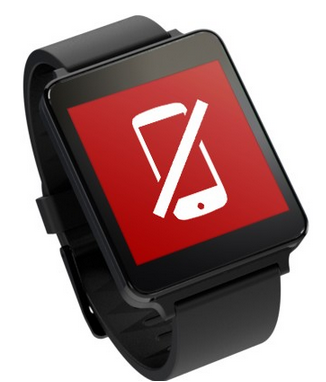
If you go beyond that range, your smartwatch may not tell you that you’re leaving your phone behind. That’s why some Android users have installed an app called Wear Aware – Phone Finder.
This app will cause your smartwatch to buzz when it goes beyond the range of your phone. If you’re forgetful and leave your phone on a park’s picnic table, for example, then this app could help you avoid losing that phone forever.
You can also use the Phone Finder smartwatch app to trigger your phone’s alarm – which is useful if you’re trying to find the phone somewhere in your house.