Game emulators let you play console games away from their native consoles.
You can play Super Nintendo games, for example, on your computer, or run Playstation games from your Android. Game emulators are a shady, quasi-legal area of the tech industry, but they are exceptionally popular and undeniably cool.
Without further ado, here are the top 5 game emulators for Android that will let you run fun classic games directly from your mobile device:
5) MAME4droid (Free) – Arcade game emulator
MAME4droid is an arcade game emulator for Android. It doesn’t support peripheral controllers, so you’ll have to touch the virtual joystick buttons on your screen. That’s not necessarily a dealbreaker, however, as it lets you take your arcade games on the go.
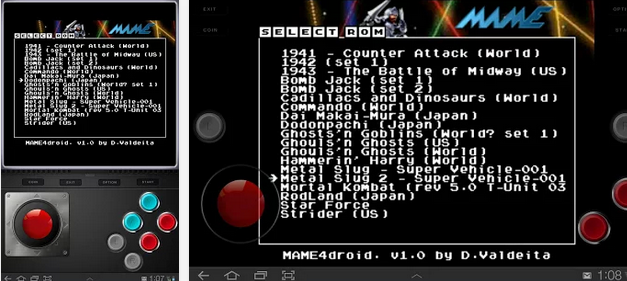
MAME4droid does not support save games, but the developers are eager to point out that the original arcade game machines didn’t support save games either. You will have to download compatible arcade games onto your phone separately, but you can expect to play games like Bomb Jack, Commando, Star Force, and KOF ’98.
Also, there are some reports that MAME4droid allows for some third-party joystick peripherals, so don’t be afraid to try.
4) SuperGNES (Free) – SNES Emulator
The Super Nintendo Entertainment System changed the lives of one of the earliest generations of gamers. This classic console was home to some of the best games of all time, including Super Mario World, F-Zero, and The Legend of Zelda.
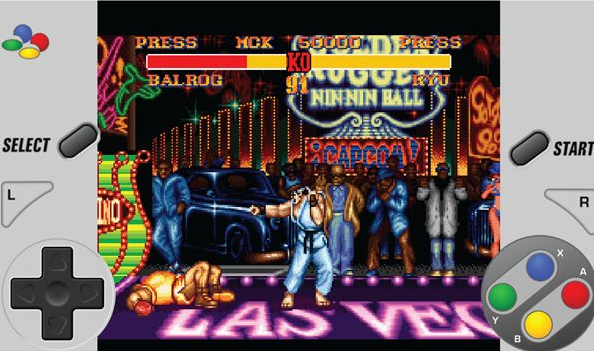
One of the best SNES emulators for Android is called Super GNES. There is a free version of the app that lets you run any game you want, but the paid version lets you save your progress at any time and costs $2.99. The free version also lets you save your progress, but only at scheduled in-game checkpoints.
SuperGNES is remarkably fast and includes all sorts of bonus features that gamers can appreciate. You can fast forward games, for example, and cloud sync your save games across multiple devices with Dropbox. It also has cheat code systems included within the app, which means you can run your Game Genie and Pro Action Replay cheats.
I encourage you to give the free version of SuperGNES a try before you buy.
Free:
https://play.google.com/store/apps/details?id=com.bubblezapgames.supergnes_lite
Paid:
https://play.google.com/store/apps/details?id=com.bubblezapgames.supergnes&hl=en
3) FPse for Android ($2.99) – Playstation 1 emulator
Growing up, I was more of a Playstation guy than a Nintendo guy. I was raised by Crash Bandicoot, Metal Gear Solid, and Gran Turismo and I regret nothing.
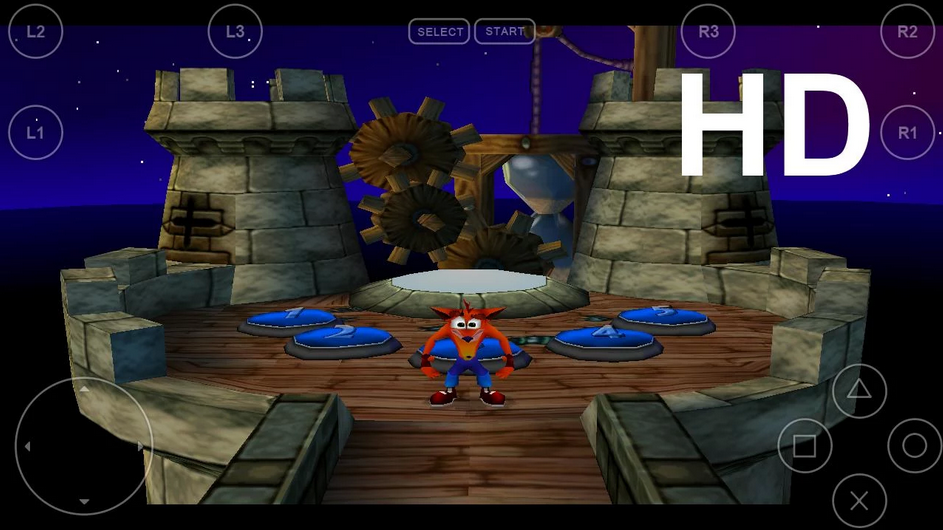
That’s why I recommend one of the best Playstation 1 emulators for Android:
FPse. FPse costs $2.99 but offers a great emulation experience. You can save your progress at any point and even use your controller. This emulator also supports all sorts of different disc image formats and features a built-in cheat search engine.
2) Mupen64 Plus AE (Free) – Nintendo 64 emulator
Mupen64 is one of the most popular emulators available today. It’s a Nintendo 64 emulator that brings the controller to life directly on your screen.
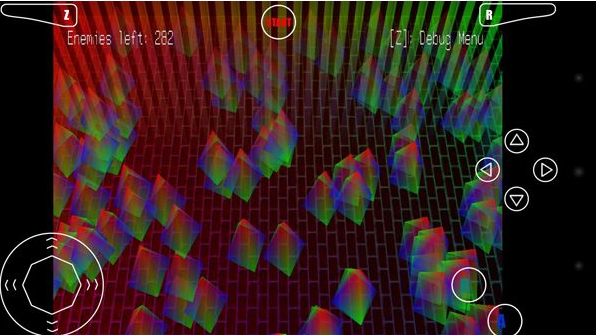
With Mupen64, you can easily play games like Ocarina of Time and Super Mario 64 and any other games you enjoyed back in the day.
Unlike all other emulators listed here,
Mupen64 is free to download and has no paid version. However, the developer regularly updates this app and optimizes it for various devices and humbly asks for a 99 cent donation. So if you’re feeling generous, consider giving back to the Android community.
My favorite part of the Mupen64 emulator is that it can even emulate the Rumble Pak. That’s right: this emulator will activate your phone’s vibration feature and use it to copy the Rumble Pak effect. Not bad!
1) Gameboy Color A.D. (Free) – Gameboy Color emulator
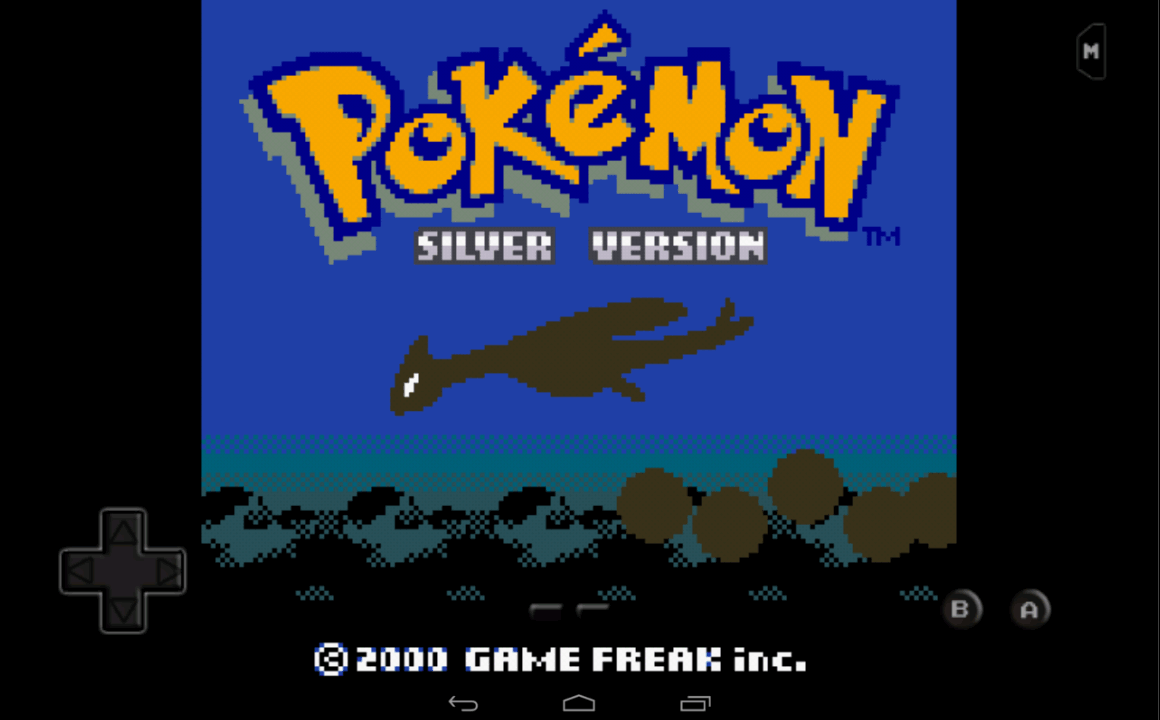
One of the greatest days of my life was the day I got my first Gameboy Color for Christmas. Over the next few months, I played so much Pokemon that I don’t know how I passed elementary school.
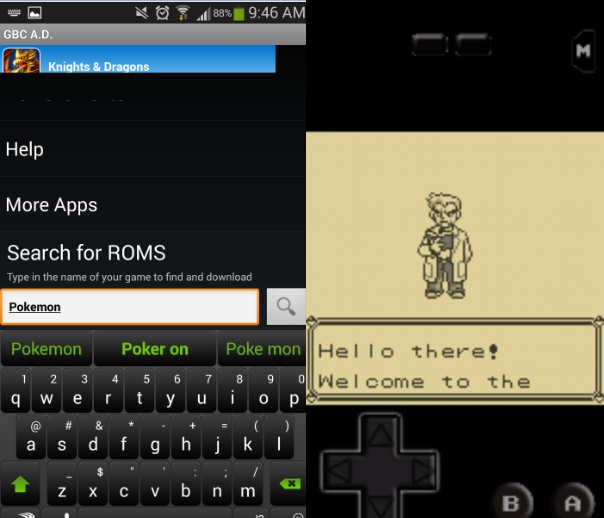
You can revisit your happy old Pokemon memories by downloading the Gameboy Color A.D. emulator. This emulator lets you play all the old GB Pokemon games, including Gold and Silver, as well as the popular Zelda Gameboy games like Oracle of Ages and Oracle of Seasons.
Gameboy Color A.D. is well-polished and supports portrait and landscape modes and multiple save spots. There is no peripheral controller support, so you’ll have to get used to the touchscreen controls.
These emulators are ranked in no particular order, so let it be known that One Click Root doesn’t endorse any particular emulator. It’s also important to note that downloading emulator games online generally breaks copyright agreements, which makes it illegal. But if you can get past those barriers, then have fun enjoying classic games!
Where do I download emulator games for Android?
This is where things get a little, shall we say, illegal. You’re likely violating copyrights by downloading emulator games.
So I’ll just describe the basics to getting a game working on your Android emulator:
Step 1) Download a ROM
Step 2) ROMs can be found by searching Google or, some of the emulators listed above actually have their own built-in ROM search engine, which simplifies things for you
Step 3) Drag and drop your legally-downloaded ROM .zip into the emulator’s games folder
Step 4) Open your emulator program and start playing
When playing your emulator, you should be careful to avoid intrusive advertisements. Since many of the emulators are free, the developers try to recoup their costs by shoving as in your face. Learn to avoid these ads and you’ll have a good time!