

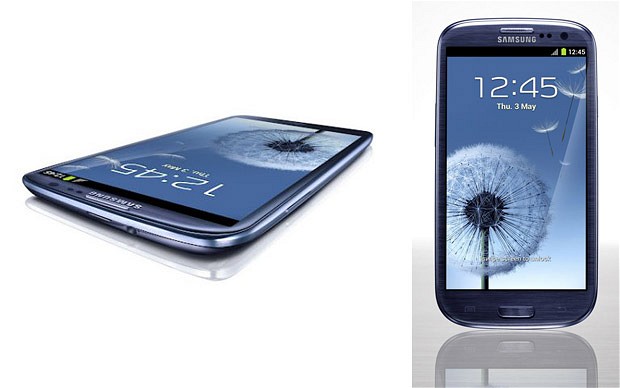
Samsung patches Galaxy S III data wipe vulnerability
2 min read
How would you like it if all the data on your phone was suddenly erased by a hacker? That’s exactly what could happen to Samsung Galaxy S III owners who haven’t downloaded a recent patch.
An exploit in the TouchWiz UI (which is installed on all Samsung Galaxy smartphones and tablets) apparently allowed anybody to gain remote access to a system and wipe all of the data on the device. At first, the issue was only suspected to affect the Samsung Galaxy S III, but since the problem is related to the TouchWiz UI interface, the problem could affect most of Samsung’s latest smartphones and tablets.
Fortunately, that’s all the exploit allowed remote users to do. It didn’t provide access to personal files or any other information. Hackers could wipe the phone but not steal anything useful from it.
The remote wipe could also not be accomplished by any average computer user. It would require specialized hacking knowledge and a direct connection to your smartphone over a wireless network. If a hacker was determined to wipe your phone, then they could do it over-the-air without requiring the user’s permission.
Fortunately, Samsung had already patched the issue by the time the general public became aware of the problem. Today, Samsung Galaxy S III owners can easily download an over-the-air patch in order to update their phones to the latest software build.
Of course, if your smartphone is going to get hacked, it’s probably better to have all the data on your phone erased as opposed to letting a hacker have free access to that information. At least when the information gets deleted, you know that your phone has recently experienced an attack. With other exploits on other devices, malware can steal user information for weeks before it gets discovered.
Nevertheless, this remote wipe bug is an annoying problem. It’s unknown how many (if any) Samsung Galaxy S III users have been affected by the exploit. To prevent this problem from affecting your Samsung Galaxy S III, make sure you perform an over-the-air update to the latest version.
Newsletter
Get the latest tech news delivered to your inbox weekly.