

Breaking: Android N Will Support 3D Touch
2 min read
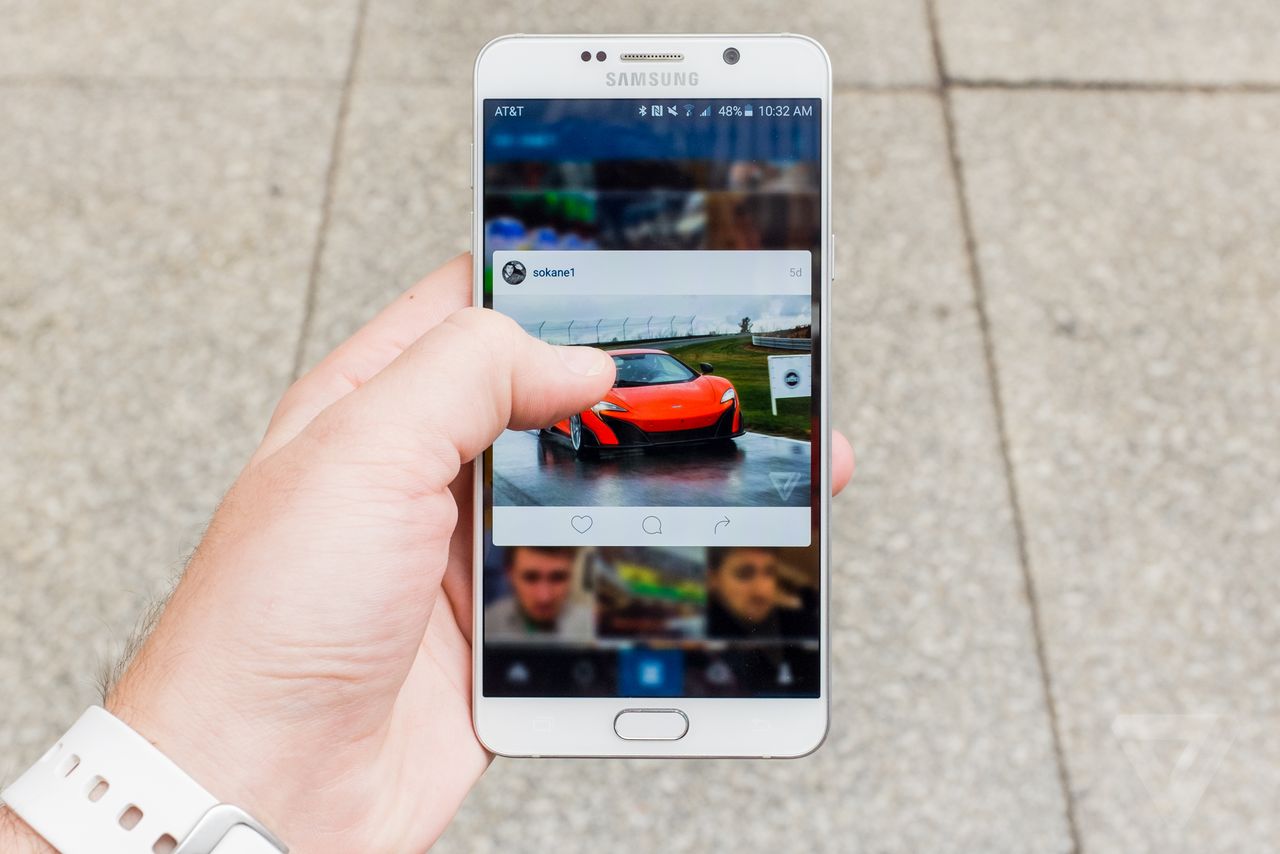
Google just confirmed that the upcoming Android N update will support 3D touch. Google calls the new feature Launcher Shortcuts. Just like the iPhone 6, the feature relies on pressure-sensitive displays – something that can be found on phones like the Huawei Mate S.
Amazingly enough, Android has had the ability to recognize pressure sensors since Android 1.0. It’s just that no manufacturer has ever taken advantage of that functionality, nor has Google devoted much time into promoting it in its APIs.
That changes in 2016, as Google is rumored to be releasing a Nexus with pressure-sensitive displays.
Huawei also appears to be going all-in on the pressure sensitive display, as they recently trademarked the name Huawei 7P.
Many people believe that the Huawei and Google announcements about pressure sensitive displays are not a coincidence, and that the companies are working together to release this year’s Nexus. It’s rumored that the Huawei 7P could be Google’s next Nexus.
Which Androids Offer Pressure Sensitive Displays?
Android N will likely lead to a surge in apps and devices that take advantage of pressure sensitive displays. Unfortunately, not a lot of Android phones offer pressure detection functionality as of yet. The major phones offering it so far include: -Huawei Mate S -Vernee Apollo -ZTE Axon Mini Unfortunately, none of these phones are likely going to receive the Android N update (at least, not any time soon). That’s why many Android users have pinned their hopes on this year’s Nexus (possibly made by Huawei, and possibly called the Nexus 7.0) to have a pressure-sensitive display.How Will It Work?
Android N will allow developers and manufacturers to add pressure-sensitive features to their devices. That means you’ll be able to use functions similar to iOS’s Force Touch, where you can press down harder on an app to reveal more menu options. Of course, many Android users already have something close to Force Touch. We just long press or gesture on an app to open an identical menu. Many Android users have grown accustomed to these features and claim we don’t need Force Touch. Whether we need it or not, 2016 looks like the year Android users will finally be getting Force Touch.One Click Root Author
One Click Root Author
Content Writer
Experienced writer covering technology and mobile development.
You Might Also Like
Android News
Android 14 Root Methods: What Changed?
Explore the new root methods and security changes in Android 14.
Android News
Latest Android Security Updates Impact Root Access
Understanding how the latest security patches affect root methods.
Android News
Google Pixel 8 Pro Root Guide Released
Complete step-by-step guide to rooting the Google Pixel 8 Pro.
Comments
JD
John Doe
2 days ago
Great article! Very informative and well-written. Thanks for sharing.
JS
Jane Smith
5 days ago
I found the security section particularly helpful. Looking forward to more content like this!
Leave a Comment
Newsletter
Get the latest tech news delivered to your inbox weekly.
Popular Posts
-
1
Getting Started with Android Development
12.5K views
-
2
Best Practices for Mobile Security
8.2K views
-
3
Understanding Smartphone Hardware
6.8K views