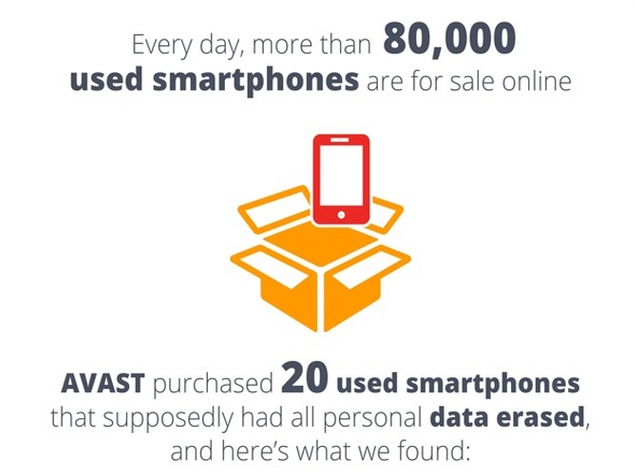
Have you ever sold a smartphone?
If so, then you probably wiped all data from the device and restored its factory settings.
Unfortunately, that’s not always enough.
A new study by Avast reveals some scary facts about leftover data on smartphones.
During the study, Avast purchased 20 used Android smartphones off eBay and then used “simple and easily available recovery software” to restore deleted files.
In other words, Avast did something that anybody could have done. They bought an old smartphone, downloaded some file recovery software, connected the Androids to the PC, then ran the software and checked out the leftover files.
The results are frightening. From just 20 used Android phones, Avast was able to recover the following:
-More than 40,000 stored pictures
-Of those 40,000 pictures, 750 were women in “various stages of undress” and 250 were “selfies of what appear to be the previous owner’s manhood.”
-1,500 family photos of children
-Over 1,000 Google searches
-Over 750 emails and text messages
-250 contact names and email addresses
-Four previous owners’ identities
-One completed loan application
I’m a bit skeptical of some of the results. Avast only purchased 20 smartphones but was able to find 250 pictures of penises? That’s an average of 12 dongs per device, which seems a bit high. Either that, or one guy was taking a lot of pictures.
Avast also claimed that one of the phones had security software installed, although that didn’t protect the previous owner.
 Who really cares?
Some people will think, “who cares if my phone’s new owner has old vacation photos, texts, and Google searches? What can they get from that?
Well, that’s not a good attitude to have. Scanning through those texts and emails could reveal Facebook data, job information, or even industry secrets.
Or, think of what happens if a stalker, enemy, or burglar buys your old phone.
Let’s say you sell your phone on Craigslist. Someone comes to your door, buys your phone, and you never think twice about it.
However, if you left old data on the phone, then that burglar now has your address and location along with any other data he could gather about you.
Anyways, if you’re planning to sell a device in the near future, I’m going to tell you how to totally wipe its data below.
Google’s response: Avast manipulated the study
Google has now responded to Avast’s study. After all, it’s
their device that’s under fire for not securely wiping data from Android devices.
Google’s response is:
“This research looks to be based on old devices and versions (pre-Android 3.0) and does not reflect the security protections in Android versions that are used by the vast majority of users.”
Google also advised phone sellers to enable encryption and then apply a factory reset before selling their device – two features that have been available on Android for over three years.
In other words, Google claims Avast manipulated the study in order to market its own product. Avast purchased only 3+ year old Android devices from eBay.
How to completely wipe data from an old Android device
You don’t have to run any fancy software to wipe data from an old Android device. Instead, you simply need to follow Google’s tips listed above: encrypt your data and perform a factory reset.
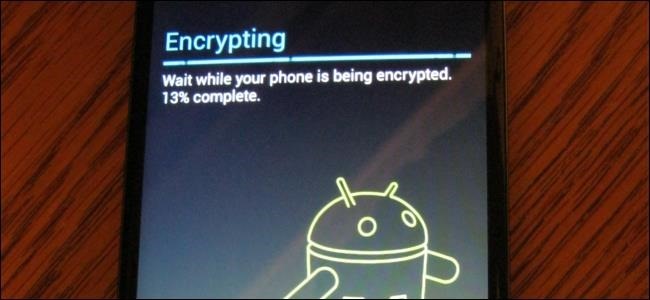
Android has included encryption since Gingerbread 2.3. Here’s how to encrypt your old data:
Go to
Settings >
Security >
Encrypt Phone
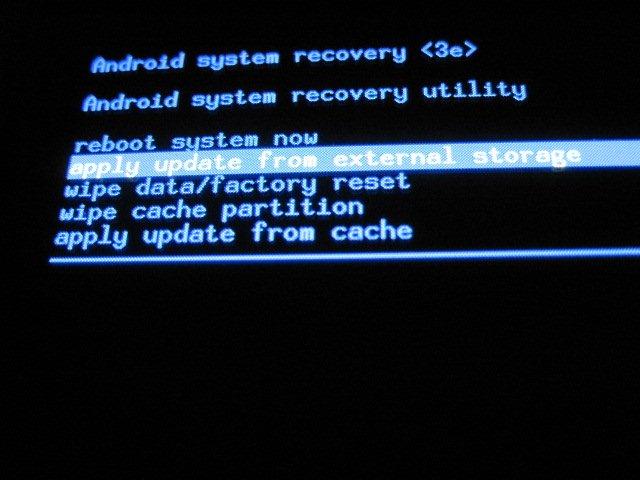
This will take a few minutes to encrypt all your data. Then, before you sell your device, perform a factory reset by following these steps:
-Power off the phone, then press and hold Volume Up and Volume Down at the same time and press and old the Power button until you see a test screen appear. Let go of the keys. Then, use the volume down button to scroll down to FACTORY RESET and press the power button to select that option. Wait for your phone to finish resetting and you’re done!
On some phones, you can also perform a factory reset from the Settings > Security menu.
This will not wipe data on your SD card or encrypt SD card data, so make sure you remove your SD card prior to selling it.
If you ask a security expert, the only way to totally erase old data from a storage device is to physically destroy that drive and smash it into thousands of little pieces. Obviously, that’s not an ideal solution. The tips listed above are the next-best ways to erase data without physically destroying anything.