A few days ago,
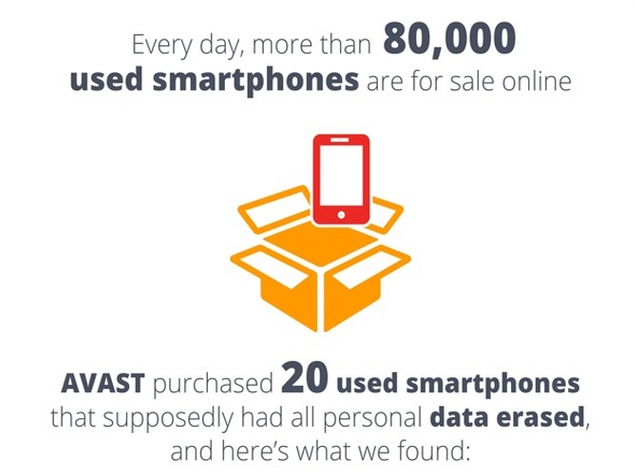
Avast released a study on how much data could be obtained from old Android phones.
Avast purchased 20 Android smartphones from eBay and ran a simple, cheap data recovery tool on those phones. That data recovery tool unveiled 40,000 personal photographs (including many nude photographs) along with plenty of other personal information – including a loan application.
People freaked out. The Avast study has appeared on every major Android news website and has sprinkled across Facebook, Twitter, and social media.
Unfortunately, that study isn’t as true as you might think.
 Avast appears to have manipulated the results of the study
Google responded to the study claiming that Avast was using old Android devices.
Specifically, Google claims that the issues from the Avast study are not represented among today’s Android users. Instead, Avast specifically chose Android devices that were 3+ years old because the “Factory Reset” feature was not as powerful on those devices.
In other words, Google says Avast manipulated the study to exaggerate security weaknesses.
How to avoid leaving data on your Android device
If you’re selling your Android device, then you’re probably concerned about old data being left behind.
Fortunately, Android provides a surefire way to wipe old data from your device and prevent that data form ever being accessed.
To do that, simply go to
Settings > Security > Encrypt Phone.
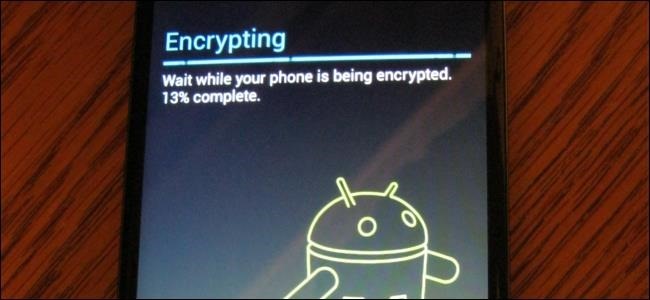
Then, Android will encrypt all the data on your phone.
The only data this doesn’t protect is data on your SD card – which you’ll want to remove prior to sale anyway. All data on your phone’s internal storage will be encrypted and become virtually impossible to access.
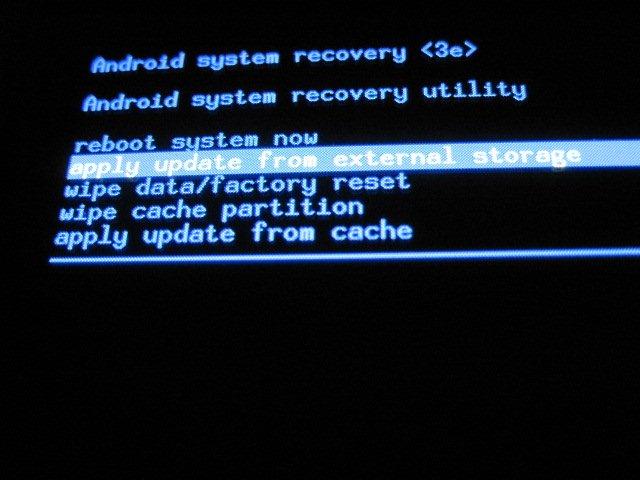
After performing a factory reset, any data that remains on the hard drive will be covered in a layer of encryption, which means you have nothing to worry about even if someone runs a data recovery program.
Was Avast wrong to manipulate its study by only buying old Android devices? Not really – they’re a company trying to sell its security software.
At the same time, Google and Android don’t deserve the negative publicity – especially when Google has taken many steps to protect user privacy on Android devices.