

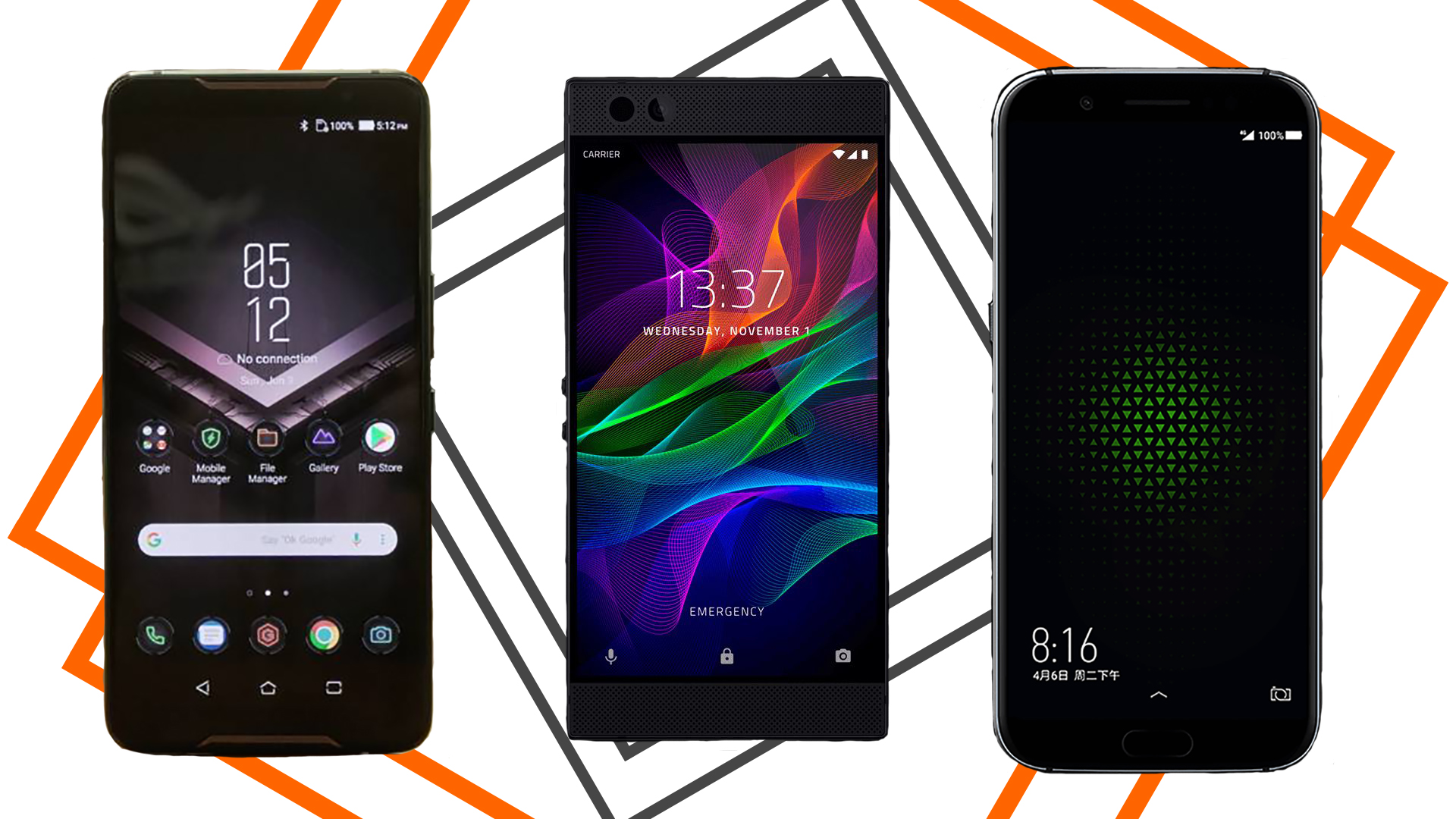
ASUS ROG Phone, Xiaomi Black Shark, Razer Phone 2: Which is the best gaming phone?
3 min read
2018 has been a good year for Android smartphones, especially on the gaming aspect. Brands who usually take gaming for granted are now switching to this aspect for marketing strategy.
Most of the major flagships this year have geared towards gaming, but there are still none better than these three phones – ASUS ROG Phone, Razer Phone 2, and Xiaomi Black Shark - which were built specifically for gaming.
The question still remains, which is the best gaming phone? Since performance is key in answering this question, here is the review and comparison of these three phones based on performance handling.
ASUS ROG Phone
The ASUS ROG Phone has an app called the Game Center. It is basically the player’s access to check the state of the phone. This includes displaying the CPU, GPU, RAM, and storage usage. IT will also display the temperature of the phone’s CPU.
The Game Center will allow you to switch to X Mode which will optimize your phone’s performance – providing more power and uses more energy at the same time.
This is basically your settings app for gaming. Here you can tweak the graphics, set the CPU refresh rate between 60Hz and 90Hz, anti-aliasing, deactivate alerts and notifications, lighting, AirTriggers and more!
The Game Center can even be accessed while playing!
Xiaomi Black Shark
Black Shark’s gamer settings called the Game Dock is the easiest to navigate. The phone does not allow you to change performance options anytime. You need to launch a game before you can access the Game Dock which can be retrieved by sliding your finger down the fingerprint scanner.
This will then display the following settings: Gamepad, Wi-Fi, NoIncall, NightMode, NoKeypad, and specialized options such as ExtremeMode, clean the RAM, hang up call, or turn off notifications. Sadly, the refresh rate is only limited to 60Hz.
Xiaomi also created a focused ecosystem called the Shark Space which clears the clutter, allowing you to focus on the game.
Razer Phone 2
Razer Phone 2 doesn’t just include a game settings feature, but it has a Game Booster accessible through the Razer Cortex. Just like ASUS’ Game Center, this page gives you access to performance details. However, the Razer Cortex gives you three options to choose from for better gaming namely Power Save, Performance, and Custom Modes.
In Custom mode, you can raise the performance level of the CPU frequency, screen resolution, anti-aliasing, and refresh rate of up to 120Hz.
The Razer Phone 2 has the highest refresh rate out of the three gaming phones. Sadly, the Razer Cortex can’t be accessed in-game. You have to leave the game if you want to change the settings.
Although this might be a downside, it’s not really that big of an issue changing the phone’s gaming settings outside the game. Overall, Razer Phone 2 has the upper hand in terms of performance, and that also means the phone is the best in terms of performance handling. With its 120Hz refresh rate, games lagged the least and loaded faster compared to ASUS ROG Phone and Xiaomi Black Shark.
Newsletter
Get the latest tech news delivered to your inbox weekly.