

- Open phone “Settings” from the app drawer
- On the Settings page, scroll down to the bottom then tap “System”
- Then, tap “About Phone”
- Scroll down to the bottom and tap the “Build Number” field seven (7) times to activate the developer options. You’ll know it’s activated because it will prompt “you are now a developer”
- Once activated, go back to the “Settings” page and type “notch” in the search bar located at the top
- It will show a single result called “Display cutout”. Tap it to go to the Developer Options menu.
- Lastly, select “Hide” to hide the notch.
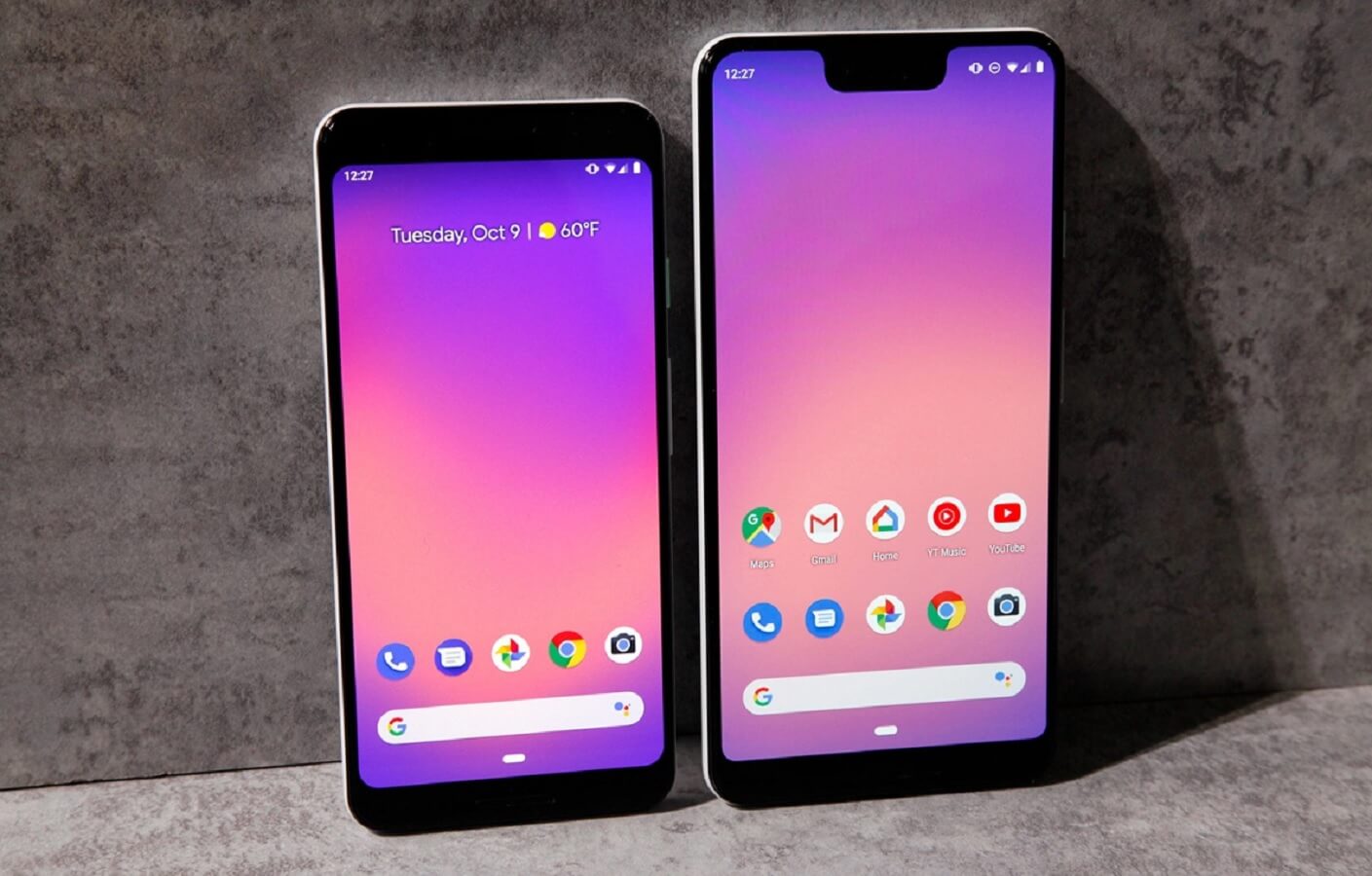
Google Pixel 3 XL: Here’s how to hide the enormous notch
3 min read
Google Pixel 3 and Pixel 3 XL finally launched two days ago and we can finally confirm in the flesh if the leaks from Google and other sources are true.
The first thing we’ve noticed is the specs were almost cloned from its predecessor – Google Pixel 2. There’s a 4GB of RAM and storage starting from 64GB. The processor, however, was improved from the Snapdragon 835 to the newer 845.
Better Display
Looking back to the Pixel 2 XL, users were disappointed because of the poor display on a larger screen. But, that controversy will be all in the past with the Pixel 3 XL.
The new Pixel phone still uses the same LG-made OLED panel but fixed the poor display issue. DisplayMate on Twitter also announced that the Pixel 3 and 3 XL screen display got an A+ rating and, at the same time, gets the DisplayMate Best Smartphone Award.
You get 400+ nots of brightness for both models, less color shifting, and 2x less burn-in potential.
How to Hide the Notch
Apparently, no matter how cool the Pixel display is, there’s still that big notch that most people want to get rid of. Luckily, Google heard our plea and decided to include a feature to hide the notch. Here’s how:
Newsletter
Get the latest tech news delivered to your inbox weekly.