We Android users love our tech wars. That’s why we love to make fun of our friends who are still using iPhones in 2014 and tweet angry things at people who defend Apple’s patent warmongering.
Today, I’m going to keep the Apple versus Android fire going. Here are 5 simple reasons why you should avoid buying an iPad and choose a superior Android tablet:
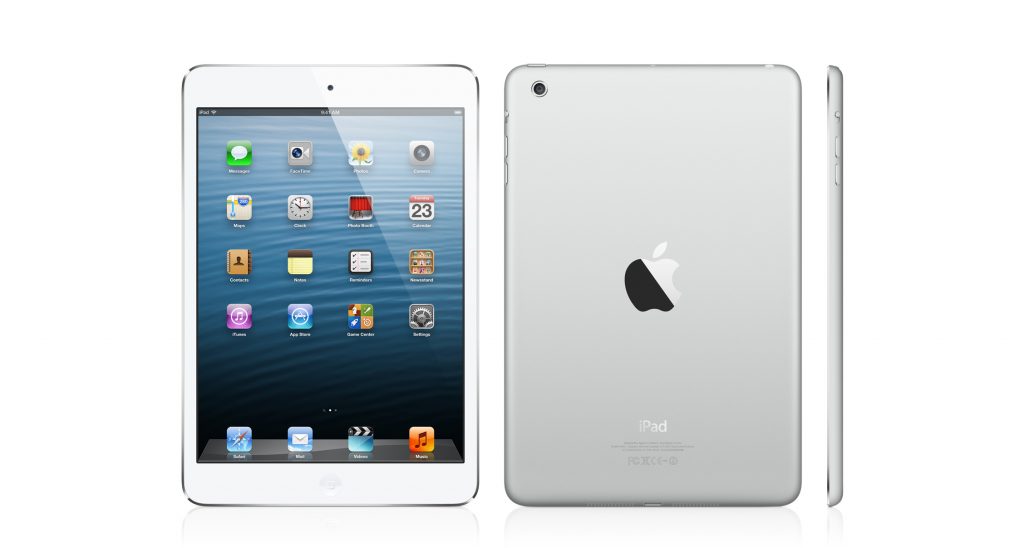
1) Superior specs and cheaper prices
Let’s compare the specs of the iPad and the specs of an average Android tablet.
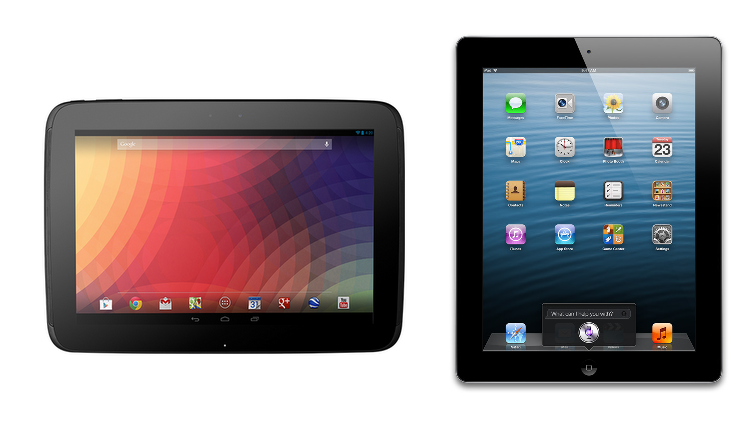 iPad with Retina Display specs:
-16GB storage space
-9.7-inch screen with 2048x1536 resolution and 264 pixels per inch (ppi)
-Dual-core A6X chip, quad-core GPU
-1GB RAM
-5MP rear-facing camera, 1.2mp front-facing camera
-$399 (16GB model), $599 (32GB model iPad Air)
Nexus 10
-16GB storage space
-10-inch screen with 2560x1600 resolution and 300 ppi
-Dual-core A15 chip, quad-core GPU
-2GB RAM
-5MP rear-facing camera, 1.2mp front-facing camera
-$399 (16GB model), $499 (32GB model)
The Nexus 10 has vastly superior specs and performance and costs the exact same price. There are very few Android tablets that cost more than a comparable iPad, and the vast majority of tablets cost the same amount or less than their rival iPads.
In some models – like the iPad Air – that price difference is hundreds of dollars. A 128GB iPad Air costs $799, for example, while a 32GB Samsung Galaxy Note 10.1 with 128GB of expandable SD storage costs around $600.
What about the smaller sized tablets? How does the iPad Mini compare to an average Android tablet?
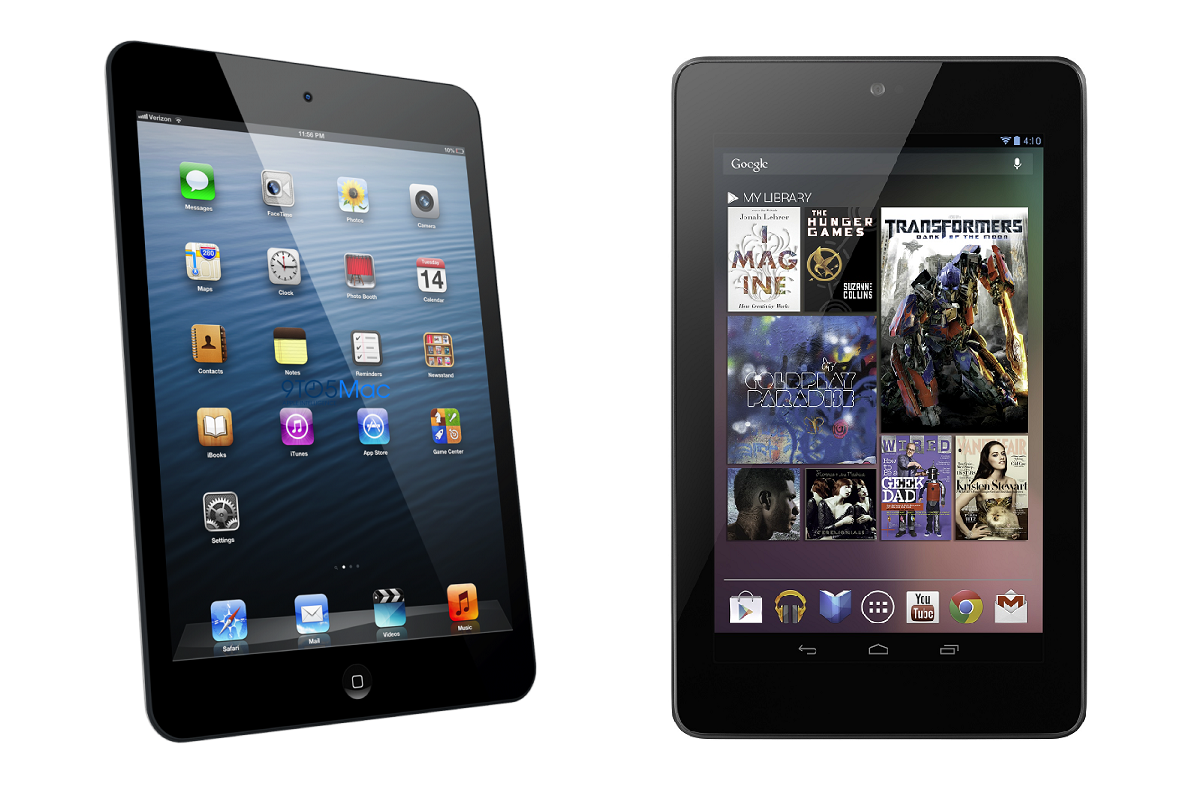
iPad Mini
-16GB storage space
-7.9-inch screen with 1024x768 resolution and 163 ppi
-Dual-core A5 CPU
-512MB RAM
-5MP rear-facing camera, 1.2MP front-facing camera
-$299 (16GB)
Nexus 7
-16GB
-7-inch screen with full-HD (1080p) screen and 323 ppi
-Qualcomm Snapdragon S4 Pro chip
-2GB RAM
-5MP rear-facing camera, 1.2MP front-facing camera
-$229 (16GB), $269 (32GB)
You can get an Android tablet with twice as much storage space and superior specs for less than what you would pay for an iPad Mini. Both the Nexus 10 and Nexus 7 also have superior resolutions, more RAM, and similar processing power.
There’s nothing wrong with charging a higher price for tablets with inferior specs. You just have to make sure the operating system and case design are worth that price difference. When deciding between Android and Apple tablets, that’s up to you to decide.
2) Compatibility and ports
Want to connect your iPad to your computer? You’re going to need a specialized port. Want to use the old cord you used with your original iPhone or iPad? You’re going to need to buy an adapter. Want to connect your iPad to your TV over HDMI and share screens? Get out your wallet.
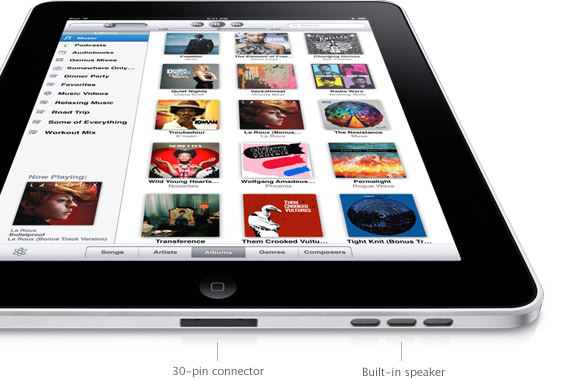
Apple iPads are the least compatible tablets in the world. They feature just a single port – a “Lightning” port – and that port is only able to connect to official Apple hardware and adapters.
All Android tablets have micro-USB ports. You can use that micro-USB port to connect to all different types of electronics. There are micro-USB to HDMI cords, for example, and micro-USB to USB cords.
Best of all, your micro-USB cords and adapters will work on all your non-Apple electronic devices because all other devices use micro-USB.
You’ll find plenty of Android tablets that feature more than just a micro-USB port. Many have microSD card slots, for example, as well as micro HDMI ports. All of these ports simplify your electronic life.
Don’t want to end up with a bunch of useless adapters lying around your house? Don’t buy an iPad.
Want to use your friend’s charger when you left yours at home? Don’t buy an iPad.
Want one cord that works on multiple electronic devices? Don’t buy an iPad.
3) Customize your tablet
If you pick up your grandma’s iPad, it’s going to look virtually identical to yours. There are very few ways to customize an iPad.
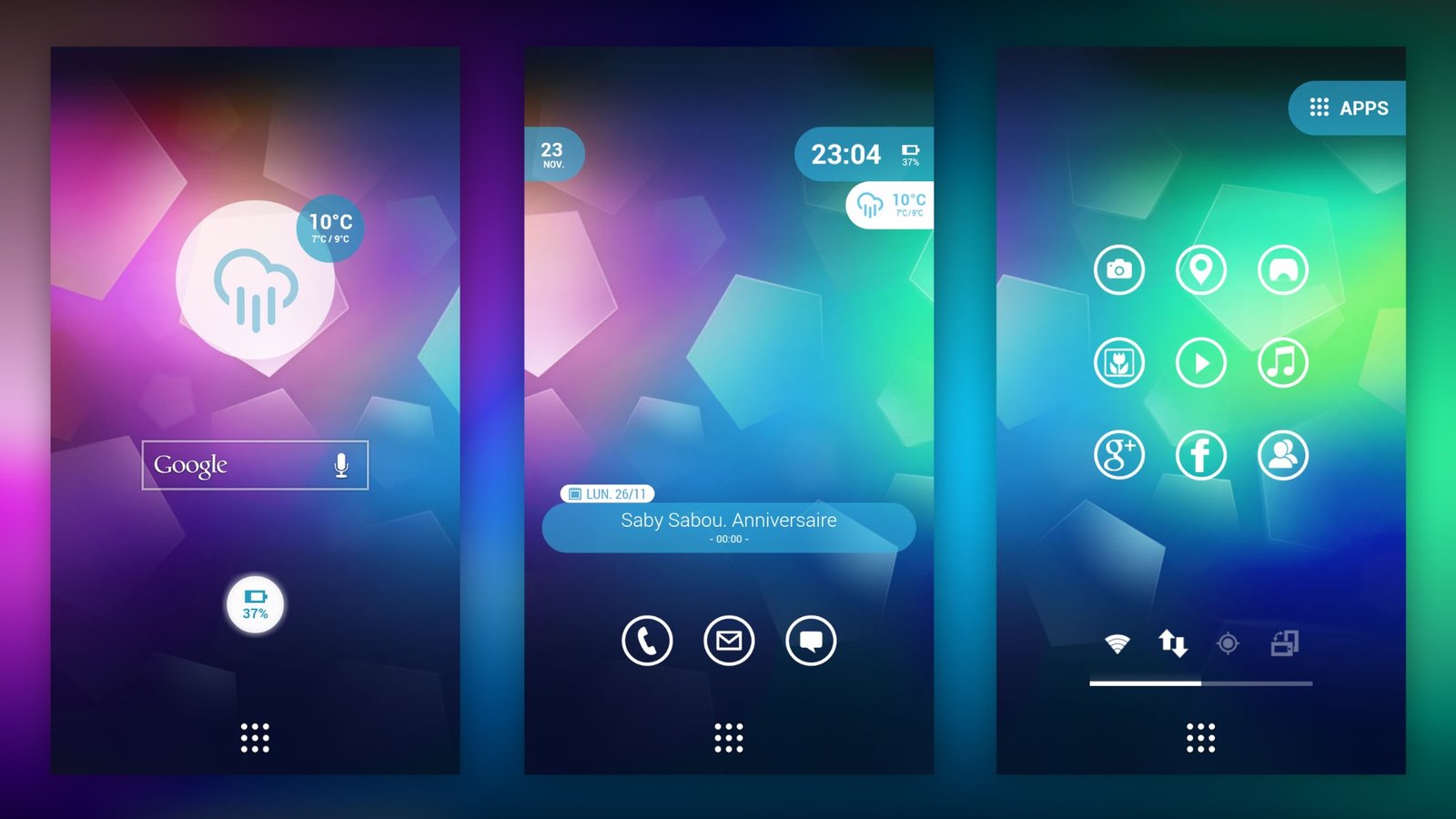
You can change the lock screen wallpaper and home screen wallpaper and download different apps, but that’s about it. For all intents and purposes, the iPad you use and the iPad your grandma uses look nearly identical.
Android is the total opposite. Here are just a few of the things you can customize with Android:
-Home screen and lock screen widgets
-Choose which app icons appear on your home screens (leave unused apps in the hidden app drawer)
-Install new themes, skins, and customization apps
-Change your lock screen wallpaper, home screen wallpaper, text message wallpaper, etc.
Of course, if you
really want to customize your Android tablet, you can root it and install a new custom ROM. But even without rooting, the customization options available on Android tablets blow the iPad out of the water.
4) Download superior (Google) apps and enjoy multiple app stores
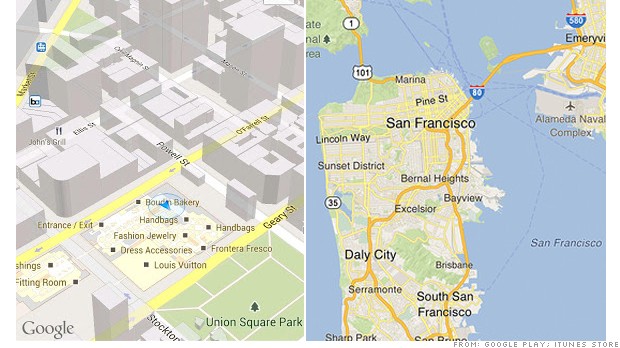
Google is designing all of its apps with Android in mind. Then, it optimizes those apps for iOS and removes some features before giving them to Apple users.
If you use Google apps like Gmail, Maps, YouTube, Google Drive, or even Plus, then you’ll have a more enjoyable experience on Android tablets. Heck, apps like YouTube and Google Maps don’t even come preinstalled on iPads anymore due to Apple’s recent disagreements with Google.
On the iPad, you can only install apps officially supported by Apple and approved for the Apple App Store. Apple is notoriously puritanical in its approval process, so don’t expect to find any apps that even mention nudity, swearing, gambling, or other non-Apple-approved activities.
Google doesn’t manually approve every app on its store but it does patrol the store and remove apps that violate its terms of service. Google doesn’t allow most adult content, but its approval process is less restrictive than Apple’s.
Furthermore, Android tablet users are free to download apps from outside the Google Play Store. Popular alternative app stores include the Amazon App Store, which regularly features discounted apps and deals.
Most people will never download an app from outside the Google Play Store. That’s okay, because the Play Store has just as many apps as the Apple App Store on its own. If you want to download apps from unapproved third-party sources, however, then you’re free to do so.
5) Android has never been faster and more user-friendly
Some people claim that Android isn’t as usable as an iPad or that its interface is confusing.
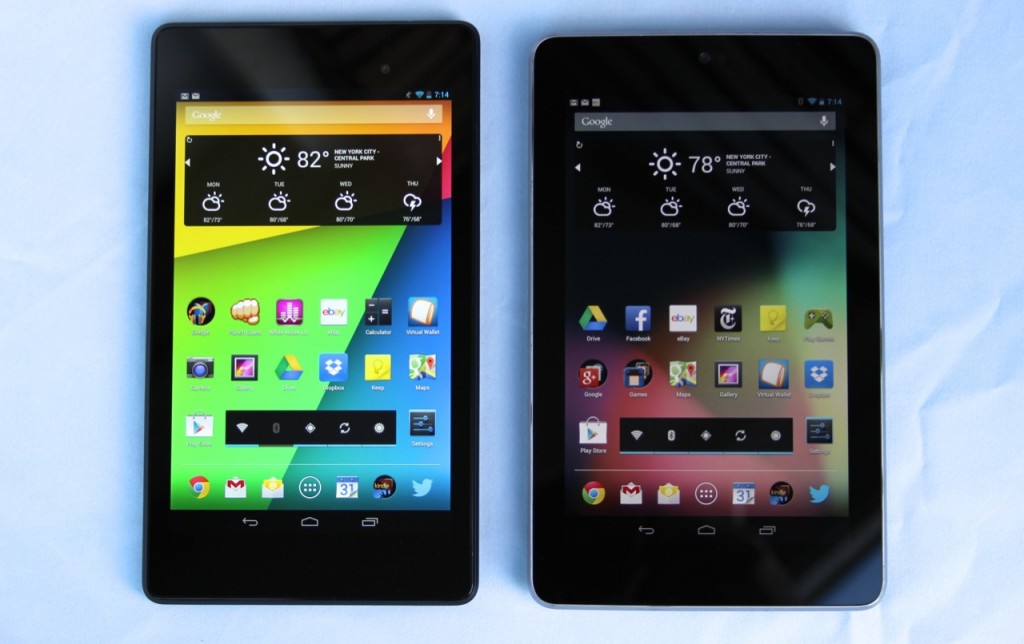
In early Android tablets, this may have been true. The iPad was certainly the superior choice for those who wanted a clean, efficient, and easy-to-use tablet.
Today, however, times have changed. Google has continued putting its brightest minds to work in developing a fast, efficient, powerful, and user-friendly mobile operating system.
All of that effort has gone into creating Android 4.4 KitKat. KitKat is an amazingly smooth operating system that is remarkably easy-to-use.
Whether you’re a great-grandparent using the internet for the first time (in which case this article has been printed and placed on the wall of your local bingo hall) or a tech-savvy student, you need to give the latest version of Android a try.