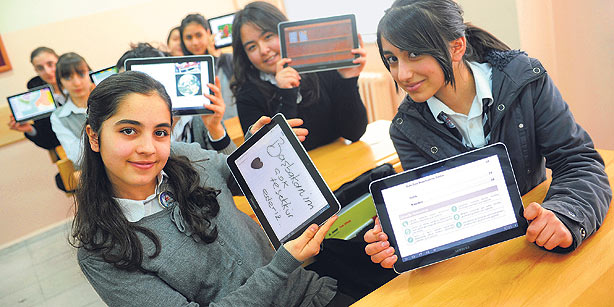
A decade ago, you might have seen one or two laptops in an average college lecture hall. Today, you’d be hard-pressed to find someone without a laptop. And as we move into the future, more students are opting for tablet computers instead of laptops.
But which tablet computer is the best option for the average student? Which one offers the best blend of office app support and lecture-typing capabilities? Which tablets weigh less than the average paperback book? Keep reading to find out!
How to choose the perfect tablet PC for students
There are some important things to pay attention to when choosing the perfect tablet PC for students. Those things include:
-Light weight and portability
-Long battery life
-Typing capabilities and ease of use
-Usable operating system
-Good app support, particularly for office-related apps
If you're looking for professional assistance with essay writing or assignments, click here:
https://myassignmenthelp.com/essay-help/pay-for-essay.html to get expert guidance and improve your academic performance.
Perfect tablet computers for students
From Android to iOS, there are plenty of tablet computers on the market today. Here are some of our favorite tablets that meet all of the criteria we’ve listed above
Nexus 7
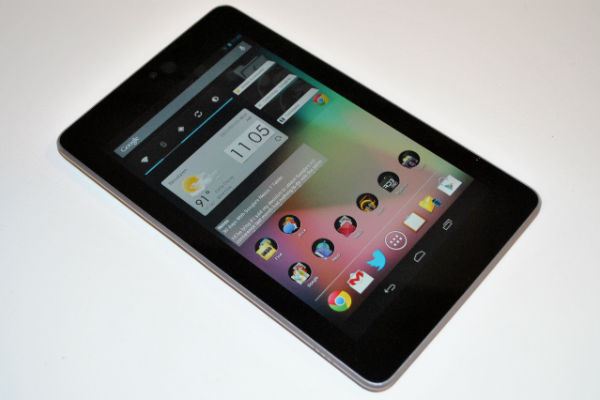
The Nexus 7 takes top prize for affordability and portability. At $199, the Nexus 7 is far more powerful than its price would suggest. It features a high-resolution 1280x800 screen spread across 7 inches of glorious HD color. And since it features the latest version of Android, users have no problem staying up-to-date with apps. And Jelly Bean-exclusive features like Google Now will help you get to and from school with ease.
Nexus 10
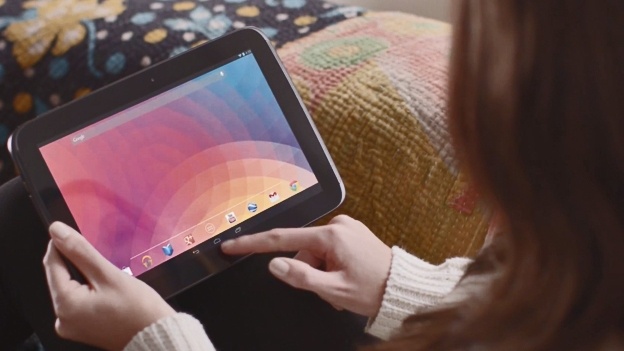
If 7 inches isn’t big enough for your needs, then the Nexus 10 offers a significantly larger screen at a price only $50 higher. It has more than enough storage space and hundreds of thousands of apps on the Google Play Store.
Check out battery life ratings for top Android tablets here. In general, the Nexus 7 and Nexus 10 rank towards the top of the battery life charts, which means they should be able to take you through a full day of school without trouble.
Thus far, the only real downside with the Nexus 7 and Nexus 10 is availability. Google and its manufacturing partner – LG – have not made nearly enough tablets to keep up with demand. Sometimes, you can order the tablet from the Google Play Store, only for it to estimate a delivery time of 12 weeks in the future. In other cases, the Google Play Store will simply tell you the tablet is unavailable.
iPad and iPad Mini
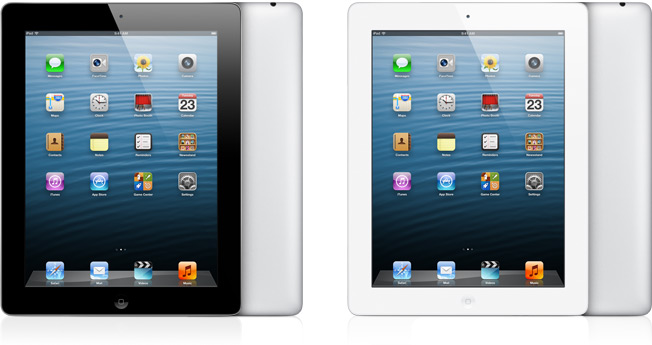
Android is my favorite mobile operating system. But it’s not for everybody. If you don’t care about customization and don’t mind the restrictiveness of Apple’s iOS – which prevents you from installing any apps that are not individually approved by Apple – then the iPad and iPad Mini are a good, if expensive, option for students.
The biggest advantage of the iPad and iPad Mini is battery life. iPads have extraordinary battery life and tend to last for 10 hours or more during standard use. Even if you go to school early and come home late, the iPad should be with you every step of the way.
iOS also has a number of office-style apps to choose from, and Microsoft has released a version of its popular Office apps for iOS. So you’ll have no problem finding the word editing or spreadsheet programs you need.
The iPad and iPad Mini come with downsides. Many students can’t afford the high price of Apple products (unless your parents buy one as a gift). iOS is also difficult to customize and extremely restrictive. But if battery life is your primary goal and cost isn’t an issue, then the iPad is a good option for students.
Runners up
-Galaxy Tab 10.1 (best Android tablet battery life)
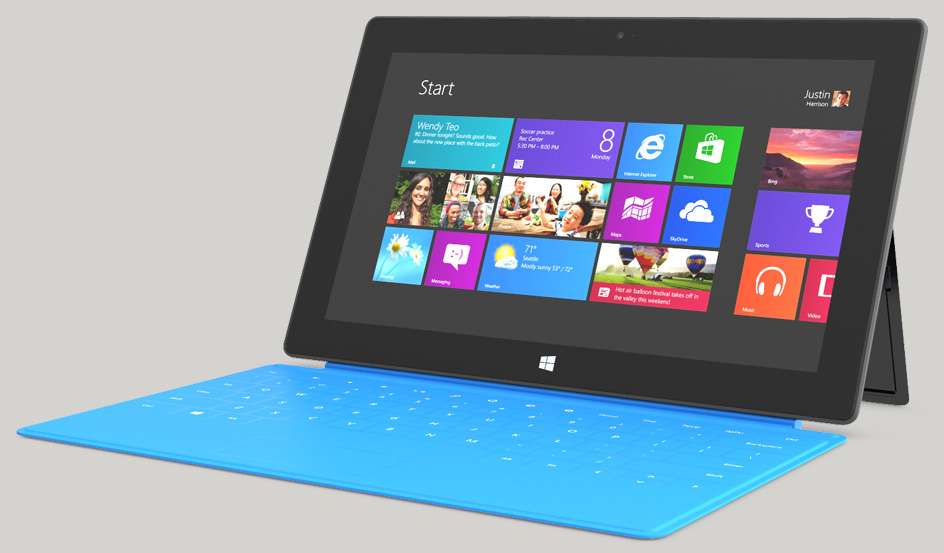
-Microsoft Surface (best for Microsoft Office apps; comes pre-installed with Office software)
-Sony Xperia Tab S