Android O is getting closer to its release date. What do you need to know about the brand new update to our favorite operating system? Here are 5 important things you need to know about the latest update.
The Public Release is Coming in August or September
We know that the public release of Android O is getting close because there were very few differences between the third and fourth versions of Android O. Typically, when Google has few major changes between updates, it means the company is tweaking minor things, fixing bugs, and stabilizing its APIs.
Expect to see Android O released to certain phones before the end of Q3 2017. It will likely be released at the end of August or beginning of September 2017.
What is Android O?
Android O is the next major update to the Android operating system. It’s the successor of Android Nougat, which was released in August 2016. To date, Nougat has only been added to about 10% of all Android phones, making it one of the least-used major upgrades to date, given the fact that it was released one year ago.
The “O”, by the way, has not been revealed. Google has teased us with pictures of an octopus within its developer previews. Some people believe that Google will move away from its “candy” terms and start naming future Android updates after animals.
Could Android O be named Android Octopus? It’s certainly possible.
What Are the Major Features?
Android O focuses on several key areas of Android performance, including:
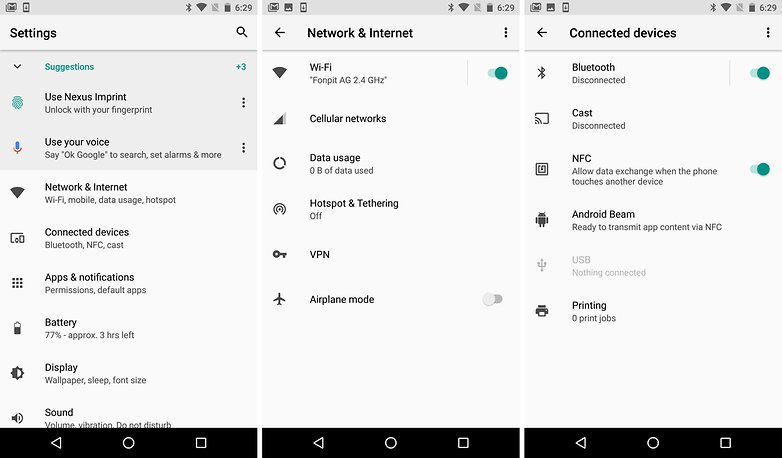
Battery Life: Android O will automatically limit what an app can do when it’s open in the background. It will prevent apps from consistently using data or processing power when not in operation. The goal is to make it easier for developers to create apps that have minimal impact on user’s battery life. So you can expect your phone to last longer after receiving the Android O update.
Notification Control: Android O will introduce “notification channels” in an effort to clean up your notification feed. These channels allow developers to create a “unified system” that gives users greater customization options in terms of which notifications they see.
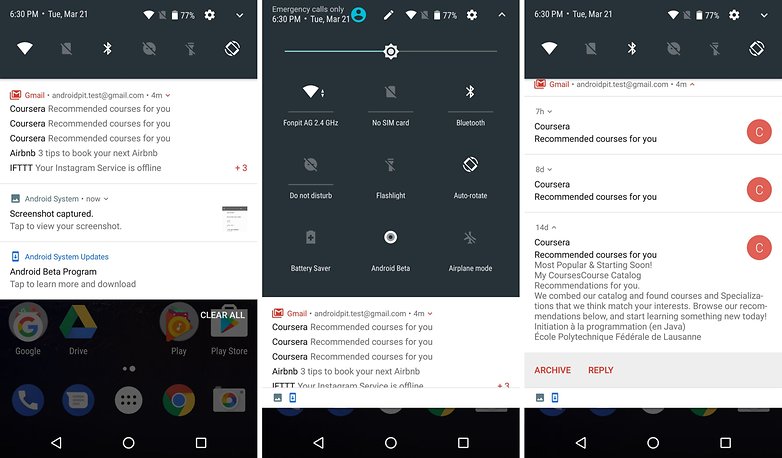 Picture in Picture:
 Android O will have a picture in picture (PiP) mode that means you can watch Netflix while sending on email on your phone, with the movie playing in the background.
Better Audio and Streaming: Android O is adding new Bluetooth audio codecs to allow for the ability to connect and stream to wireless audio devices at a higher quality.
Which Phones Will Get the Update First?
The usual suspects will get the Android O update first. In the developer previews, we’ve only seen builds for the following phones:
- Nexus 5X
- Nexus 6P
- Nexus Player
- Pixel C
- Pixel
- Pixel XL
Obviously, when the public release occurs, other manufacturers will start developing Android O. The first non-Google phones tend to get the update around December/January, with carriers pushing out the update in February or March of 2018.
Get Excited for Copyless Paste
We mentioned a few of Android O’s notable features above. However, one feature we’re extra excited about is called Copyless Paste. Copyless Paste uses machine learning to predict what the user will enter into a form.
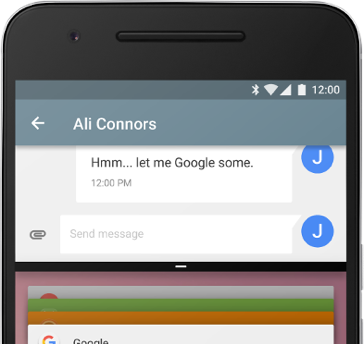
If you just looked at a restaurant’s menu, for example, and are now opening the Maps app, then Google will plug the restaurant’s address into the search bar automatically.
It sounds like a nifty feature that could be intrusive to some people, but useful to others.
You’ll have to wait until the end of August before you can download Android O. In the meantime, you can download Android O onto rooted Androids today.