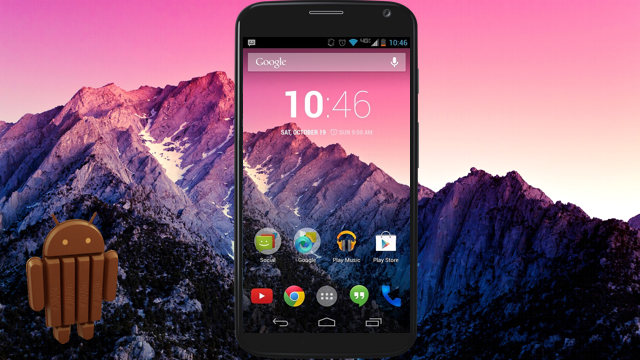
Early this year, there was a buzz on Motorola inviting
T-Mobile Moto X owners to take part in a soak test for possible future update. Motorola seemed skeptical in disclosing facts at that point of time but since Moto G was recently upgraded to Android 4.4.2; enthusiasts anticipated the same for T-Mobile Moto X. And it turned out to be true.
News Update
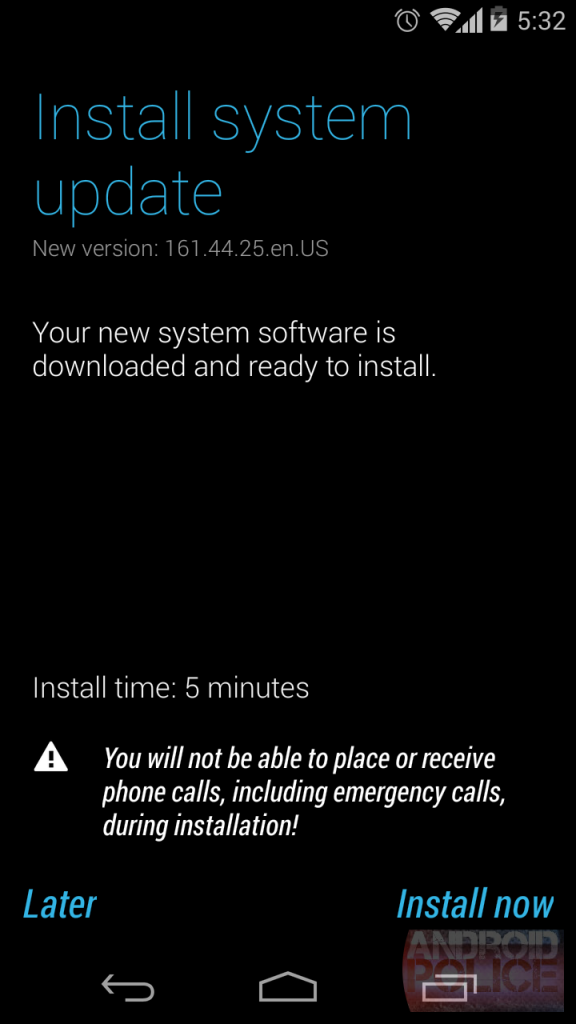
This T-Mobile version of Moto X is now receiving the upgrade which is a file size of 147.6 MB. The Android 4.4.2 is the latest version of KitKat that includes all the goodies from the earlier installments, plus a few additions. The good news is, Motorola has customized the whole package and made a few tweaks into the update. The Software Version bumped to 161.44.25 and the notable changes are listed as below:
- It added substantial support for services like printing photos, Google Docs, Gmail messages and other such content via Wi-Fi, Bluetooth and hosted services such as HP ePrinters and Google Cloud Print.
- It fixed all the bugs identified during the preliminary runs, including the ones that caused a few users to experience short battery life after upgrading to KitKat.
- Another bug that caused delays in synchronizing email services like Microsoft Exchange was resolved, thus adding to the convenience of the user.
This is a noteworthy upgrade, considering the fact that bugs and errors were fixed. Mobile addicts across the world will rejoice, for they can experience the smartness of Android KitKat flawlessly in their devices. This is significant development in terms of update.
This variant is an unlocked GSM device so chances are, you can use it on networks of other service providers. In all probability, the update should not be affected and the installation should hardly take much time. The T-Mobile Moto X Android update is now available for manual download. It is accessible in the following sequential way:
- Click on Settings
- Click on About Phone
- Click on System Updates
- Click on Download
Recommendations
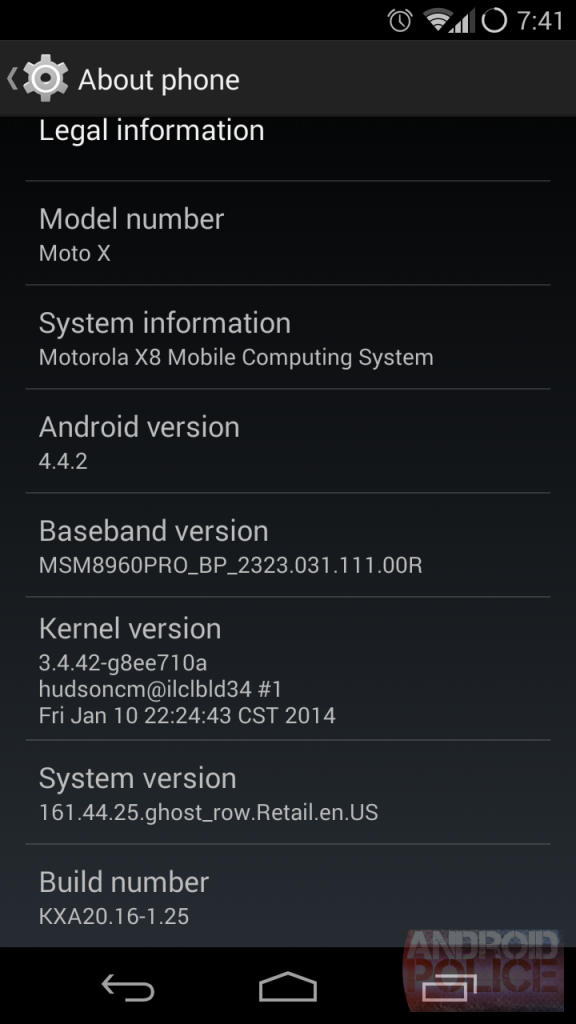
For ensuring a successful installation, it is highly recommended to install this update with at least 50% battery and a strong connectivity; preferably Wi-Fi. Follow the notification message and select download-> once the download is over, select Install-> Once the installation is over, and the phone will automatically restart. This marks the completion of the installation process. The phone is now updated to 161.44.25 – This build is same as the soak test.
This upgrade is free in the carrier network and Motorola and Google has collaborated for a back up service for those in trouble. In case of distress, a user can contact them through the Moto X web interface and avail the service. There is still no news on other carrier variants of this update but we can safely hope that it will roll out very soon. Though the upgrade doesn’t appeal in terms of version number but it is definitely significant for users to live with the latest KitKat.