
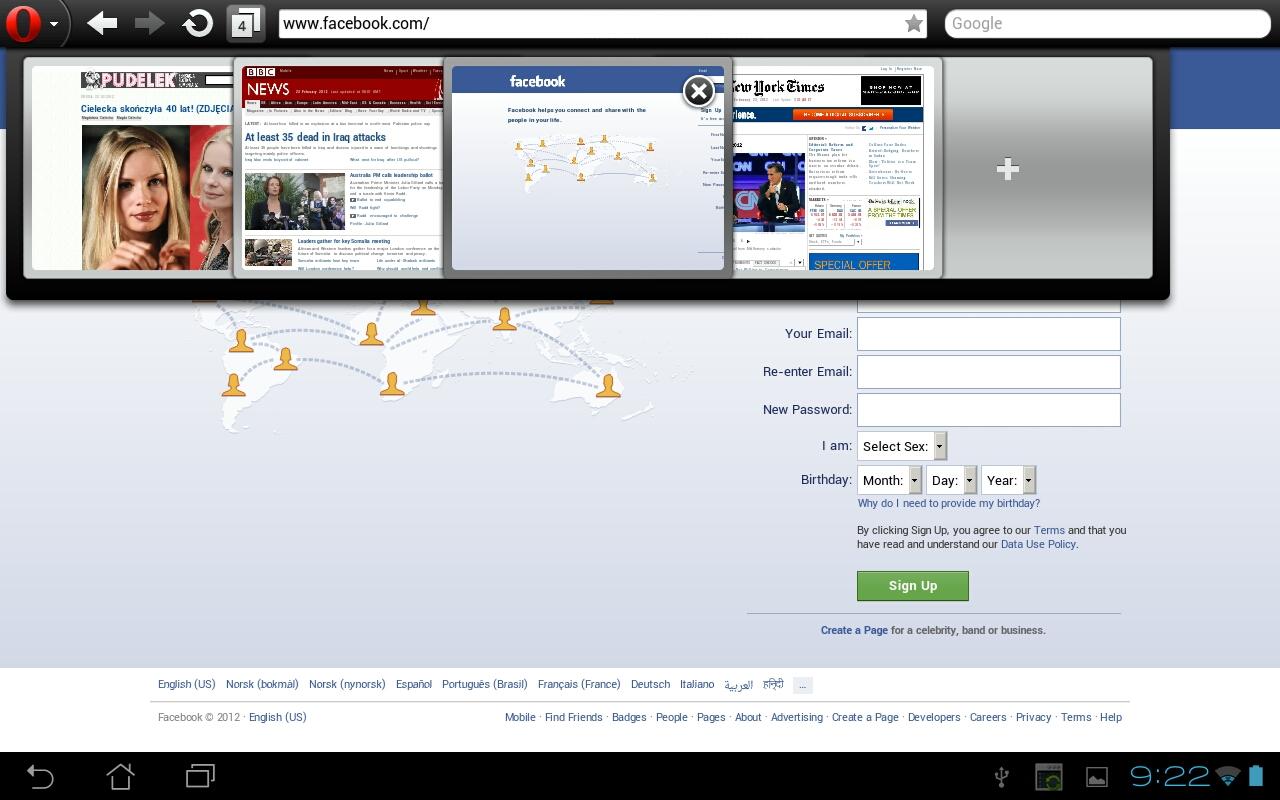
Looking for the Smartest Browsing Experience On Android? Opera Mini Takes the Crown
3 min read
Smart devices are called smart for more than one reason – Most especially, it aids in carrying out tasks which are otherwise impossible without a computer. It takes lesser space and is easier to carry around; besides, we stay connected at all times. Now, it is only perceptible that users will be more comfortable in using the home apps from a computer on the smart device rather than new ones. It is only a matter of time before users get used to the new ones but, preferences come naturally to an individual! Similarly, how convenient it would be to use the same browser, as in our computers, in our devices? And with majority of the users using internet as a connecting platform, a browser is something that cannot be compromised with. Here we will talk about the famous Opera Mini browser, acclaimed as one of the fastest Android browser in the world.
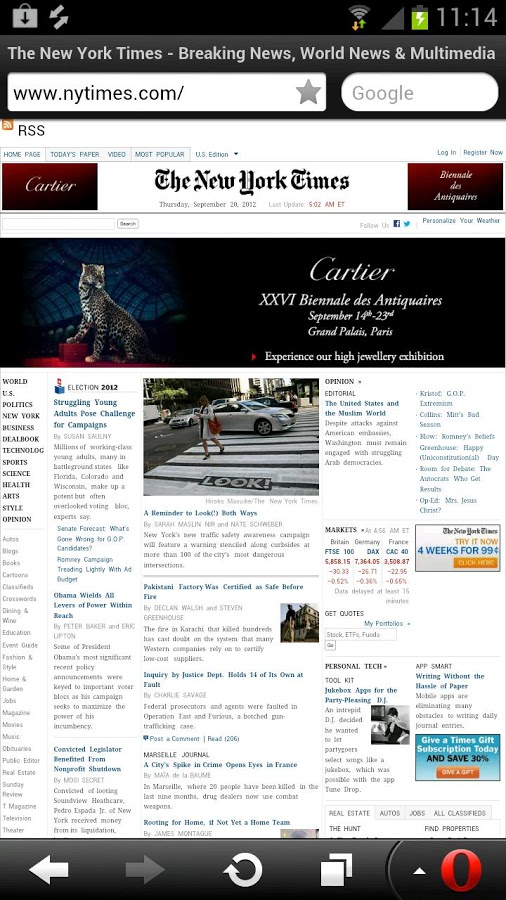
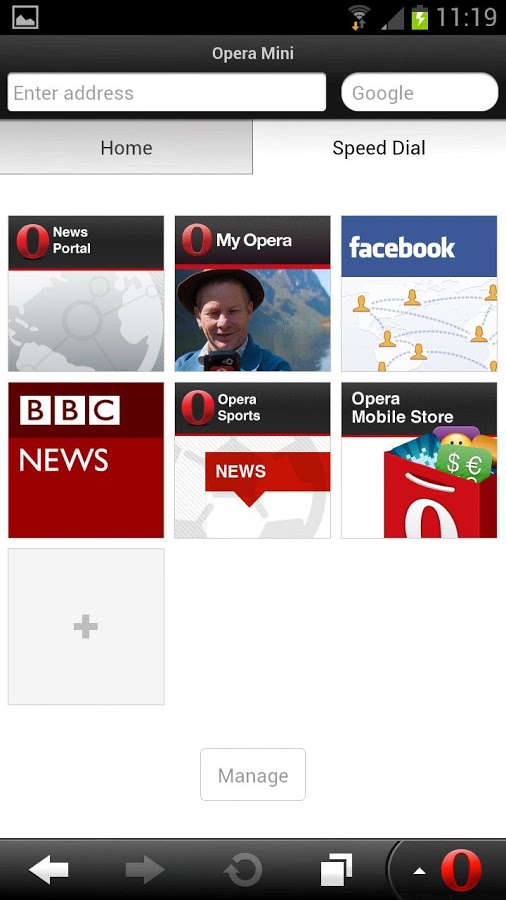 Developed by Opera Software, Opera Mini web browser is considered to be one of the most capable and fast browser available in the market for Android devices. It is specifically designed for those users who are low on bandwidth and therefore it does compromise a bit on the multimedia features, but nothing significantly effective as such. The characteristic features that define Opera are as follows:
What is a Mini Browser?
Mini browsers are miniature versions of the parent browser. These are for smaller, compact and smart devices. They are smaller in size, use less memory and resources and hence are extremely faster. Also, it runs on most Android devices.Opera Mini Functionality Review
Developed by Opera Software, Opera Mini web browser is considered to be one of the most capable and fast browser available in the market for Android devices. It is specifically designed for those users who are low on bandwidth and therefore it does compromise a bit on the multimedia features, but nothing significantly effective as such. The characteristic features that define Opera are as follows:
- Fast – Heavier websites with a lot of media also load fast.
- Low Cost – Owing to its lesser usage of bandwidth, it saves considerably on the data costs.
- User Interface – A simple and clean layout of buttons make Opera significantly user-friendly.
- Stable – It hold strong and doesn’t crash even if you dig deep and open multiple tabs.
Setbacks
In comparison with the competition, Opera’s only drawback would be the removal of Add-ons tool in mobile browsers though it is present in the desktop version. The latest version is 7.5.3 and this has been updated with bug fixes along with some software and stability improvements.
One Click Root Author
One Click Root Author
Content Writer
Experienced writer covering technology and mobile development.
You Might Also Like

Android Apps
Android 14 Root Methods: What Changed?
Explore the new root methods and security changes in Android 14.

Android Apps
Latest Android Security Updates Impact Root Access
Understanding how the latest security patches affect root methods.

Android Apps
Google Pixel 8 Pro Root Guide Released
Complete step-by-step guide to rooting the Google Pixel 8 Pro.
Comments
JD
John Doe
2 days ago
Great article! Very informative and well-written. Thanks for sharing.
JS
Jane Smith
5 days ago
I found the security section particularly helpful. Looking forward to more content like this!
Leave a Comment
Newsletter
Get the latest tech news delivered to your inbox weekly.
Popular Posts
-
1
Getting Started with Android Development
12.5K views
-
2
Best Practices for Mobile Security
8.2K views
-
3
Understanding Smartphone Hardware
6.8K views