
Google One is your new cloud storage needs under one banner – here’s everything you need to know
3 min read
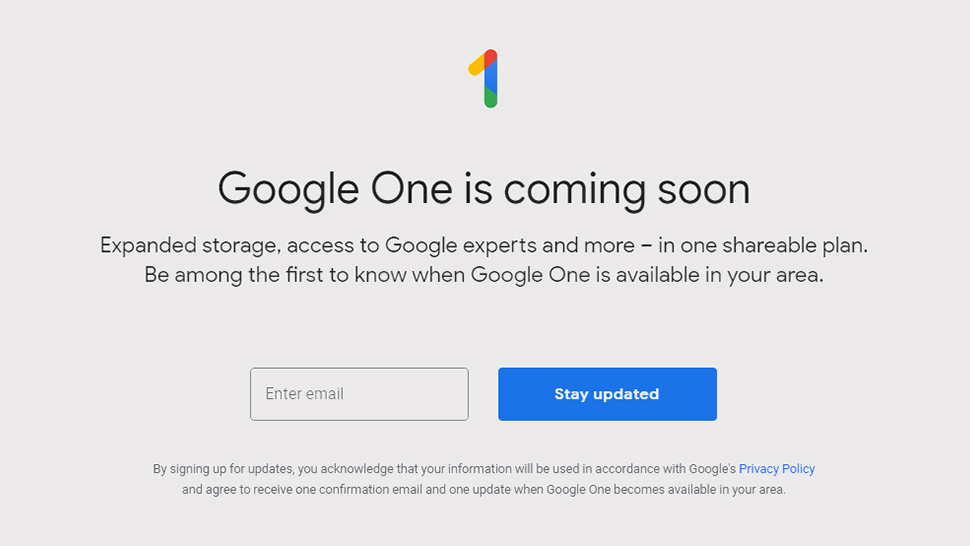
Google first introduced the Google One project in 2018 and it’s finally taking shape this year. Google One brings all your cloud storage needs under one banner. The storage you buy — or even the free 15GB available upon creating a Google account — is shared across Google Drive, Google Photos, and Gmail. Apart Google also introduced a few new storage tiers to make it a more compelling option.
You can still access your storage using the individual apps mentioned above. Google One’s role is for managing your subscription, contacting Google experts, and accessing a host of other benefits like hotel discounts, Google Play Store credit, discounts on Google hardware, and shopping offers via Google Express, if only to mention a few.
Anyone with paid Google Drive storage will also automatically be moved to an equivalent plan.
Initially, the service will be available in the U.S. but will eventually roll out into 140 countries soon. Apparently, it is also not free. Although, each Google account is given a free 15GB storage, it is still limited. If you need more of what’s free, then you can subscribe to the following packages:
- 100GB - $1.99 per month or $19.99 per year
- 200GB - $2.99 per month or $29.99 per year
- 2TB - $9.99 per month or $99.99 per year
- 10TB - $99.99 per month
- 20 - $199.99 per month
- 30TB - $299.99 per month
- You will need a Google account to sign up
- Go the subscription page to pick a plan.
- Complete the payment and you’re done!
- Download the app from the Google Play Store.
- Select or sign in with your Google account.
- Tap on the “Become a member” button on the welcome page.
- Select a plan and pay for the subscription.

One Click Root Author
One Click Root Author
Content Writer
Experienced writer covering technology and mobile development.
You Might Also Like

Android Apps
Android 14 Root Methods: What Changed?
Explore the new root methods and security changes in Android 14.

Android Apps
Latest Android Security Updates Impact Root Access
Understanding how the latest security patches affect root methods.

Android Apps
Google Pixel 8 Pro Root Guide Released
Complete step-by-step guide to rooting the Google Pixel 8 Pro.
Comments
JD
John Doe
2 days ago
Great article! Very informative and well-written. Thanks for sharing.
JS
Jane Smith
5 days ago
I found the security section particularly helpful. Looking forward to more content like this!
Leave a Comment
Newsletter
Get the latest tech news delivered to your inbox weekly.
Popular Posts
-
1
Getting Started with Android Development
12.5K views
-
2
Best Practices for Mobile Security
8.2K views
-
3
Understanding Smartphone Hardware
6.8K views