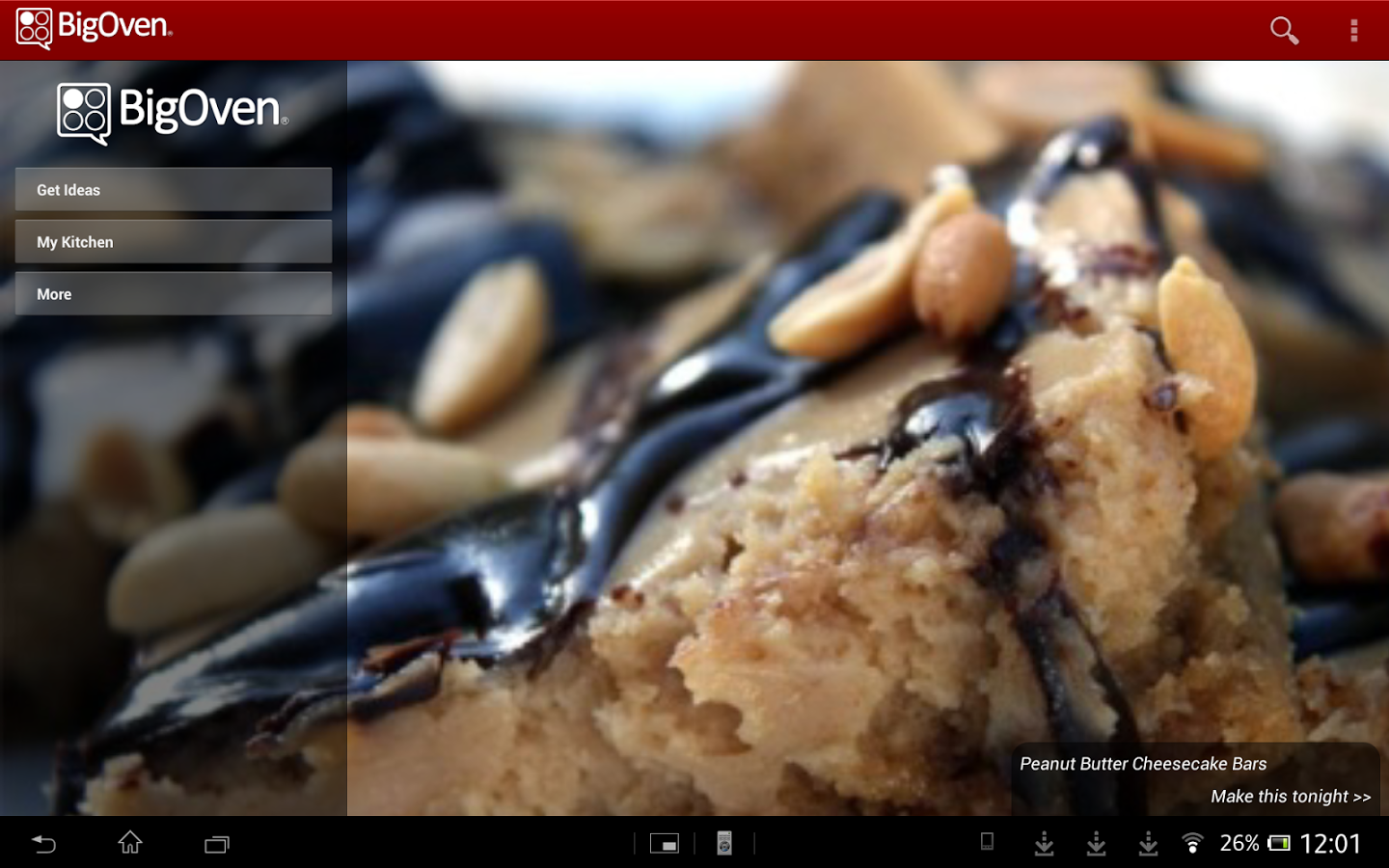
Find Your Favorite Recipes & Become a Glorious Chef With BigOven
2 min read
Ever wonder what to do with the leftovers from last night’s dinner party? Or what meal to cook on a shoe string budget? Planning to invite guests over for lunch, or cooking a romantic meal for your loved one? Well, look no further. The BigOven app assists you with all these questions, and more!
The app provides the user with over 250,000 recipes to browse through, along with a meal planning calendar and a Grocery List section. It also allows you to browse recipes through filters like ingredients, occasions, parties and festivals. This app is perfect for anyone and everyone that likes or needs to cook. It’s a complete food app that is comprehensive and user friendly.
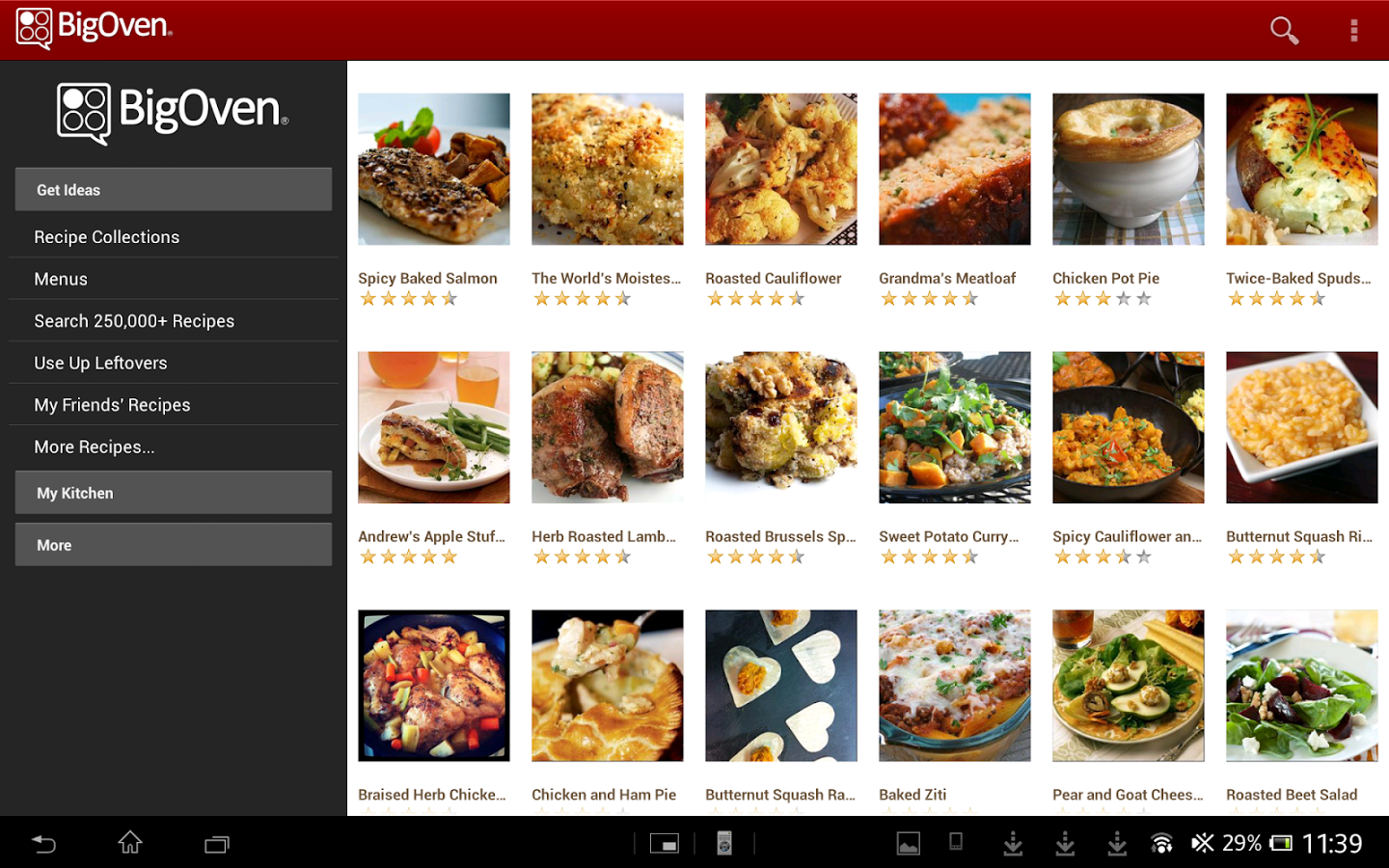
Using the Leftover option, the user simply needs to feed in the ingredients that he/she possesses and voila- the app digs through it’s massive archive of recipes and lists the ones that contain one or more of the ingredients mentioned. It’s that simple!
Apart from this, BigOven also allows you to create your own Menu.
You can plan your menus using the Menu Planner function on the app days and even weeks in advance. If the user finds a particular recipe that he/she wants to use, all you have to do is drag and drop it into the Meal Calendar. BigOven’s allows you to click on any date in the calendar to see a meal plan instantly.
BigOven allows you to search through it’s recipe collections using filters for ingredients, dietary preferences, season, course or dish.
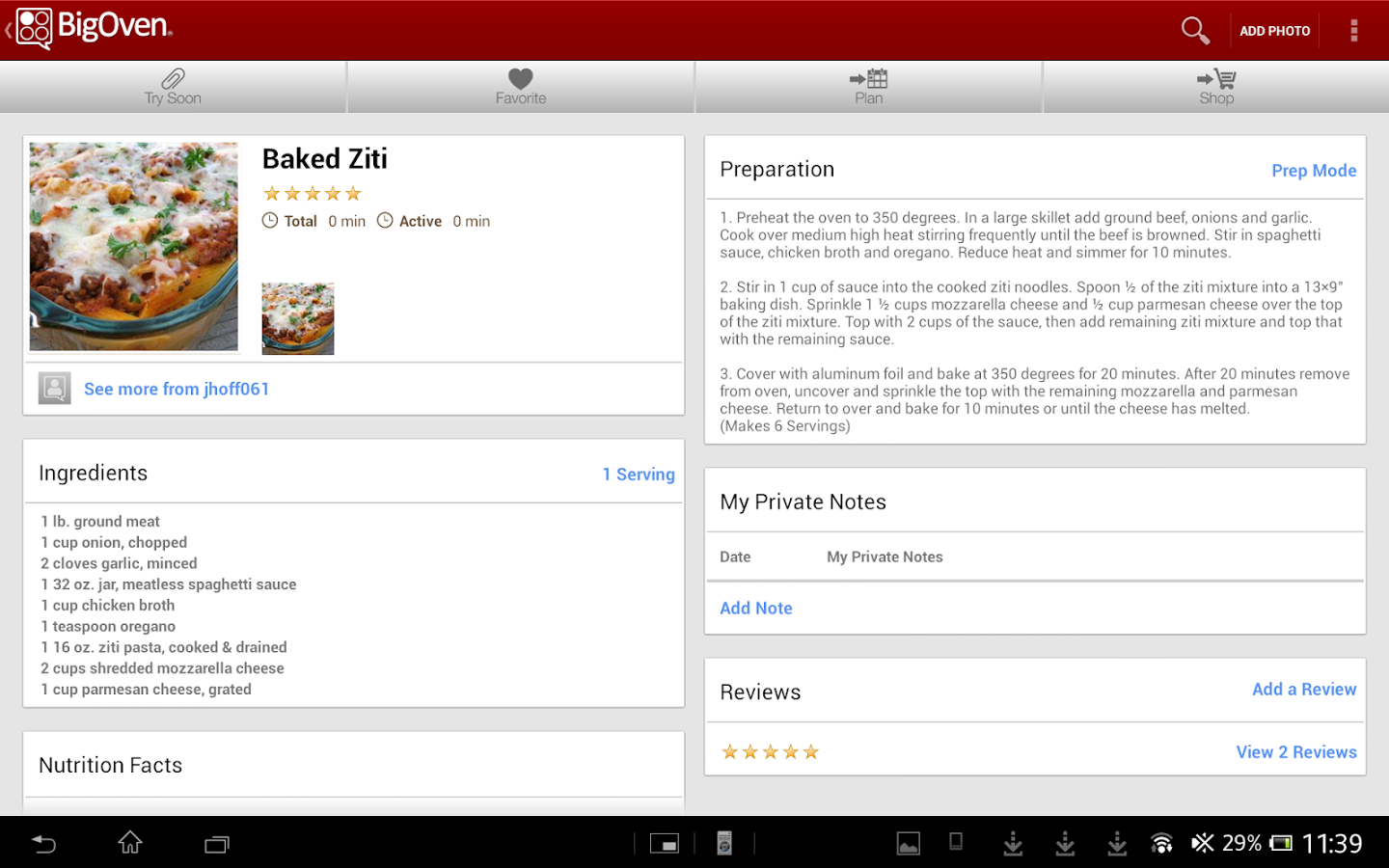
BigOven is an incredibly easy meal planning software to use. It is user friendly and efficient, and is extremely easy to navigate and create new menus, grocery lists and save favourite recipes.
BigOven’s two impressive wizard tools like the Idea Wizard, a widget that allows you to view recipes under certain filters and/or preferences and meal types; and the Leftover Wizard that helps you find recipes using leftovers that you feed in.
Big Oven is packed with recipes and is an incredibly easy and efficient meal planning software with an intuitive interface and functions that can’t be found anywhere else.

Using the Leftover option, the user simply needs to feed in the ingredients that he/she possesses and voila- the app digs through it’s massive archive of recipes and lists the ones that contain one or more of the ingredients mentioned. It’s that simple!
Apart from this, BigOven also allows you to create your own Menu.
You can plan your menus using the Menu Planner function on the app days and even weeks in advance. If the user finds a particular recipe that he/she wants to use, all you have to do is drag and drop it into the Meal Calendar. BigOven’s allows you to click on any date in the calendar to see a meal plan instantly.
BigOven allows you to search through it’s recipe collections using filters for ingredients, dietary preferences, season, course or dish.
BigOven is an incredibly easy meal planning software to use. It is user friendly and efficient, and is extremely easy to navigate and create new menus, grocery lists and save favourite recipes.
BigOven’s two impressive wizard tools like the Idea Wizard, a widget that allows you to view recipes under certain filters and/or preferences and meal types; and the Leftover Wizard that helps you find recipes using leftovers that you feed in.
Big Oven is packed with recipes and is an incredibly easy and efficient meal planning software with an intuitive interface and functions that can’t be found anywhere else.

One Click Root Author
Content Writer
Experienced writer covering technology and mobile development.
You Might Also Like
Reviews
Android 14 Root Methods: What Changed?
Explore the new root methods and security changes in Android 14.
Reviews
Latest Android Security Updates Impact Root Access
Understanding how the latest security patches affect root methods.
Reviews
Google Pixel 8 Pro Root Guide Released
Complete step-by-step guide to rooting the Google Pixel 8 Pro.
Comments
JD
John Doe
2 days ago
Great article! Very informative and well-written. Thanks for sharing.
JS
Jane Smith
5 days ago
I found the security section particularly helpful. Looking forward to more content like this!
Leave a Comment
Newsletter
Get the latest tech news delivered to your inbox weekly.
Popular Posts
-
1
Getting Started with Android Development
12.5K views
-
2
Best Practices for Mobile Security
8.2K views
-
3
Understanding Smartphone Hardware
6.8K views