This tutorial will demonstrate a dedicated step by step process of
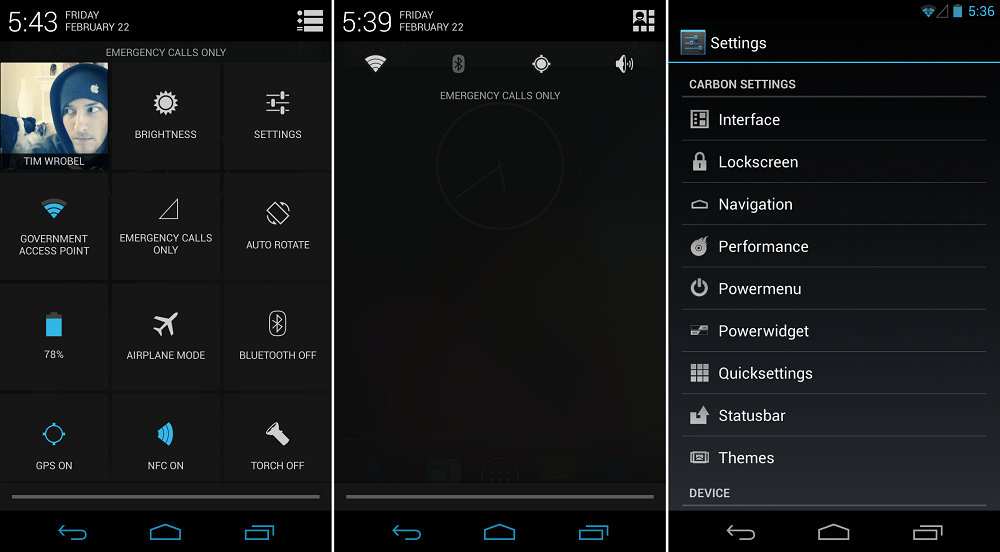
installing Carbon custom ROM. The update guide is compatible with S4 mini model numbers 19190 and 19195 and also, it brings a customized version of the Android 4.3 Jelly Bean OS. Carbon custom ROM is one of the famous and recognized Android firmware, known for its looks and functionality.
You might be bewildered after knowing that this update is exclusively based on Android 4.3 Jelly Bean but do not worry. Soon there will be an update with an Android 4.4.2 KitKat powered Carbon platform, hence using Android 4.3 is nothing but temporary.
 Disclaimer
 – Please note that the firmware is not an official update and has been designed & developed by a third party and has nothing to do with Samsung or Google. Also, use this guide for Samsung Galaxy S4 mini models 19190 and 19195 only or else you might end up bricking your smartphone.
Before we go ahead into the depths of this guide, we should ensure the following: As a first step, we should start with rooting our devices because without root access, the firmware will not work. We should also install a custom recovery image using the latest version of CWM or TWRP recovery. It is essentially used as a tool for the installation procedure later. Next is to ensure that we have saved our important data in the internal storage of our phone as it is apparent that the installation will wipe out data.
As it is a manual operation, it is recommended to use a PC to safely complete the process. We should connect our Samsung device to a computer and establish a connection by enabling USB debugging. Finally, we should ensure that the installation is carried out on a device with 80% battery.
Installation
Follow the instructions carefully:
- Download Carbon file for Galaxy S4 mini 19190 from here and 19195 from here.
- Download Google Apps package also and save all these files on the computer without unzipping.
- Connect device with the computer and transfer the files to the phone’s SD card memory.
- Unplug the USB cord and turn off the device, then wait for a few seconds before turning it on.
- Boot the device in recovery mode.
- From there, wipe the system and clear cache by selecting – ‘wipe data factory reset’, wipe cache partition’ and ‘wipe dalvick cache’.
- From the main menu in Recovery mode, select ‘install zip from SD card’ and ‘choose zip from SD card’.
- Select the Carbon custom ROM from the card and install it.
- Repeat the process and flash Google apps package.
- Finally, select ‘reboot system now’ from the main menu of recovery page.
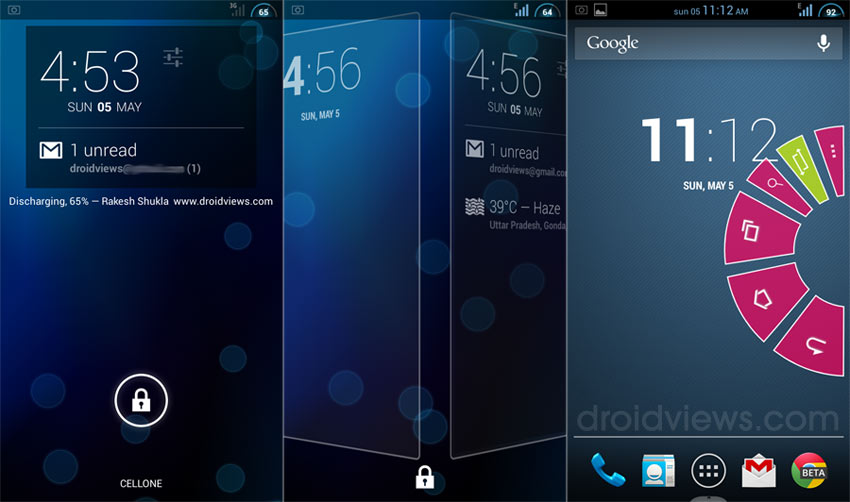
This successfully marks the completion of the process. The new custom software brings in beautiful apps and features. The major benefits of the custom ROM include increased speed, increased battery life, improved browsing and a customized Jelly Bean user interface to say the least. Enjoy!