Recently Google announced that the latest version of Search in Android will
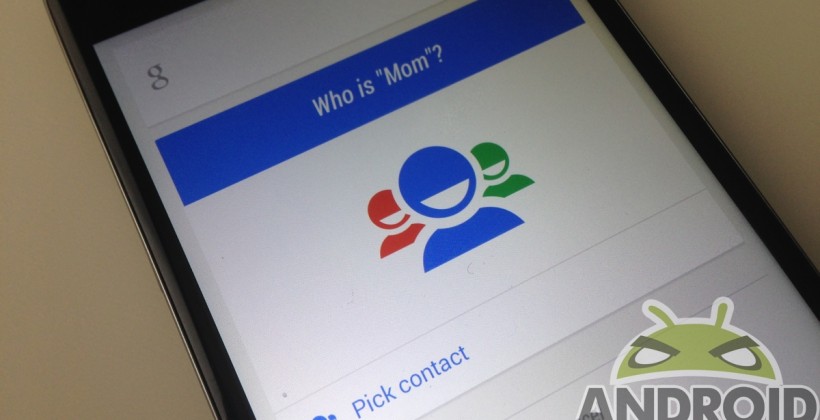
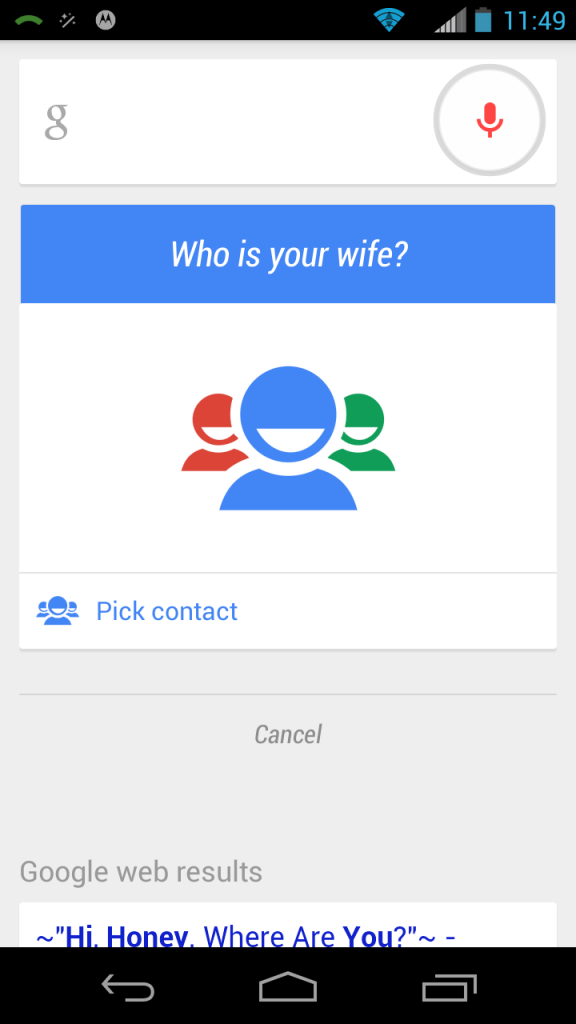
allow the user to call or text their kin by speaking out their relationship with them. For an instance, if we utter ‘Call Mom’, Google interface will begin a telephone call to the individual we have marked or saved as ‘Mom’ in relationship. And or, even if we have simply saved the contact as ‘Mom’, Google will still initiate that call. However, if we have saved contact without defining the relationship, an interface asking you about the relationship status will appear. It seems like an automatic management system is still not in the picture.
Characteristics
As of now the feature supports the generic family relation according to English language viz. father, mother, dad, mom, sister, sis, cousin, niece, nephew, aunt, uncle, grandfather, grandmother, grandma, grandpa, wife, husband, boyfriend, girlfriend etc. The ones having different names for the same relationship, uttering any one can trigger the action, e.g. Mother & Mom. Another attraction is that this feature does not require a separate update and is done by the backend support of Google. If there are more than one person for any of these pre-defined categories in the contact list, it will prompt a menu asking which particular one to call.
A few advantages that can be noted are as follows:
- It is evidently more convenient for the fact that a simple voice search does the job of calling our relatives, thus saving time.
- It is easier to inform our family and relatives about our whereabouts while on the go.
- It saves our precious time which is otherwise spent on taking our phone out and executing the action.
This update isn’t so much talked about as there isn’t much that is being delivered to the end user but on the hindsight it definitely adds to the overall smartphone experience. Introduction of this feature by Google is another indication that the company continues to dedicate their resources for innovative creations. Going by the implications, we can assume that this feature is still at a nascent stage and is not final. We cannot call someone without a relationship definition attached; this adds to the rigidity of the feature.
Google Speak
According to the company, it is a feature that enables a user to get in touch with their closed ones without much delay. As it is seen in most cases, it is sometimes quite cumbersome to keep aside our baggage during shopping and search for a number, & in the process possibly drop the phone. With the help of this particular feature we can skip the search part and directly instruct our phone to connect with the concerned person. All that we have to do is just utter our contact name, e.g. ‘call Mom’, and our phone will dial the designated contact immediately.
It seems like the feature is enabled for US users only for now; so let’s wait and see this progress catch up with the rest of the world.


