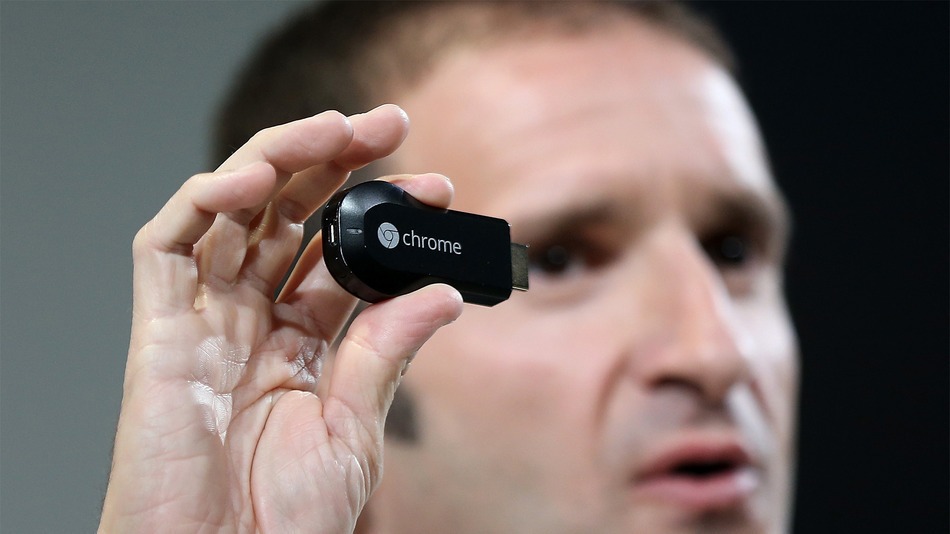
Google recently announced its Android 4.3 Jelly Bean update. At that same event, Google also announced something that overshadowed the hype for Android 4.3: a cool new dongle that turns your TV into a smart TV.
That device is called Chromecast and it’s available for just $35. What exactly can you do with Chromecast? Expect to enjoy all of the following features:
-Chromecast runs a simplified version of ChromeOS, which isn’t exactly the same as Android but is very similar (Chrome OS currently runs on the Chromebook series of laptops)
-Works on any TV with an HDMI slot (HDMI 1.4 is preferred, since the device can draw power through the TV, but there will also be an additional power connector that will make Chromecast compatible with older TVs)
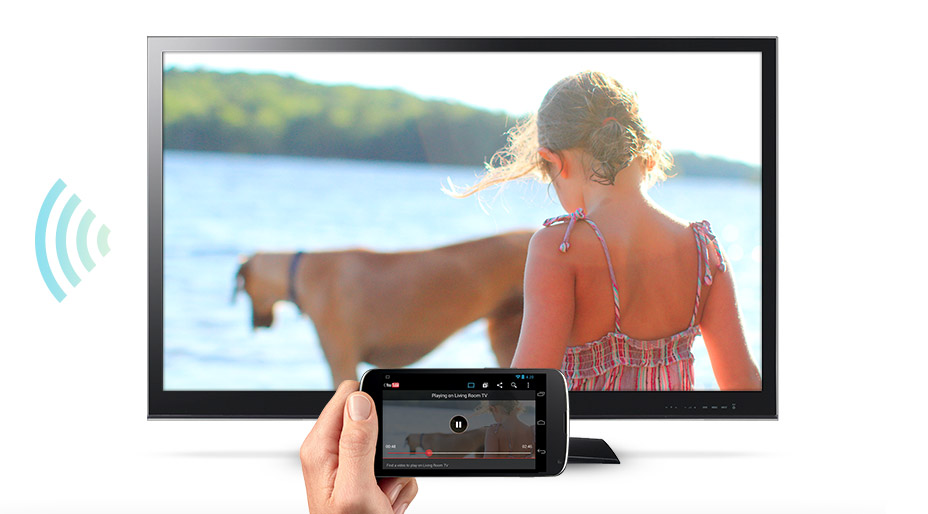
-Allows you to play YouTube and Netflix videos over your TV
-No remote control; instead, you can use any computer with the Chrome browser installed. How cool is that? Just sign into your Google account and open videos in Chrome on your PC to instantly send them to your TV.
-You can also control Chromecast from your Android smartphone or tablet
-Chromecast comes with a
free 3 month subscription for Netflix
Chromecast is a huge leap forward. Why? Previously, playing Netflix on your TV required you to either buy a TV with built-in smart capabilities (which is expensive), or you could buy a third-party device like AppleTV or an Xbox 360, both of which cost over $100.
With Chromecast, you get the same features at a fraction of the cost. Google seems to be getting better at predicting consumer trends and I predict Chromecast will have strong sales.
Apparently, 100,000 Chromecast units have already been sold through Amazon, and
you can order the device for yourself here.
Apps on apps on apps?
I’m also excited to see what kind of TV apps developers can come up with for Chromecast. After all, Apple TV and Xbox 360 are far more restrictive when it comes to downloading apps to your TV and they don’t exactly encourage developers to get creative.
Google and ChromeOS are at the opposite ends of that spectrum – developers have full SDK access and can customize the OS to their heart’s content. That should make for some exciting apps on your TV.