

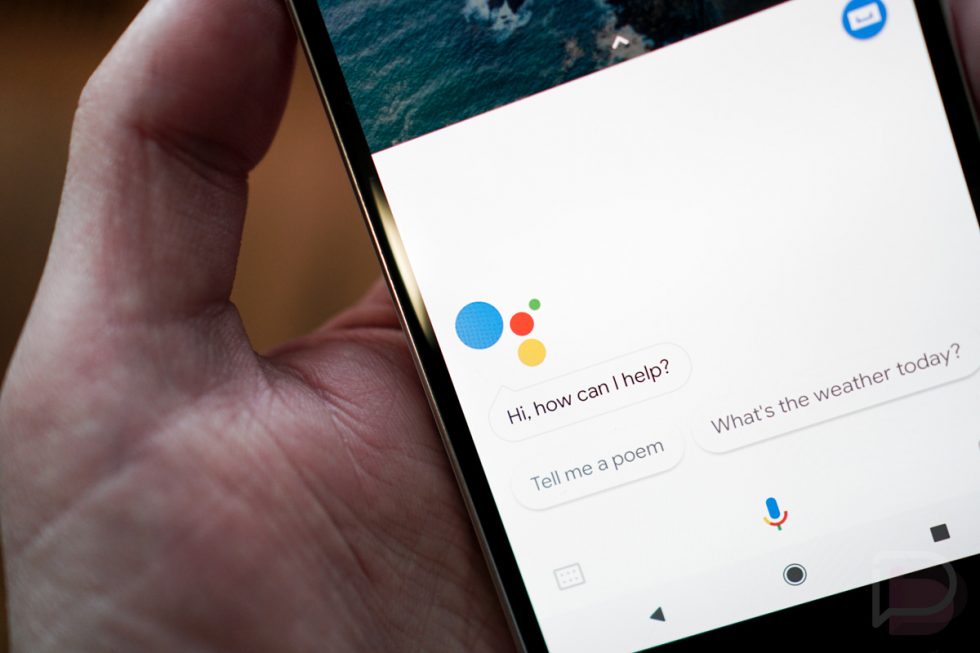
The Six Routines of Google Assistant
3 min read
Since October 2017, Google has been talking about the six routines of Google Assistant and how it can help Android phone functionality through voice command. The small information Google release in public has now become clearer on how it can be customized.
Google announced that there will be six routines to choose from when using Google Assistant, Good morning, Bedtime, Leaving home, I'm home, Commuting to work, and Commuting home. Saying one keyword will automatically trigger the assistant and do its specific task.
Here is the list of these six routines and how they work.
Good Morning
Greeting your mobile phone good morning has never been this fun. By simply saying “Hey Google, Good Morning,” the Assistant will allow the user to adjust the lights, plugs, or thermostats. It will also let you know on the important daily information you need like today’s weather, commute, calendar, reminder, and adjust your media volume. Saying the magic word also switches off Silent Mode and use My Day settings.
Once the basic necessities have been all laid out, the Assistant will now let you choose to play music, news, radio, podcasts, audiobook, or keep it quiet.
Leaving Home
We’re not sure why Google added this routine since it only adjusts the lights, smart plugs, and thermostat when saying “Hey Google, I’m leaving.” This functionality can also be done with the Good Morning routine. Its purpose may only be a “just in case you forgot” situation. Anyway, it’s always better safe than sorry.
Commuting to Work
When you’re on the way to work, say “Hey Google, let’s go to work” and it will tell you about the situation of today’s commute and traffic situation, weather, calendar reminders. Just like other routines, it will also let you play music, news, radio, or podcasts.
Commuting home
At the end of the long working hour, tell Google that you’re ready to go home by saying “Hey Google, let’s go home.” It will advise you on important information you need to know on your commute, weather, calendar reminders, and change your media volume. Then, you can listen to your favorite tracks, latest news, radio, or podcasts.
I’m Home
Upon arriving home, Google Assistant will allow you to access all lights, plugs, and thermostats by saying “Hey Google, I’m home.” It will also inform you on location-based reminders, latest broadcasts, and adjust media volume. Then, you can play anything you want such as music, news, radio, podcasts, and audiobooks.
Bedtime
When getting ready to call it a night, saying “Hey Google, bedtime” allows you to know about tomorrow’s weather forecast, upcoming calendar events, set an alarm, adjust lights, thermostats, and plugs. It will also allow you to switch it back to Silent Mode for an undisturbed sleep, then let the Assistant play music if that’s what you prefer.
Basically, the six routines Google promises almost has the same functionality from controlling smart plugs and lights at home, calendar reminders, and listen to music. Yet, no matter how limited, they are still very convenient in eliminating additional phone navigations and small tasks in your home.
The future of AI Assistant is improving over time and who knows what more Google Assistant can do in the next generation of Android phones.
Newsletter
Get the latest tech news delivered to your inbox weekly.