

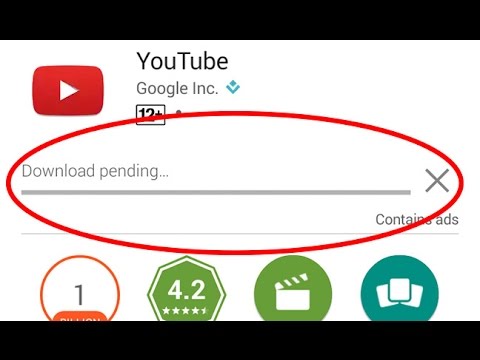
- Check downloads and updates
- Check connection
- Head to the Play Store and then tap on the three-dot menu button in the upper left corner.
- Go to Settings > App download preference > Over any network.
- If downloading resumes as normal, your home or office network is to blame. Restart your modem and if all else fails, call your Internet service provider.
- Check your storage
- Go to Setting > Storage
- Free up some space by uninstalling unused apps or deleting old photos and videos that you have backed up elsewhere.
- Download apps through an internet browser
- Clear Google Play app cache and data
- Head to Settings>Apps.
- Locate the Google Play Store and tap it.
- Underneath the Disable, Uninstall updates, and Force stop buttons, you will see App notifications and other options. Tap on Storage.
- Make sure Google Play is closed and then hit the Clear Cache button.
- If you don’t want to repeat steps, you can clear the data as well.
- Clear Download Manager cache and data