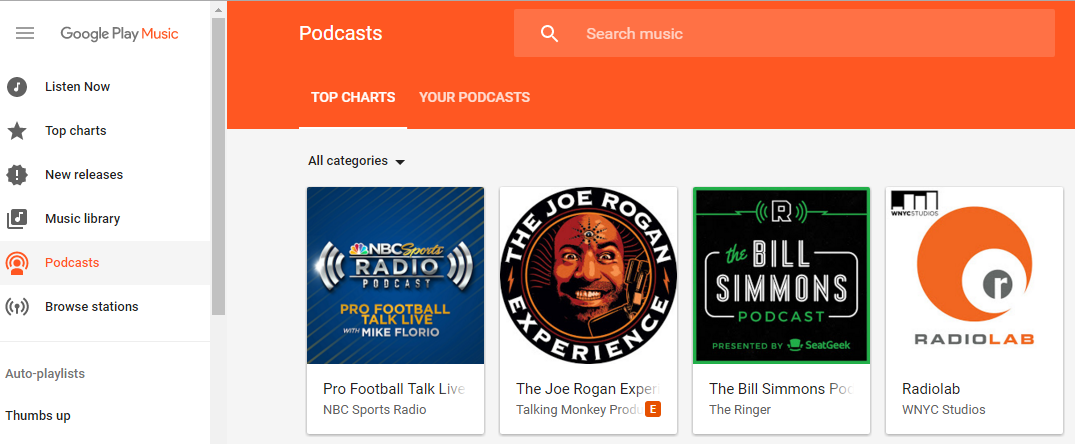
It’s amazing that it took this long. But Google has finally added podcasts to the Google Play Store.
On April 18, Google finally started rolling out podcasts on its popular Google Play Music platform. The company announced the news
on its official blog.
This update has been a long time coming: Google announced plans last October to bring podcasts to Play Music after it was revealed that the company was recruiting podcasters for the service.
Apparently, Google wanted to wait to make sure it had a large number of podcasts before launching. At the time of writing, many of the world’s popular podcasts were there, separated into categories like Learning Something New.
That category, by the way, includes well-known podcasts like Stuff You Should Know and How To Do Everything.
Other categories include podcasts like Marc Maron’s WTF, Chris Hardwick’s The Nerdist, The Joe Rogan Experience, and Neil deGrasse Tyson’s StarTalk Radio, among many others.
Recommendations in the Podcast Menu Are Similar to the Music Menu
Just like Google Play Music helps you find new music, it also wants to help you find new podcasts.
By default, Play Music will offer contextual recommendations for podcasts based on your perceived activities and interests – something it already does for your music recommendations.
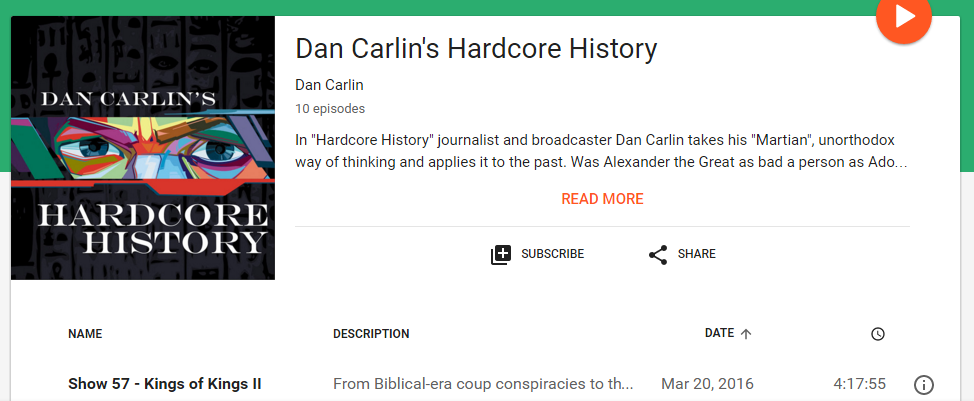
That’s actually an important feature because it helps to distinguish Google Play Music from its existing Android competitors like Podcast Addict and Pocket Casts, both of which already have a strong following. Dozens of other apps offer similar functionality, but none of them have a good recommendations system (although you can still look up trending podcasts across different categories.
View Trending Podcasts Overall
If you don’t want to browse a specific category, you can also sort by the top charts overall, or browse through new episodes to your podcasts. Just like with music, podcasts with adult content will have a small “E” (for explicit”) beside their title.
Not On the iOS App Yet
iOS users who signed up for Google Play Music cannot yet access podcasts on their app, as that platform has been left out of the initial rollout.
Check out Google’s podcast section here:
https://play.google.com/music/listen#/tps