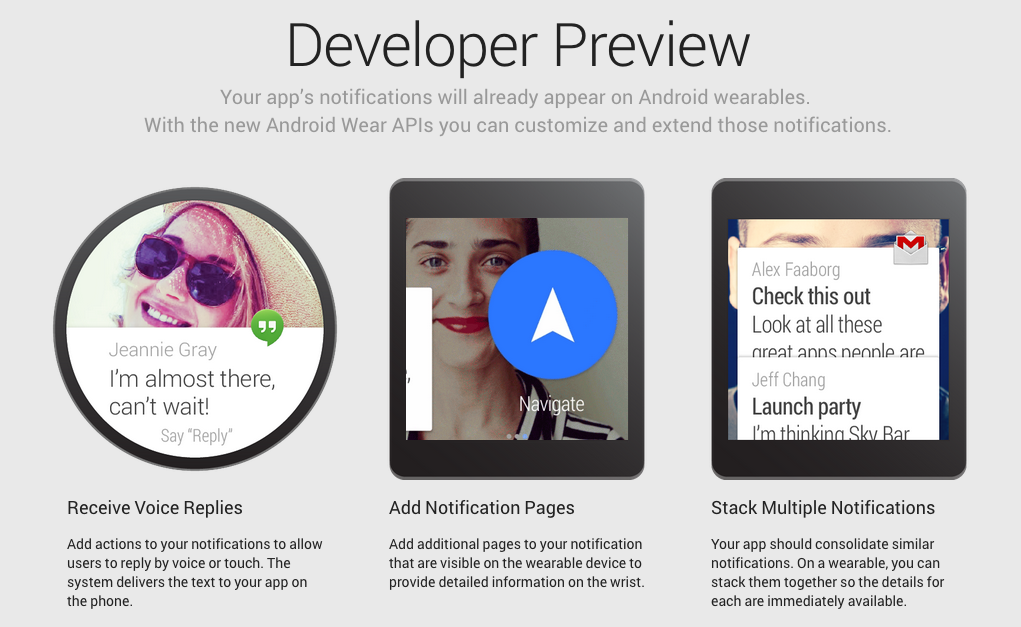
We have been discussing about Android wear, Google smartwatch and Moto 360 all this while and now we are getting updates on the anticipated user interface of the Android wear. Few days back the specifications weren’t clear and enthusiasts could only gather as much as info available in the developer’s site. Come to think of it, the market is indeed rapidly growing and our anticipations about the Android wear are being validated.
Newspeak
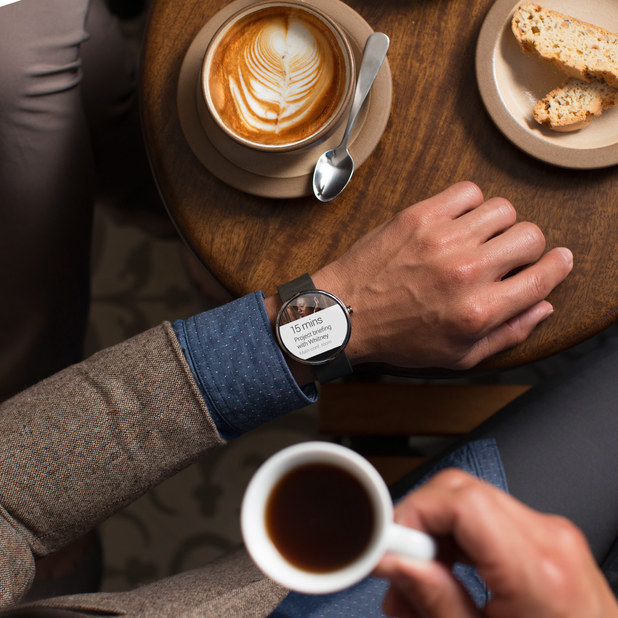
A developer’s version of the Android is reviewed in the popular video sharing site,
YouTube. Although, as natural as it seems, the features will definitely differ in the final version of the product, but this video gives a fair idea of how the interface will work on the device. The battery life is expected to be low with the loaded features but charging it daily would be considered as a downside. It is also shown that the screen would stay dead to conserve battery life, until and unless a call, message or an email pops up. With a situation as dire as this, it is advisable to avoid checking time on this device, which is apparently a watch, ironic!
Demo of the Beta version
Dom Esposito, who posted the video, explains about installing the emulator for smartwatch, Android wear preview app. This emulator basically sets a connection between the watch and the phone to exchange notifications.
- Texts – Any incoming messages will show in the Android wear and it will prompt the user if he/she wants to view it on the phone.
- Home screen – He says that the beta version isn’t equipped with much goodies but the finished product will. All we can see in the video is a dark screen with a Google icon and the time. It will eventually have an ‘OK Google’ app, as slated by the developers.
- Social Media – The emulator will push social media notifications to the Android wear to notify the user. The user can either view it on the watch or on the phone screen. There will be action options like reply, retweet, like, favorite etc. Also, we can make out the avatar picture of the person in the background.
- Email – Alike features are displayed with regard to an incoming email, i.e. reply, archive, show on phone screen etc. Clicking on ‘Reply’ will open up the compose window in the parent device but it would be convenient to reply with a voice command, which is disabled in the preview version. It is more than likely that voice command will be featured in future.
- Calls – If there’s an incoming call, it will show up in the watch. In case of a missed one, it will pop action options like call, message and show on phone.
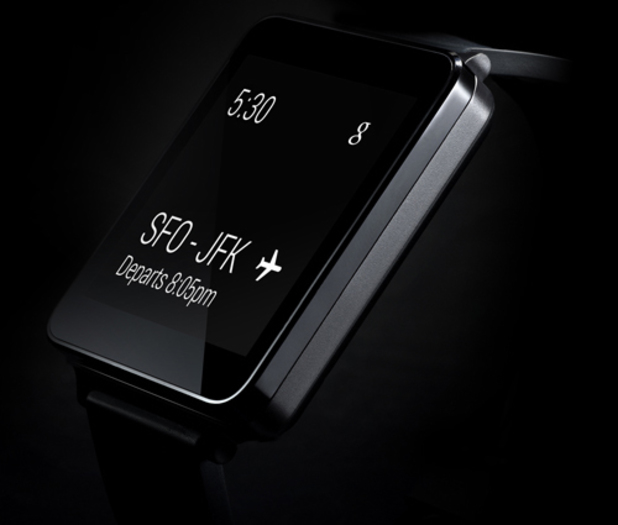
So that’s about it in the beta version but it is assured that the finished version will be a lot more detailed and comprehensive. Now that all the buzz is building up for Android wear, we are all hopeful that this installment from Google will not disappoint the fans of Android technology.