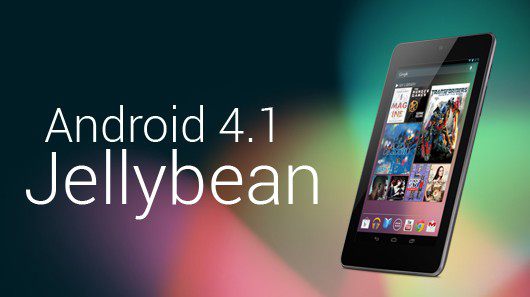
Android 4.1 Jelly Bean was released several months ago. But if somebody asked how it’s running on your Android phone, you probably wouldn’t know what to say. After all, very few Androids have an ‘official’ 4.1 upgrade as of yet, and according to Google, only 1.2% of all active Android phones have upgraded to the latest version of Android.
This staggered upgrade process exists in sharp contrast to the upgrade process on other devices. When an iOS upgrade is released, it’s instantly available on all devices. Other mobile operating systems follow a similar path.
So what makes Android different?

Android is an open source operating system. After an upgrade is announced by Google, that change is reflected in the Android code, which can be
found here. However, taking that code from the open source and transferring it onto the various types of Android devices takes some time – especially if major changes were made to the system.
Upgrading Android is about more than just editing lines of code. Programmers also have to change around the wireless platforms, radio connections, and all sorts of other complex firmware on their devices. These changes are time-consuming and complicated.
Another problem is the carriers themselves. Carriers don’t like to issue new updates to their devices as quickly as possible. Instead, they prefer to wait to make sure that the update is as stable as possible. In some cases, carriers like Verizon have to wait for an update to pass certification by third-party organizations like Big Red’s Gnex.
Android upgrades versus iOS upgrades
There are never more than three current iOS phones available at any one time. That makes Apple’s job of upgrading its devices as easy as possible. Meanwhile, there are hundreds of different Android phones in the world, all of which are based off of different hardware and architecture. One update won’t immediately unify all of these devices together.
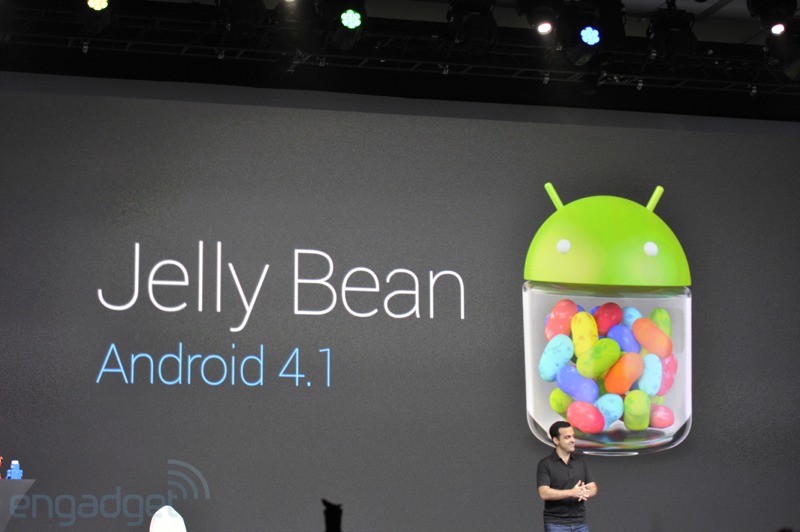
So, while Apple can easily write its patches for three specific devices, Google doesn’t have that luxury when it upgrades its Android code. To read more about why it takes so long to upgrade Android devices, read an in-depth explanation over
at AndroidCentral.com
How to get the latest version of Android
There are several ways to ensure you have the latest version of Android. You can buy a new smartphone or tablet at precisely the right time, for example. The Samsung Galaxy S 3 and Nexus, for example, can currently be found in select stores with the 4.1 update. This requires more than just the right timing; you also need to buy the Android in the right place. The updated version of the device might only be available in retail stores in a certain country, for example.
Or, you can turn to third-party upgrade solutions. These solutions can be difficult to install on your device and you risk causing permanent damage – or at least voiding the warranty. As a result, we don’t recommend them.
Want to avoid the Android development cycle altogether?
If you’re sick of reading about the features of an Android upgrade one day, and then seeing it on your smartphone several months later, then there is an easy solution: – root your Android device. Rooting your Android phone or tablet gives you access to the deepest files in the system. Once you have access to these files, you can install custom ROMs or personalize your device any way you like.
Custom ROM-makers often tinker with the Android Open Source Project code in order to provide the updated operating system before hardware manufacturers or carriers have the chance to do it themselves. ROMs are safe and easy to install, and they provide the same usability as a standard Android operating system, although most ROMs will significantly build upon the operating system’s features.
For example, there are
ROMs available that install the Android 4.1 operating system on your tablet or smartphone. And then there are ROMs that take Android in an entirely new direction. Whether you want the conventional Android interface or something completely different, custom ROMs help you maximize the potential of your Android. but in order to access custom ROMs, you’ll need to root your Android device first.