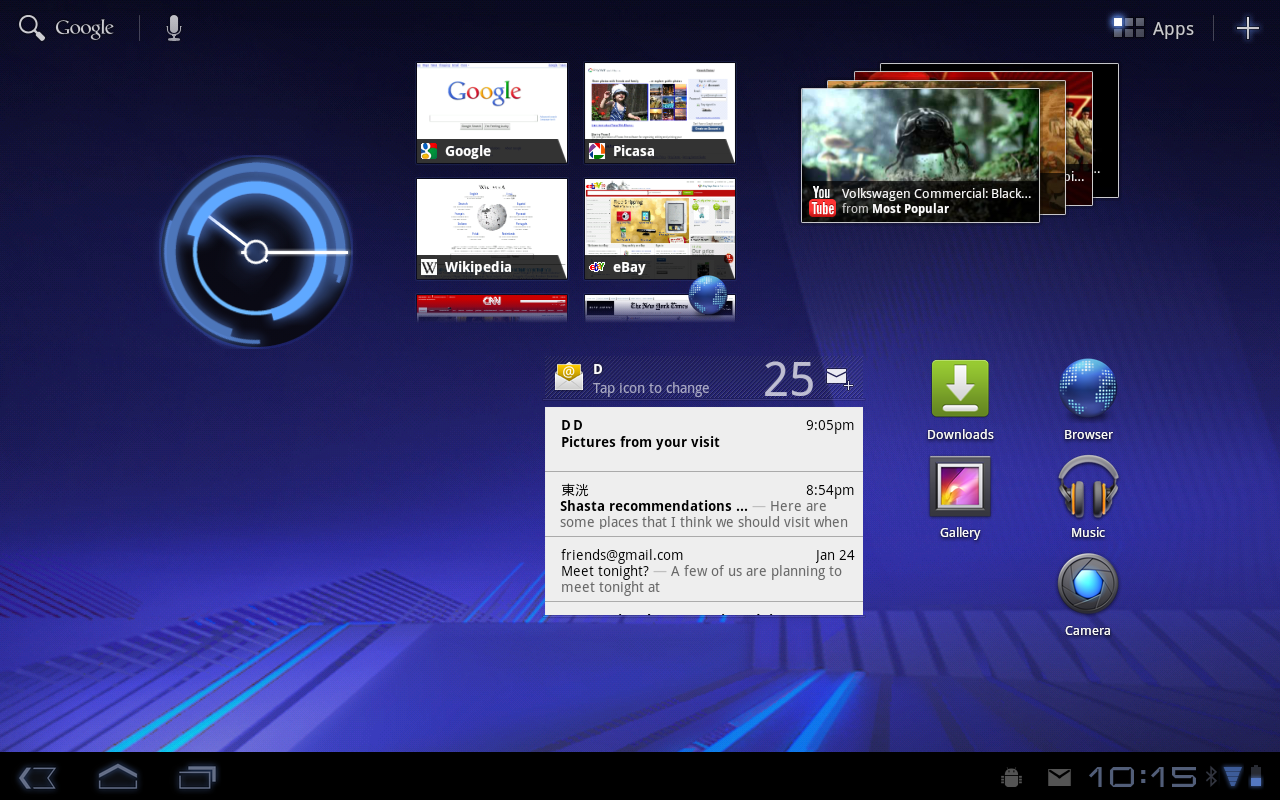
Are you an app junkie who can’t help himself whenever you see a good app trending on Google Play. Unfortunately, the cold hard truth is that you might not always need it or use it and end up dumping it from your app collection in favor of another novelty app that catches your fancy in the future. Some of you just like knowing it’s silently lingering around in your phone just in case you need to use it in the future. This nonchalant download spree can make your screen cluttered with a million apps and sometimes, you forget where the app is and miss important notifications. Let’s face it, with every new app, there’s a swarm of unnecessary notifications that clutter your notification center and make navigation impossible.
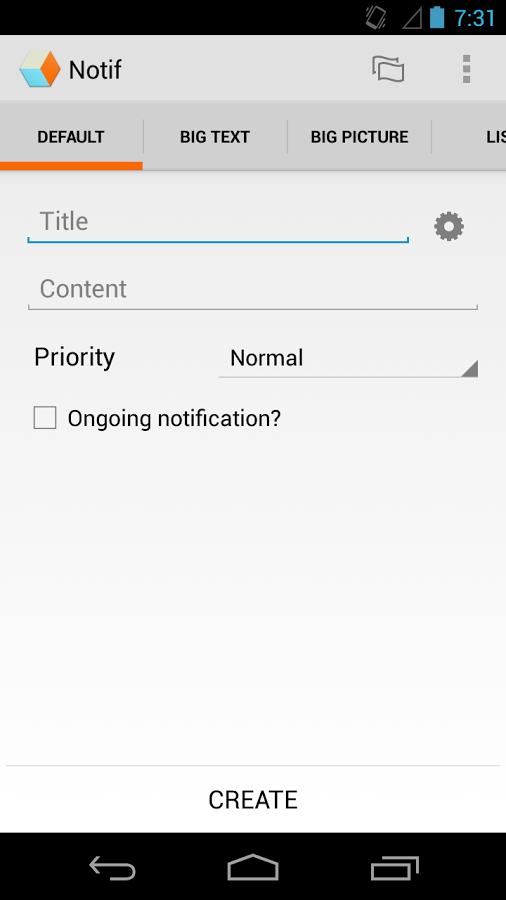
There’s times when you’ve missed an important reminder, or a meeting or a deadline, or even a really important message from a friend through Viber, or Whatsapp because you didn’t finish scrolling through your notifications. If this is a somewhat accurate representation of your smartphone usage, then here’s one last app you need to get to resolve this issue once and for all.
Notif is an Android app that basically stands for Notification History. It can easily track which of your apps is pushing unwanted messages that are cluttering up your notification centre. Once the problem is detected, half the battle is already one. But that’s not all, the app does much more.
The tracking of unwanted push messages help to figure out which app is sending you annoying advertisements that appear on the status bar and then if the advertisements really annoy you can choose to uninstall it.
Notif also allows you to do other things like collect together messages sent by apps and read them later and backup and share notifications.
But streamlining your notifications, you now know which part of the notification dropdown to look to find the messages you truly are interested in reading. It groups notifications by apps, so social media messages will all appear together making communication so much simpler.
Games and their strange updates with cling together, which makes them so much easier to deal with.
The Notif app has a number of other great features like it allows you to save notifications, clear notifications, uninstall apps. The list doesn’t end there. It has my favorite feature which allows you to ignore notifications from specific apps.
Moving on, let’s see how the app actually works. It’s really quite simple. One just has to go to system Settings and select Accessibility after installing the app. Then it entails, enabling accessibility and Notification History services. The app does it all from that point on.
The similar way one can disable the Notif app and then the notification centre reverts back to its old disorganised self.
To ignore notifications from a particularly annoying app on your dashboard, simply long click on the app icon and choose the Ignore option on the pop-out menu that appears in the Notif app.
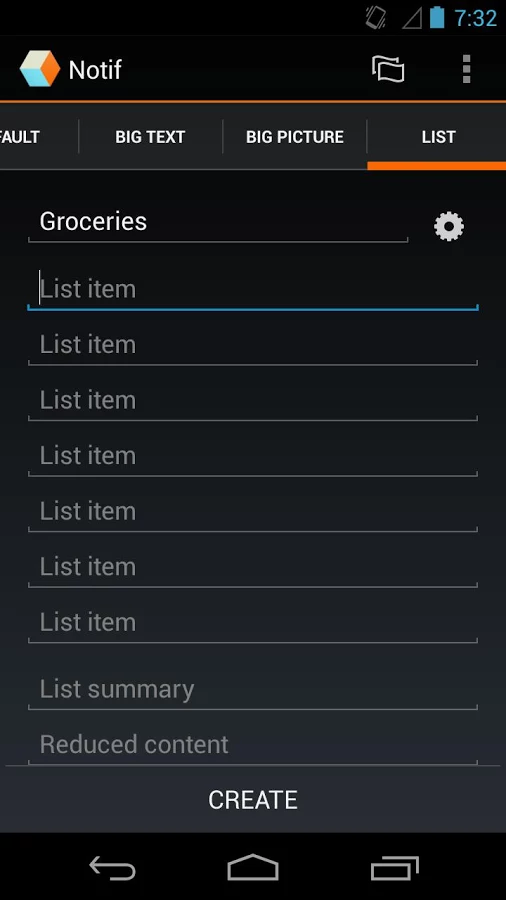
The home screen of the black background Notification History found in the Notif app has a listing of all your apps according to the time at which the last notification was received. Each app title allows you to click on it to see a drop down with all the notifications received from that app arranged by the time stamp.
If you ever feel the need to re-trigger the logging mechanism so that it is refreshed, Notif provides you with a clear button at the bottom of the app to reset the entire notification centre provided by it. This helps make life a lot simpler and a slight glitch can be resolved without any drawback to your productivity.
The Notif app does have one tiny issue. It uses internet access to show plenty of banner ads within it whenever you open it up on your smartphone. However, an update to the PRO version will make it truly live up to its name and clear all the clutter from its interface by removing the advertisements completely.
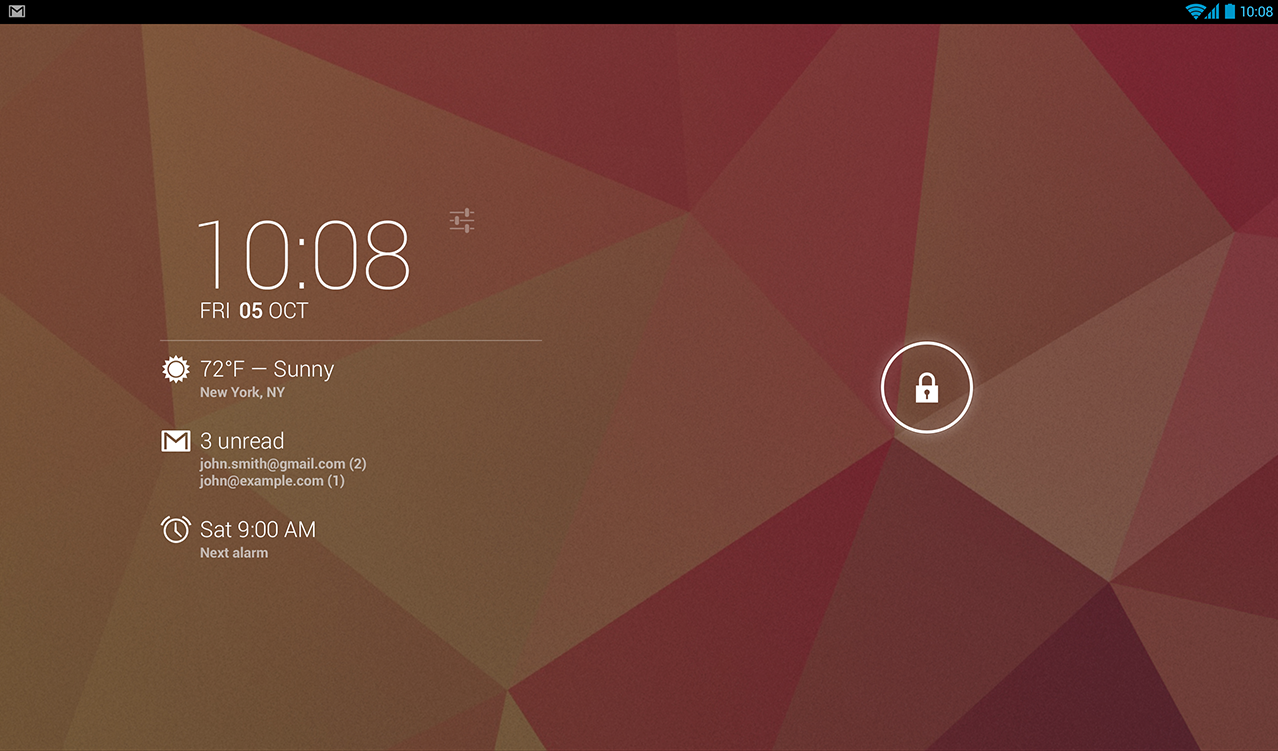
Screen clock widgets seem to be gaining popularity. Here’s another one for your consideration. It’s called DashClock and is a replacement for the one that’s inbuilt in Android. The app provides you with a clock widget for the lock screen.
To add the widget that is DashClock, one simply needs to swipe to the left-most lock screen page on an Android device and click the add button which appears as a plus sign. It then gives you a dropdown to select DashClock once the app has been installed. On selecting it, the primary lock screen widget is replaced by DashClock.
Customizing it is actually incredibly simple. DashClock allows customizing through a vast set of extensions. It gives you apps built specifically for DashClock which are distinguishable from those which weren’t built for the app as those don’t have icons. They are simply plug-ins. Other apps provide DashClock plug-ins which can be added by you as per your needs.
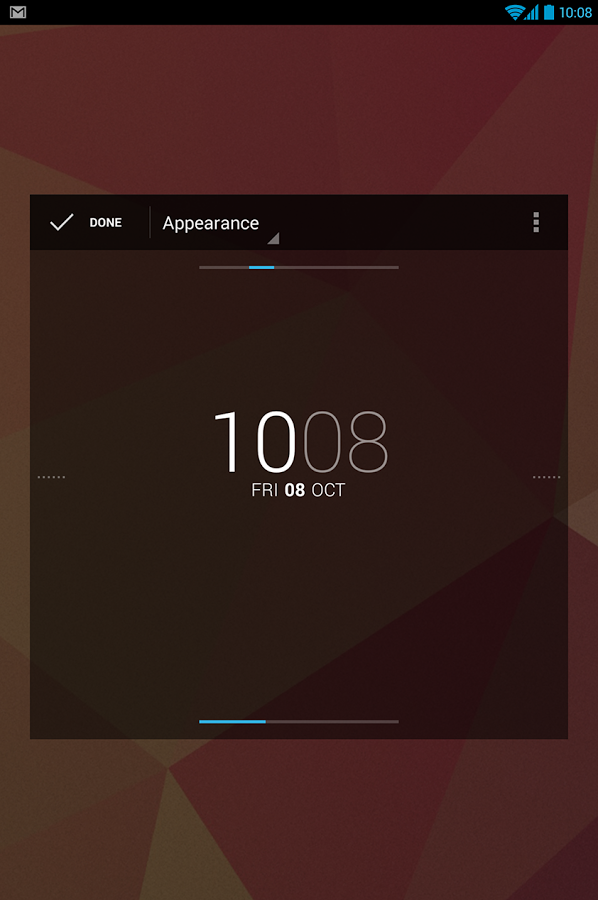
One of the remarkable services offered by the DashClock app is that it allows you to do what most clock apps don’t give you the chance to do by letting you write additional status items called as Extensions in the app and manage them via your smartphone locked screen.
The most necessary details that a clock widget should provide is given by the app. DashClock gives you the ability to add your local weather and even displays your missed calls and text messages which are yet to be read. The Dial extension allows you to dial your missed calls from the locked screen itself instead of unlocking your screen. This saves navigational time.
One feature found particularly useful that was present in DashClock was the next calendar appointment. For those of you who like to keep a busy calendar, it improves your visibility of the calendar by placing it in the clock screen saving you the effort of having to navigate till the calendar to recheck. This way the calendar can be viewed instantaneously in passing.
It doesn’t just pick up text and messaging information but also provides you the ability to add inbox mail which is unread and even those you mark as priority regardless of their status.
As DashClock, a clock widget it does its primary function by adding and displaying your next scheduled alarm so the clock is not merely showy but also useful.
The battery of your phone, especially a smartphone is so important. It is so useful to track battery in locked screen that its default in most phones. DashClock widget also gives you the option of adding battery details. The widget has an in-built plug-in that allows a simple battery bar. But for those who want something more customised, an app known as Battery Widget Reborn offers an additional plug-in that can be used easily.
Through app support, you can also get your RSS feed in your lock screen if you are the type of person who enjoys keeping up with that.
The widget interface is simple and clean. The app looks great and makes your locked screen look great. Readability of the information presented on the widget is great and even a cursory glance suffices. Download DashClock on your Android device and put the “dashing” in your smartphone dashboard.