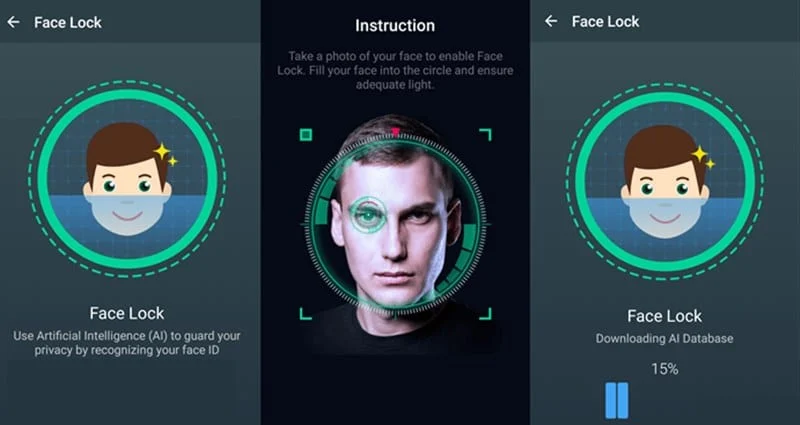
I’ve always been wary of adding a facial recognition unlock system to my Android. Some days, I wear glasses. Other days, I don’t shave. And sometimes I wear a hat. I know that the Android facial recognition system is generally smart enough to see through these changes and identify the basic facial structure beneath, but I like to stick with my basic password unlock system.
But for people like me who are paranoid about Android’s facial recognition system, Google has added the ability to include multiple faces that can be used to unlock your Android. This is useful if you want to give your significant other access to your phone, for example (bad idea?), but it’s also an ideal way to ensure that your changing facial features never confuse Google and prevent you from using your phone.
Yes, I know Google has a backup entry system that allows you to access your phone if facial recognition fails. But if you follow the steps below, you can ensure that the facial recognition system works every single time – no matter what you look like on that particular day.
Whether you want to add a picture of yourself with a beard or a picture of your mom into the facial recognition unlock system, here’s how to do that quickly and easily:
Step 1) Activate the facial recognition unlock system if you haven’t already done so. It can be found under Settings > Lock screen
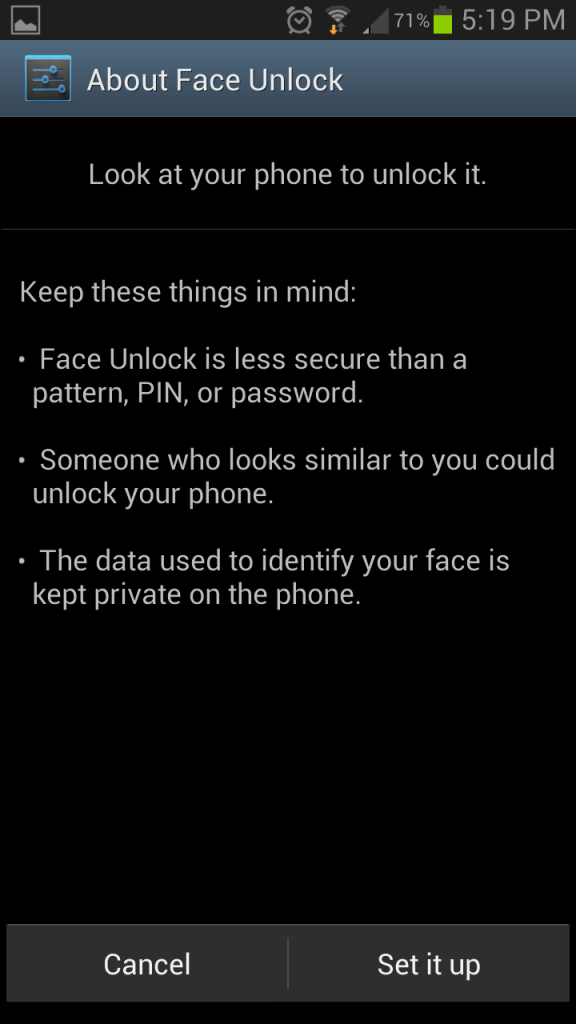
Step 2) Once the facial recognition unlock system is up, go back to the Settings > Lock screen menu and find the
Improve facial recognition button
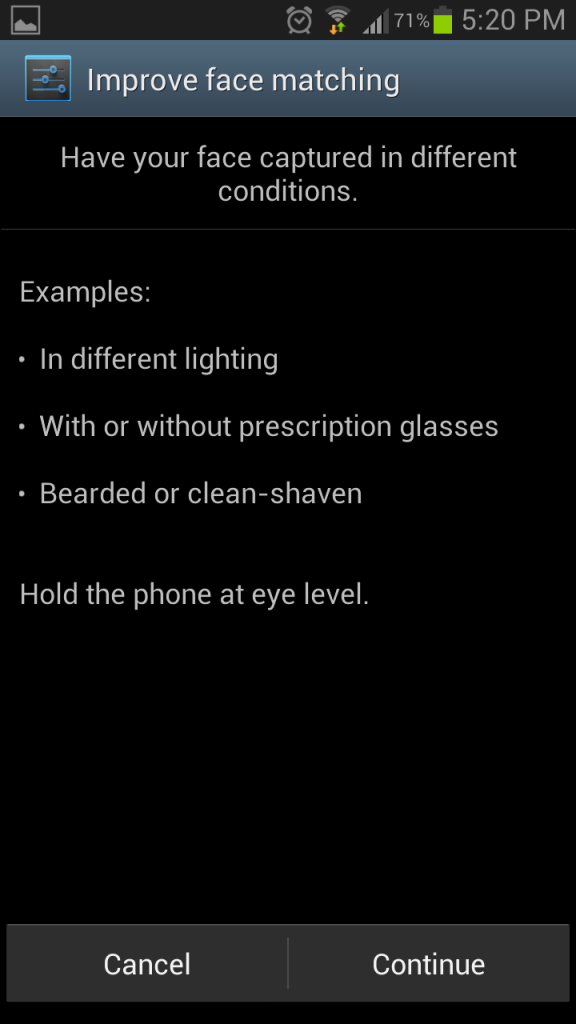
Step 3) Tap that button and your phone will start snapping a few more pictures of you.
Step 4) Take several pictures of yourself using the
Improve facial recognition system. Consider taking pictures like:
-Wearing glasses
-Makeup and no makeup
-Hair up or hair down
-Bearded and non-bearded
- A picture of your significant other, family member, friend, or anybody else who might want to access your phone in emergency circumstances (or non-emergency circumstances, whatever).
Of course, you should only access the
Improve facial recognition menu if you’ve noticed that Android is struggling to match your face based on what you look like on a particular day.
I’ve noticed that with my Samsung Galaxy S3’s facial recognition system, I can scrunch up my face, wear glasses, take them off, and do all sorts of other things to try to fool the system, only to find that Android unlocks the screen every time.
But if you’ve noticed that Android can’t keep up with your changing fashion and facial hair choices, then this
Improve facial recognition feature is a valuable tool. It only takes a few seconds to snap some pictures of yourself or a friend, and it can save you minutes of frustration in the future. So what are you waiting for?