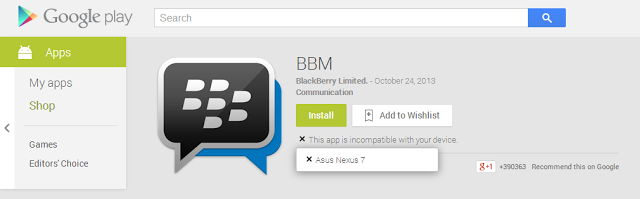
Your friend tells you about an app. You go to download it from the Play Store, only to see the devastating message that “This app is incompatible with all of your devices.”
Why can’t Canadians download Hulu Plus or Pandora?
Well, it doesn’t matter
why. Because today, I’m teaching you
how to get around geographic restrictions in order to install Android apps that aren’t available in your country.
Download a Free VPN
The best and easiest way to get around geographic restrictions is to install a free VPN app. The free VPN market can be pretty shady, so stick to VPNs with lots of good reviews from Play users (
TunnelBear VPN is one popular option. Others use Hola).
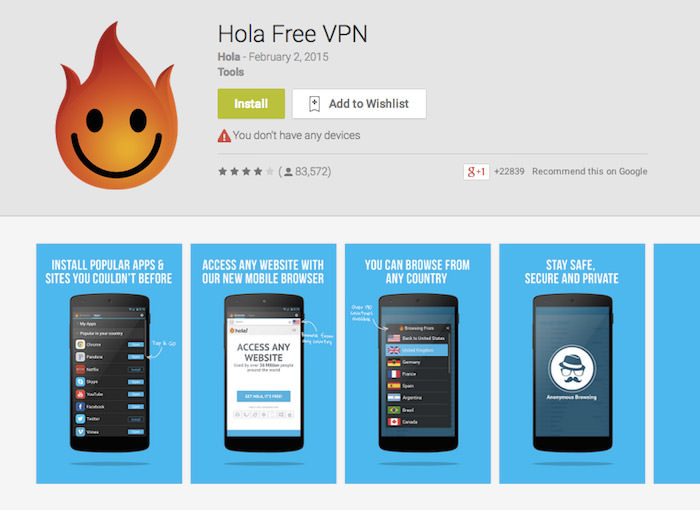
Most free VPNs will require you to setup an account, which involves giving up your email address. If a VPN ever asked for payment information, however, and you didn’t plan on paying, then just uninstall it and find a free option.
Typically, VPN apps make money by offering free VPNs at slow speeds and then offering paid upgrades to faster VPNs.
In any case, you don’t need high speeds to download one single app from the Play Store.
After installing your VPN app, grant it the permissions it requests (within reason).
Then, open the app and choose a VPN based in the country of your choice. If you’re trying to install a US-restricted app, then emulate a major city in the United States.
That’s only the first step: the next step is to clear your Play Store cache to make sure Google forgets the last place you signed in.
Force Stop and Clear Cache on your Google Play Store App
Before you open the Google Play Store app through your VPN, you’ll need to make sure Google forgets where you are.
Go to
Settings > Application > Application Manager or
All Applications > Locate Google Play Store and then go to
Clear Cache > Force Stop.
Don’t tap “clear data”. You want to avoid that button.
The next time you open the Play Store after clearing the cache, you may see the Terms of Service section pop up. If you do, don’t worry. Just tap Accept and get ready to download your geo-restricted app.
Don’t Do this with Paid Apps
If you try to download a paid app over a VPN, then Google will typically block your account because it thinks you’re being hacked. Stick to free downloads.
This tip does not require root access. However, if you
do root your device, then you’ll have plenty of more VPN options available and you’ll be able to run these VPN apps constantly without having to restart them every time you want to access geo-restricted content.