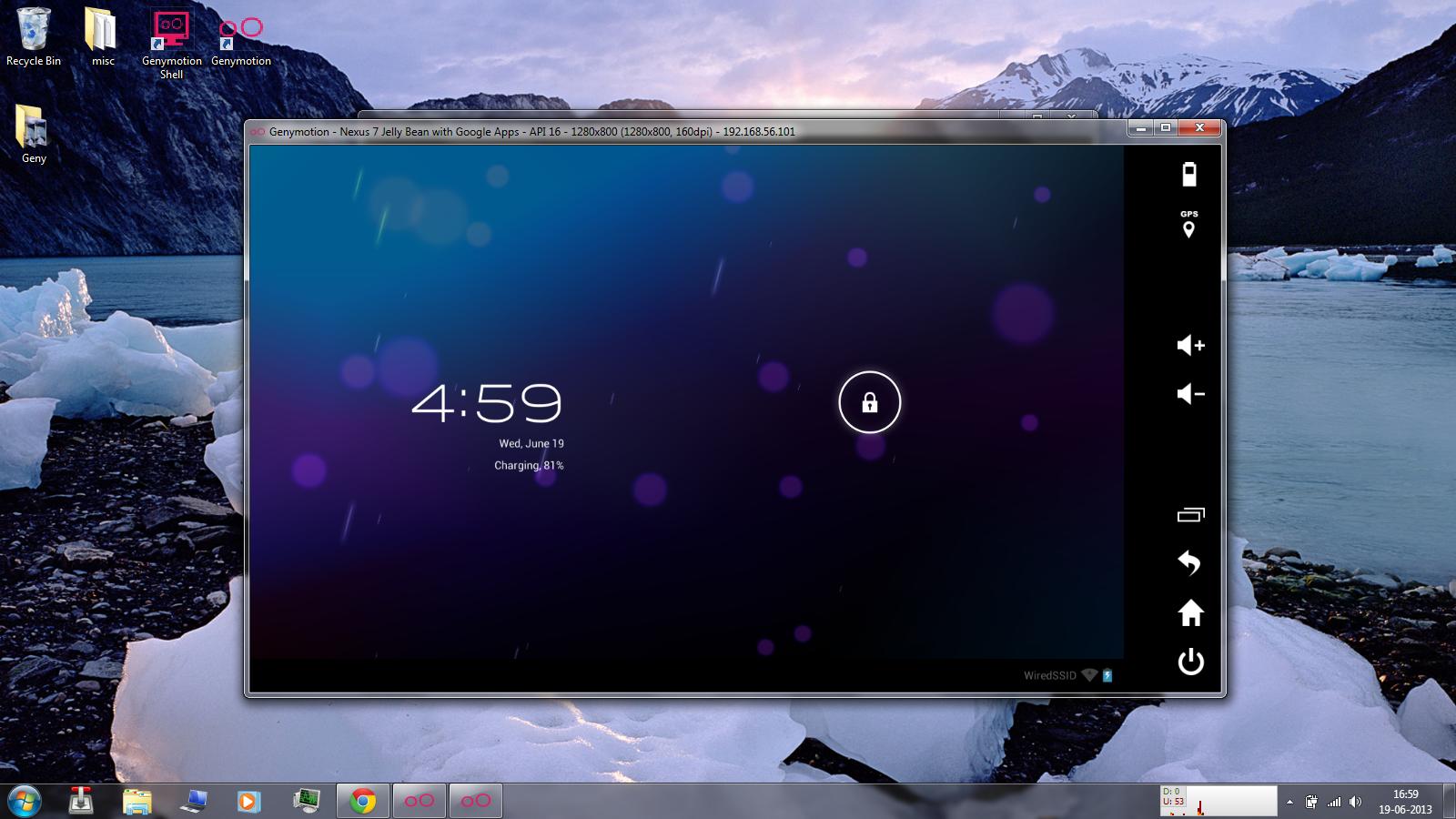
There are so many useful apps for Android that aren’t available on PC. Most users have resigned themselves to the fact that some apps just will never be available on PC.
However, that’s simply not true. Thanks to a cool new software program, you can easily run your favorite Android apps on your laptop or PC. This allows you to play Android games on systems with better processing power and it helps you enjoy mobile-exclusive apps like Shazam or Instagram on your computer.
This method will work on both your PC and Mac computer.
Ready to see how it’s done? Here’s how:
Step 1)
Download and install a software program called Genymotion, which simply requires a free sign-up in exchange for your download
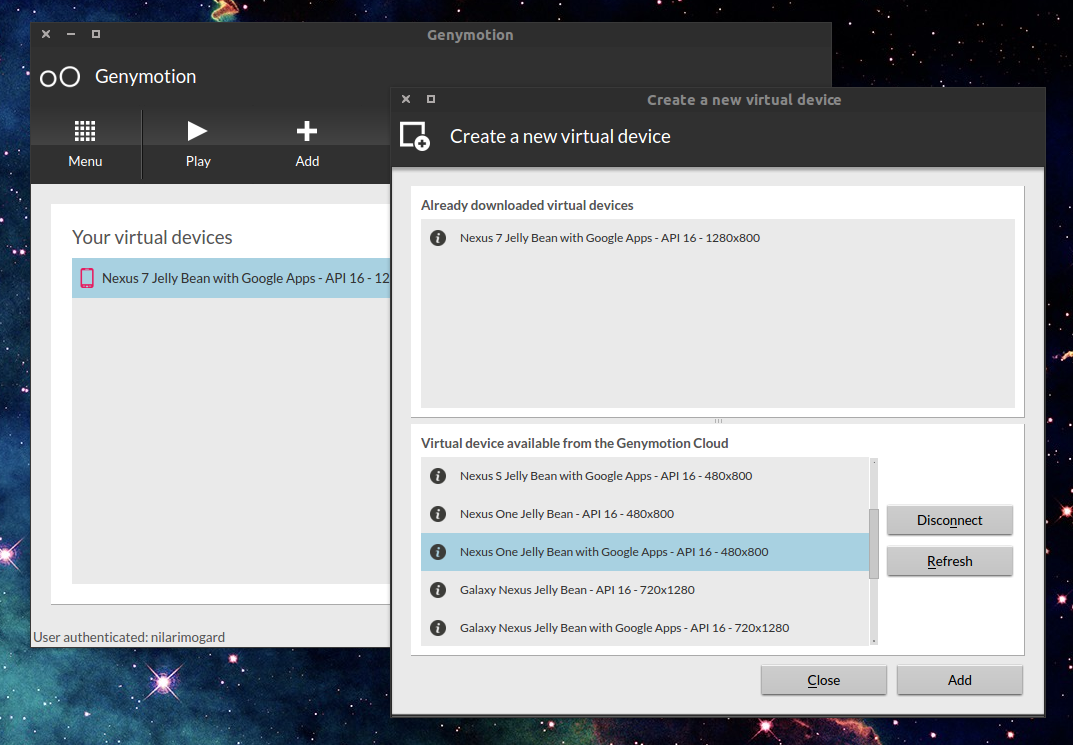
Step 2) Run the software and choose which Android device you want to virtually emulate from the list
Step 3) Choose the version of Android you wish to emulate
Step 4) The program will download your virtual Android device and then you simply click the ‘Play’ button to start it up. Once you’re in, you can sign into your Google account through the virtualized environment and download apps to your heart’s content.
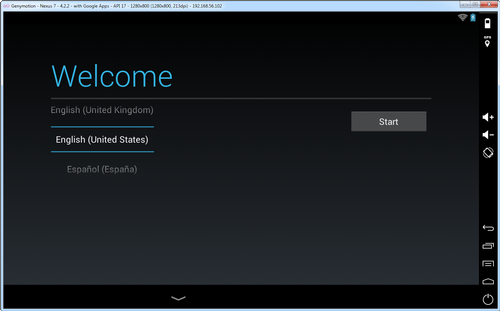
Things to do with Genymotion
-Genymotion is particularly useful for developers who are testing out their apps. You can even enter a development mode that supports battery and GPS widgets, which helps you emulate different battery situations and world locations. You can also simulate the Android accelerometer
-Uses OpenGL hardware accesleration, which means you can test your applications using your computer’s hardware (which is probably way more powerful than your mobile hardware)
-A lot of people use this program to develop apps, but really, you can use it to do anything you normally do in Android. Download your favorite widget apps and run them on your PC, for example, to stay up to date on the weather.
There are other ways to run Android apps on your PC, but I like the Genymotion way the best out of all the methods I’ve tried. It’s easy and will get your Android apps working in just minutes. Meanwhile, every other software program I’ve tried resulted in an hour of troubleshooting and complicated setup instructions.
Genymotion is also free to use, although there are paid versions available.
Once again, you can download Genymotion and get started today by clicking here.