

How to Fix Sudden Death Problem on Galaxy S3
2 min read
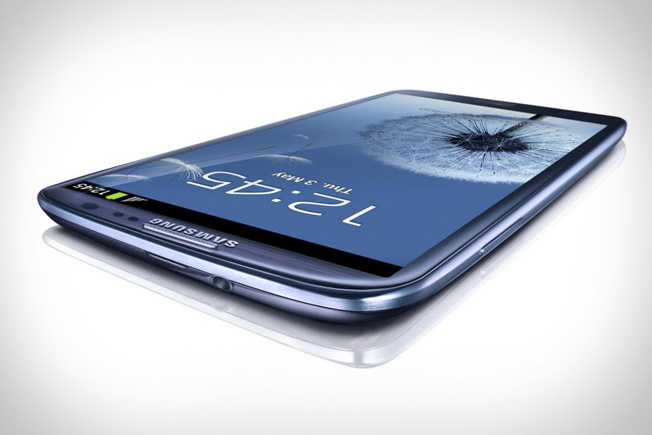
The Samsung Galaxy S3 is the world’s most popular smartphone. But like anything in life, the Galaxy S3 isn’t perfect. Over the past few weeks, many GS3 users have been complaining about a ‘sudden death’ problem.
The sudden death problem is as best as it sounds: you’re using the GS3 when suddenly, it turns off and doesn’t turn on ever again. That’s right: your GS3 can literally die in your arms. And no matter how long users waited, their GS3 never turned on again.
This isn’t a small problem. If we’re judging by a recent XDA thread about the incidence, it has affected hundreds of GS3 users around the world.
If your GS3 recently died, turned into a brick, and refused to boot, then Samsung is working on an official fix for the problem. The problem is related to the eMMC firmware, which means that it can be fixed by simply installing new device drivers. But installing new firmware is beyond the skillset of most Android users, so here’s an easier solution:
Step 1) Contact Samsung Service Center here or find a Service Center near you
Step 2) Send in your Samsung Galaxy S3
Step 3) Samsung will replace your GS3’s motherboard and return it
Meanwhile, if your GS3 hasn’t died yet, then all you can do is pray that the Samsung Grim Reaper doesn’t touch you next. If it does, you can wait for the official fix release from Samsung or order a brand new motherboard from the Samsung service center when you send your phone in for repairs.
Have you been affected by this GS3 sudden death problem? How did you fix it? Let us know in the comments!
Newsletter
Get the latest tech news delivered to your inbox weekly.