Flappy Bird is the most ridiculously popular Android game in a long time. The game is stupidly frustrating to play, and it seems like either some people get it while others just suck at it.
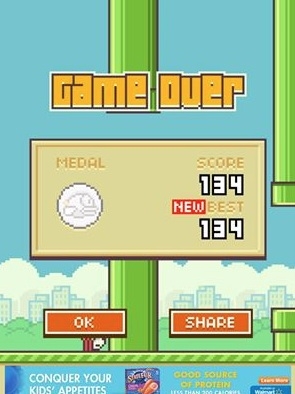
As you may have learned from my tone, I didn’t “get it” and I sucked at Flappy Bird. I think my best score was 6, which means I got past 6 measly pipes. My brother, somehow, has a score of 130+. Seriously.
As you’ve probably heard, Flappy Bird was removed from the iOS App Store and the Google Play Store because it apparently drove the game’s creator insane. He delivered this tweet the other day and, true to his word, removed Flappy Bird from the internet:
I am sorry 'Flappy Bird' users, 22 hours from now, I will take 'Flappy Bird' down. I cannot take this anymore.
— Dong Nguyen (@dongatory) February 8, 2014
Either the guy is a marketing genius or he doesn’t really care about money. In either case, a lot of people want to play Flappy Bird and can’t download it from their normal sources. Today, I’m going to show you how to download and install Flappy Bird on your Android device even without a Google Play Store link.
Step 1) Download the Flappy Bird APK from
here,
here, or
here onto your computer
Step 2) Swap the file to your Android’s storage device
Step 3) Download an APK installer
like this one and install the Flappy Bird APK file
Step 4) Start playing and enjoy! Just kidding. Don’t enjoy it because it’s an awful, stupid, frustrating game.
Personally, I think the creator of Flappy Bird is being a smart marketer. That tweet above has nearly 150,000 retweets at the time of writing and news outlets everywhere have talked about Dong Nguyen the mobile app developer over the last few years. Do you think his next project is going to be a big deal? You bet it is.
Furthermore, the game’s 15 minutes of fame were nearly over. Nguyen was reportedly making $50,000 per day in advertising revenue from the app, which is presumably enough money to finance whatever evil project he has coming up next.
Marketing. Genius. Anyways, you can get the game by following the steps I listed above. If none of the APK file links work, then yell at me on Twitter at the link below or leave a comment. Good luck!