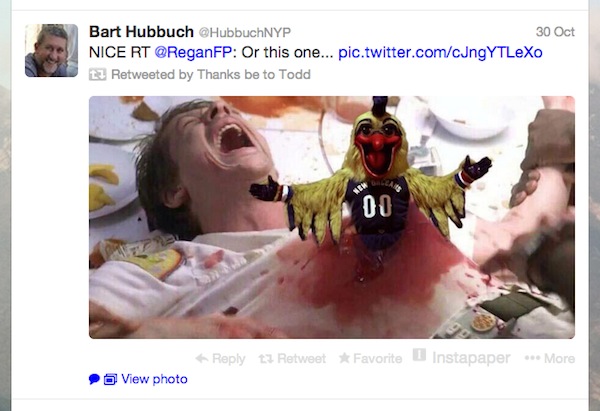
Twitter’s latest update gave the app the Facebook-like ability to automatically display images in your timeline.
Some users liked this update, while others didn’t. I suspect there are two users who didn’t like this update:
-Those who don’t like using excessive amounts of data on their smartphones and tablets
-Those who follow lots of ‘adult’ Twitter accounts and like to view Twitter in public
Fortunately, there’s an easy way to prevent Twitter from automatically displaying pictures in your timeline. Today, we’re going to show you how to easily do that:
(Note: it’s not possible to remove this feature if you’re using the official Twitter website to access Twitter on Android, but really, why wouldn’t you use the app?)
Step by step guide
Step 1) Open Twitter
Step 2) Tap on the ‘Me’ icon, which is the image of a person’s head
Step 3) Tap on the ‘Gear’ icon and select ‘Settings’
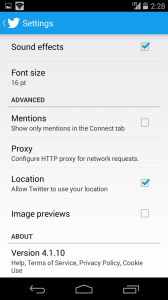
Step 4) Scroll down to ‘Image Previews’ and turn it from ‘On’ to ‘Off’
That’s it! Easy. Now you can browse Twitter in public without worrying about what kinds of crazy pictures your friends are going to post next.