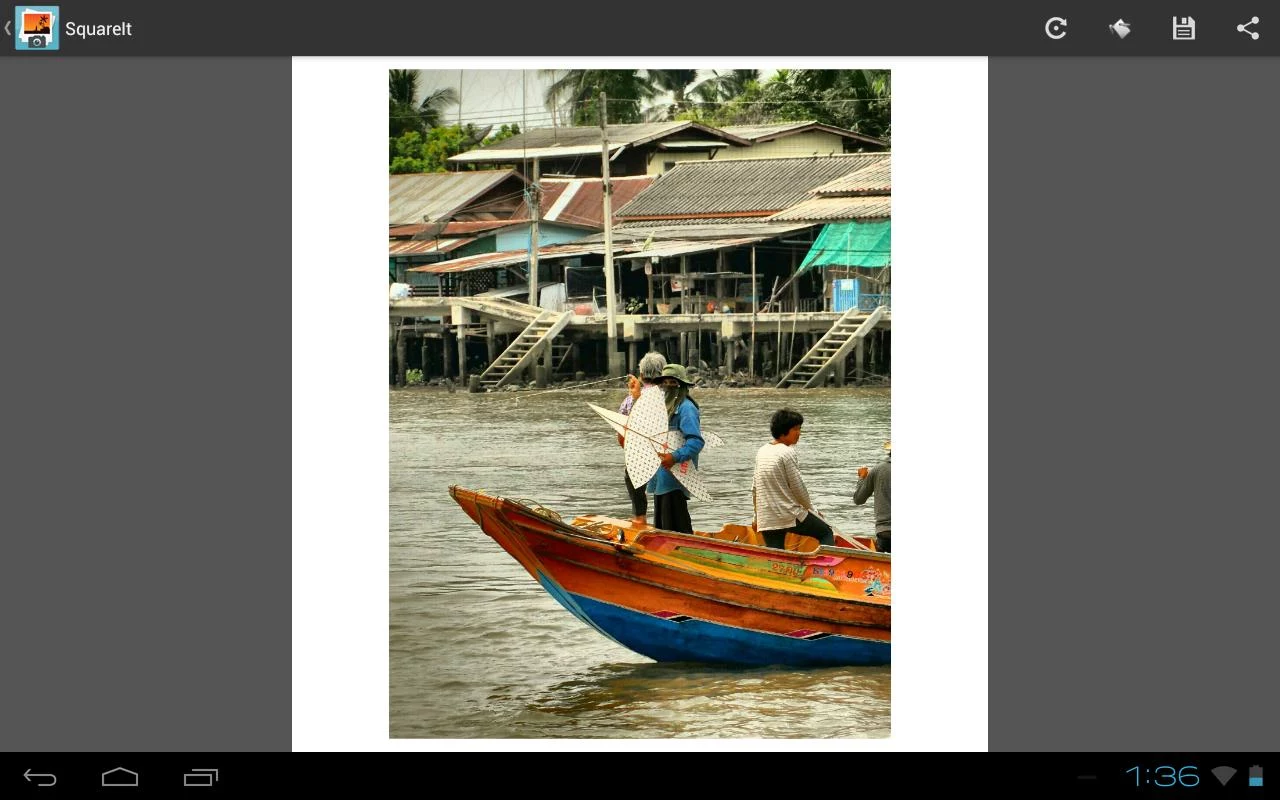
For those of you who are unlucky enough not to have an option of changing your Camera settings to a Square Ratio while taking images, SquareIt will surely be your savior.
Are you tired of having to crop the perfect image or not being able to upload your favorite image onto Instagram just because it isn’t Square? Well, those days are over, as Arty App House has solved all your problems with
SquareIt!
With over a million downloads, SquareIt is one of the best no-crop image apps on the Google Play Store.
Now I know what you’re thinking. Downloading an entire app just to avoid cropping images is too tedious. Well, you couldn’t be more mistaken. With SquareIt at your disposal, you get your work done in just a few simple steps.
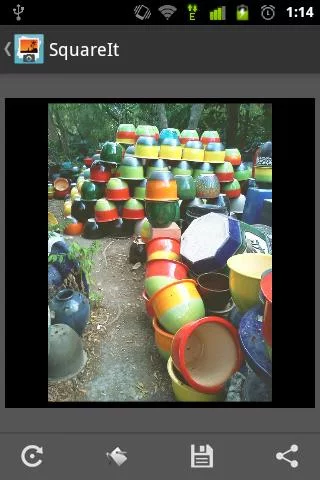
Open your picture in SquareIt and it converts the picture into a square one automatically.
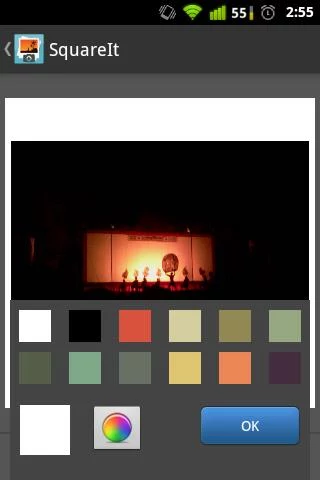
You can upload full images in either landscape or portrait orientation.
Once you select the image, it will give you 4 different options.
First one will help you with rotation, in case you want to change the orientation of the images.
The second option will allow you to change the background color. There will be some preset options made available to you already. However, you can use the color picker to choose a particular shade that you like.
The third option allows you to save your image and the modifications made to it.
The fourth option is a quick Share option. SquareIt allows you to share the image on Instagram, Twitter, Facebook, Email, etc.
So, there you have it. SquareIt is one of the best-rated and most efficient image squaring apps available on the Google Play Store!