Most of us know how to take a screenshot on Android. On most devices, you simply press the home button and the lock button at the same time. But do you know how to take a video of your screen?
Let’s say you’re playing a game and want to upload gameplay footage to YouTube. How do you do that? Today, we’re going to show you.
All Android screen recorder apps require root access in order to run. If you don’t have a rooted Android device, you’ll need to root it before we begin.
Try using a program like One Click Root to quickly and easily root your device without risking bricking it.

Step 1) Root Android
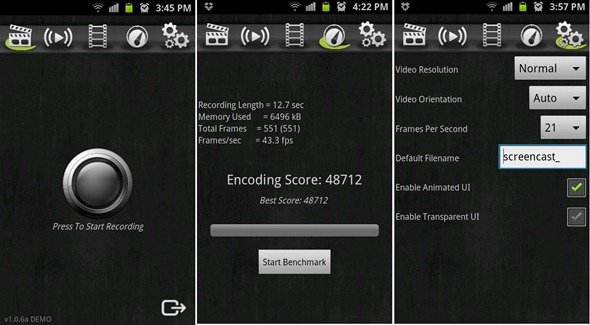
Step 2) Download one of many different Android screen recorder apps from the Google Play Store. We recommend a free app called
Screencast Video Recorder (the free version is just a demo and the full version costs $4).
Step 3) Run the app, press the record button, and it will begin to record whatever is on your screen
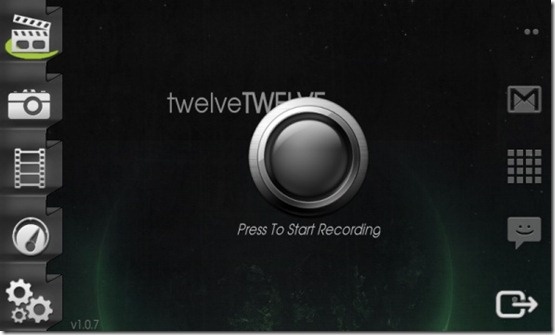
Make sure you download the free version of the app before you buy it. Screen recording doesn’t work on all devices, and on older Androids, screen recording may be painfully slow or even impossible (it takes a lot of resources to render recordings while accessing normal Android functions, especially if you’re playing an Android game).
Unfortunately, there is no way to record video on your Android without rooting it. But the good news is that
rooting comes with all sorts of other benefits and anyone can root their device in order to unlock its full potential.