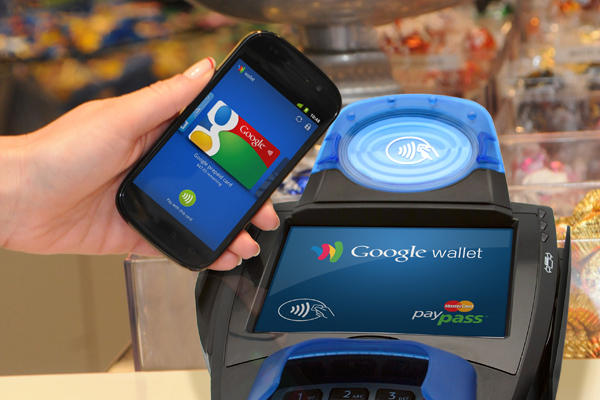
The idea of sending money over a smartphone makes me uncomfortable. Fortunately, mobile payment technology has improved by leaps and bounds over the last few years. Google’s own Google Wallet is one of the best mobile payment apps available today.
In spite of that fact, Google Wallet does not yet have widespread adoption,
with tech blogs like CNet even suggesting in early 2012 that Google Wallet was going to be a catastrophic failure. It didn’t help that AT&T, Verizon, and T-Mobile all colluded to block Google Wallet from their network’s devices while supporting a rival payment technology called Isis.
Today, Google Wallet is still alive and better than ever. A recent update removed the NFC requirement from Google Wallet, opening up the payment service to iOS users and Android users with non-NFC phones.
How to use Google Wallet
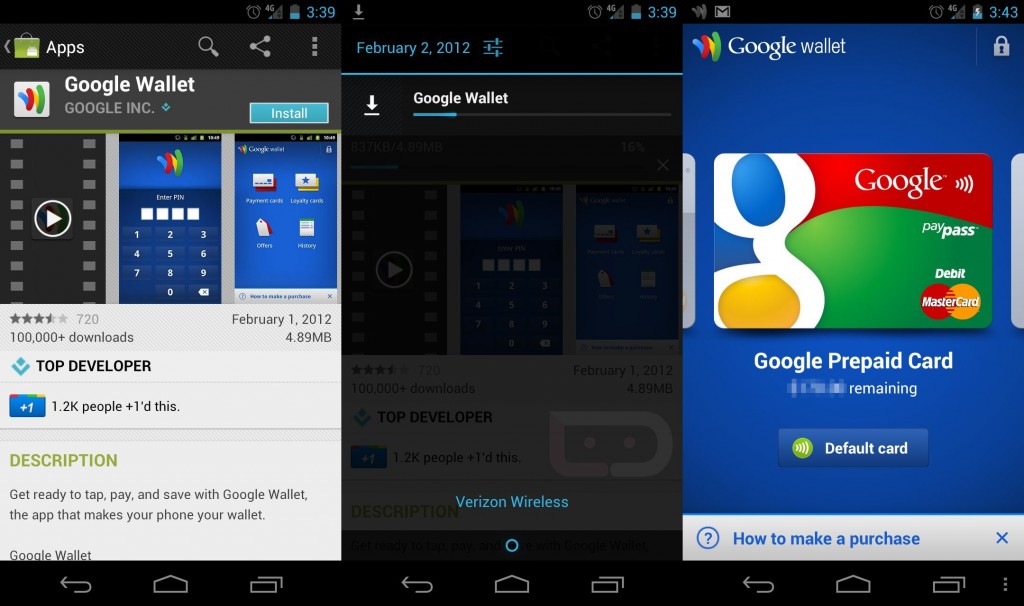
Step 1) Download Google Wallet for free
from the Google Play Store or from
the Apple App Store. Google Wallet is available for Android 2.3+ devices as well as the iPhone, iPad, and iPod Touch running at least iOS6.
Step 2) When you first open the Google Wallet app, you’ll be asked to sign into your Google account and create your own unique PIN. You’ll then receive an activation confirmation email.
Step 3) You can now use Google Wallet to send money to anyone with an email account. On certain networks and smartphones (Sprint is the largest one), you can also use the Tap to Pay feature to pay for in-store purchases. Most people, however, will only be able to use Google Wallet to view loyalty cards, gift cards, and current account balance.
Google Wallet tips and tricks
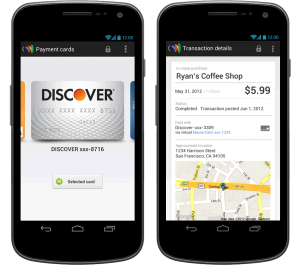
-With Google Wallet, you can view a list of your special promotions from local merchants. To do that, swipe from left to right to reveal the navigation menu. Tap on Offers to display deals from nearby merchants - kind of like Groupon. Tap on Loyalty programs to scan a loyalty program bar code into your device and then use that card when making future purchases.
-Under the My Wallet section (also available by swiping left to right), you can view all information about your latest transactions as well as a complete list of items purchased through Google Checkout or Google Wallet. Google Checkout is a PayPal competitor that is being accepted at a growing number of websites.
-So far, Google Wallet is only available to American Android users and those with American email accounts. You’ll also need to verify your identity before you send any money. To verify your identity, click on the
Verify your identity tab on the bottom of the Google Wallet Send Money page. You’ll need to enter your legal name into the form as well as your date of birth, home address, and the last four digits of your Social Security Number. Once you’ve entered that, you can send money over Google Wallet. Google also basically knows everything about you.
-You can add a credit card and debit card to your Google Wallet account, although this adds a 2.9% fee per transaction
-Earlier this week, a Google Wallet update removed the requirement for NFC (Near Field Communications), which is the technology that allows you to tap phones together to exchange data. That means that Google Wallet is now available for most Android phones on most networks.
Google Wallet is useful today, but if Google continues to grow Google Wallet, then it’s going to be quite the force in the future. Hopefully the next step will be allowing people outside the United States to use the service.