With evolving Wi-Fi, 3G and 4G speeds available across mobile networks worldwide, it is quintessential for you to pick the right connection to keep up with the rest of the world. Along with a strong internet connection, it is equally important to empower your smartphone or tablet with the right set of tools to perfectly optimize your device’s browsing, download and upload speeds.
Even with regular mobile browsers, a user must have the right tools in his device to help bring out maximum efficiency from your chosen internet connection. Whether you happen to work as an e-magazine editor or as a top company executive, the requirement of a decent internet connection is absolutely imperative to the success of your business endeavours.
Here are 3 fantastic apps that will help you bring out the best of your smartphone or tablet’s internet performance.
Speedtest.net is an app that gives you an accurate measurement of the efficiency of your device’s internet speeds. Many a times, the speed is very slow and you are in no position to tell what the sole cause for this problem is. Speedtest.net will help you decipher exactly what the problem is and help you find a way around it.
Speedtest.net utilizes integrated technologies to give an accurate diagnosis of your device’s download and upload speeds within 230 seconds with a single tap on the screen.
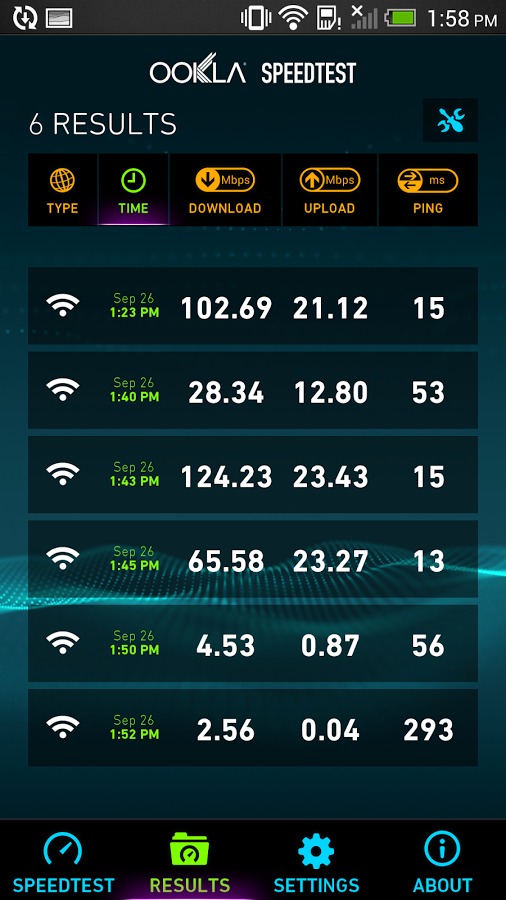
To get started, all you have to do is simply click on the “Begin Test” button on the app homescreen. Speedtest.net is a great source trusted by professionals like Anandtech, Engadget, and even the BBC and New York Times.
You can use this app to even see your internet connection’s ping rate. You can view a graph that gives a real-time display of consistency delivered by your internet connection. You can troubleshoot and verify if you are actually getting the speeds you paid for.
Speed Touch/Thompson Recovery
This is a great utility tool that detects all the Wi-Fi networks in the area and then helps you gain access to the ideal one.
Speed Touch uses an algorithm to scan which Wi-Fi network securities are easy to access and will subsequently list them for your convenience. You then choose a password from the list and then can auto login and gain access to a particular network.
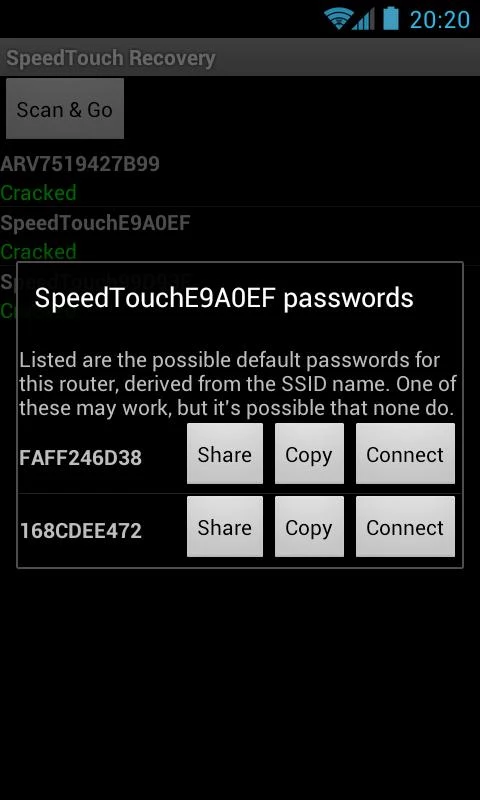
This tool will automatically scan all WiFi networks it can see, evaluate which ones might be vulnerable and list them for you. Tapping on one of the possible passwords will attempt to have your device connect to that network using the password you chose.
The first time the application runs it will need to download about 65MB of look-up tables before it can begin.
Internet Booster
We are all constantly on the hunt for figuring out techniques to further augment the internet speeds on our smartphones and tablets; however, there is no app more effective in delivering this service than the Internet Booster app.
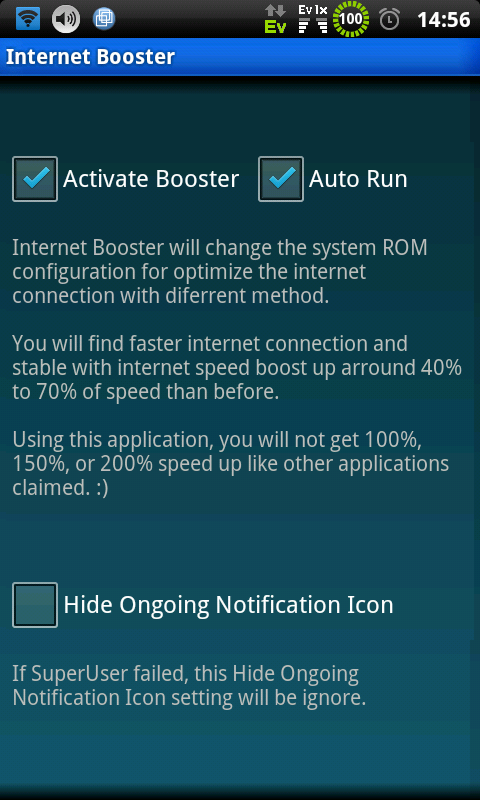
Let us take a look at some of the primary features offered by this app:-
- Boost your device’s internet speed by 20%-25%.
- Clear the DNS cache.
- Boost your MTU.
- Speed up downloading.
Boosting the MTU will give you better ping speed. You can also buffer videos way faster than normal. Optimize your browser settings by turning on experimental browser settings as well.
To get started, all you need to do is simply click on the red “Internet Booster” button. It then automatically tweaks the TCP/IP parameters of your device’s connection and subsequently boosts its speed.