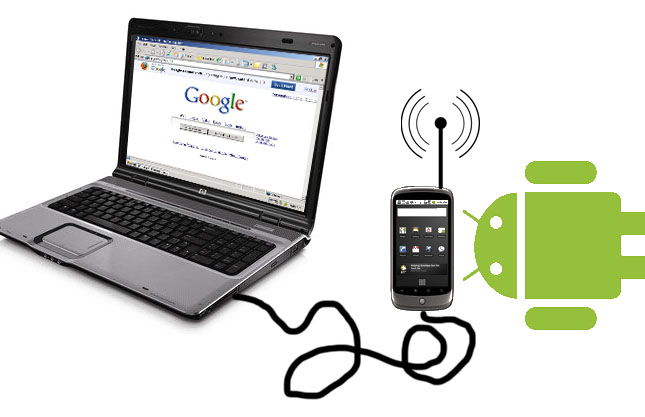
Tethering is a popular way to use the internet anywhere you have access to mobile networks. Tethering allows you to access your cell phone’s data plan from other mobile devices – just like you would access the Wi-Fi network created by a wireless router.
But tethering your Android isn’t as easy as flicking a switch. Today, we’re going to show you exactly how to tether any Android phone.
Step 1) Root your Android
In order to tether Android, you first need to root your device. Rooting isn’t nearly as difficult as many people think. In days gone by, you would have to manually install a script on your device – which was risky – in order to root it. Today
Android rooting software like One Click Root allows users with no technical knowledge to root their device simply by clicking the left mouse button.
After you’ve
downloaded One Click Root, connected your smartphone, and rooted your device, it’s time to move onto the next step.
Step 2) Download a tethering app
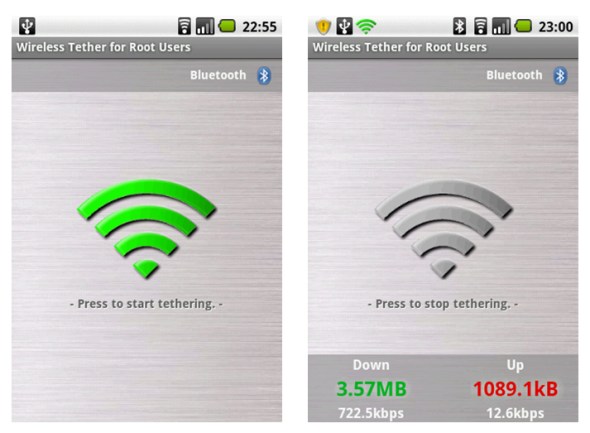
Android has plenty of tethering apps, and each one does the same basic job. There’s the basic
Wi-Fi Tethering app that can be downloaded from the Google Play Store, or there are more advanced apps like
EasyTether which allows you to share data down a USB cable. You can also try out an app called Wi-Fi Tether for Root Users, which does the same job as Wi-Fi Tethering although it has an easier interface.
Other tethering apps like PDANet allow you to tether your smartphone via USB cable as well as Bluetooth, although PDANet is only free for the first 14 days of use.
If you’re looking for a basic tethering app, the
Wi-Fi Tethering app will get the job done.
Step 3) Setup the tethering app
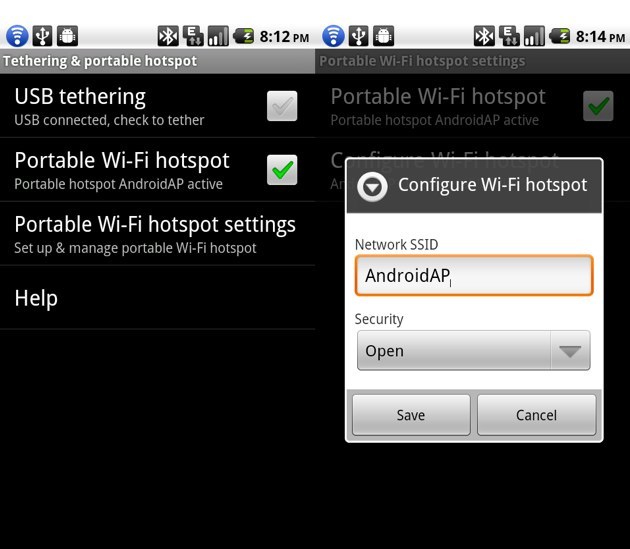
Once you’ve downloaded and installed your tethering app, setting it up is easy. Apps like Wi-Fi Tethering will walk you through the entire setup process, which shouldn’t take more than a minute or two. It basically involves tapping the ‘On’ button on your Android and then connecting to your phone with other devices just like you would with a Wi-Fi connection.
If you want to setup proxies and other complex configurations over the tethered connection,
then read this guide by Lifehacker.
You’re done!
Is tethering illegal?
Mobile phone technology is growing every day, and the legal system isn’t doing a very good job of keeping up. The legality of tethering your phone remains hazy to this day. Most carriers have implemented their own tethering policies that forbid users from tethering their smartphones.
After all, using data on a mobile phone is a lot harder than using it on a standard computer, and carriers want to discourage those on unlimited data plans from ‘abusing’ the system. As a result, carriers like Verizon and AT&T charge about $20 to add legal tethering packages to your cell phone plan. After adding tethering packages to your plan, you can activate the 'Mobile Hotspot' feature on Android.
But after an
FCC investigation into this practice, many US carriers are forbidden from blocking users from accessing tethering apps. In short, the law is quickly changing in favor of those who want to tether their legally purchased devices.
Fortunately, U.S. courts recently declared that rooting Android is 100% legal.