

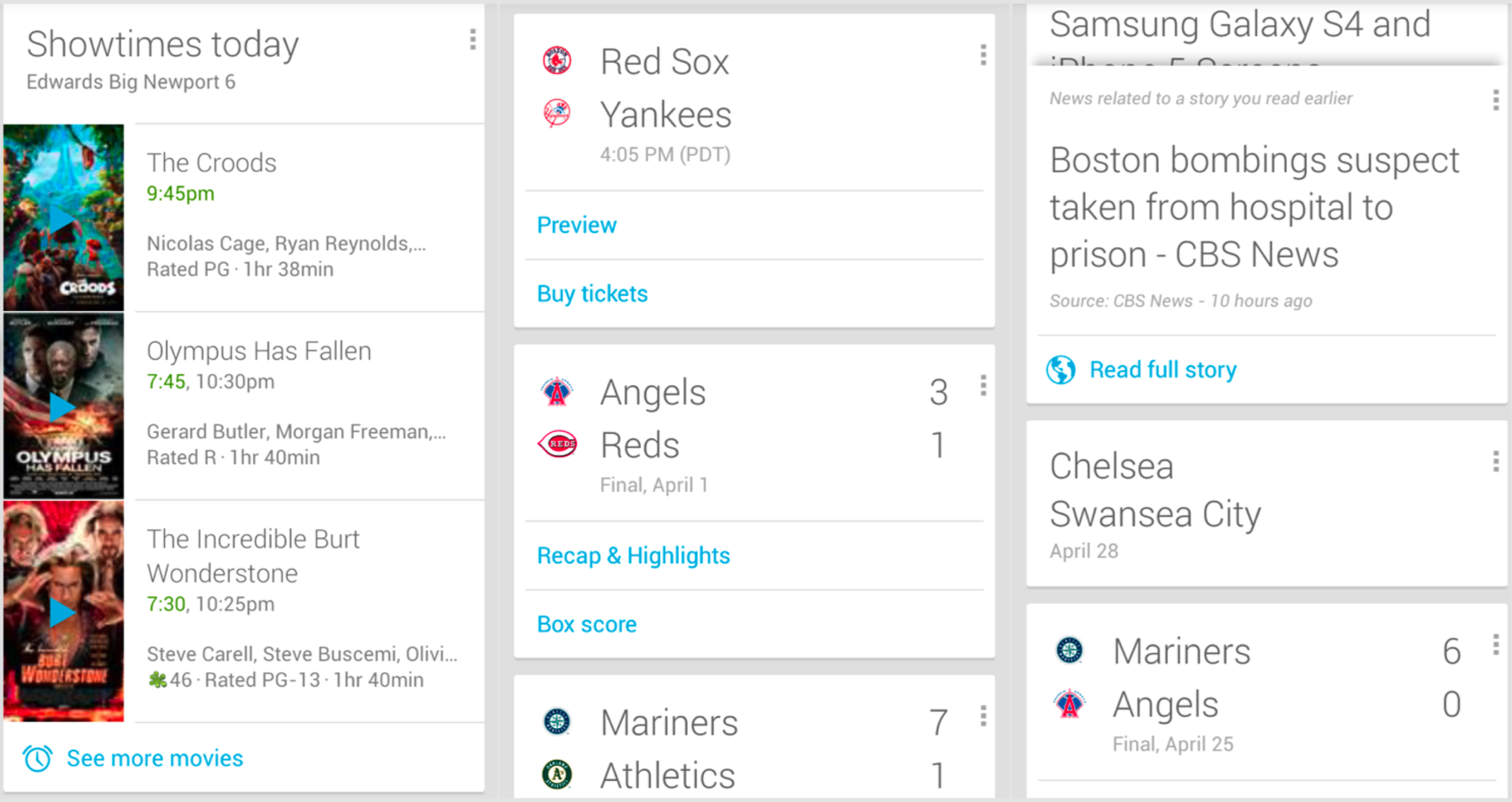
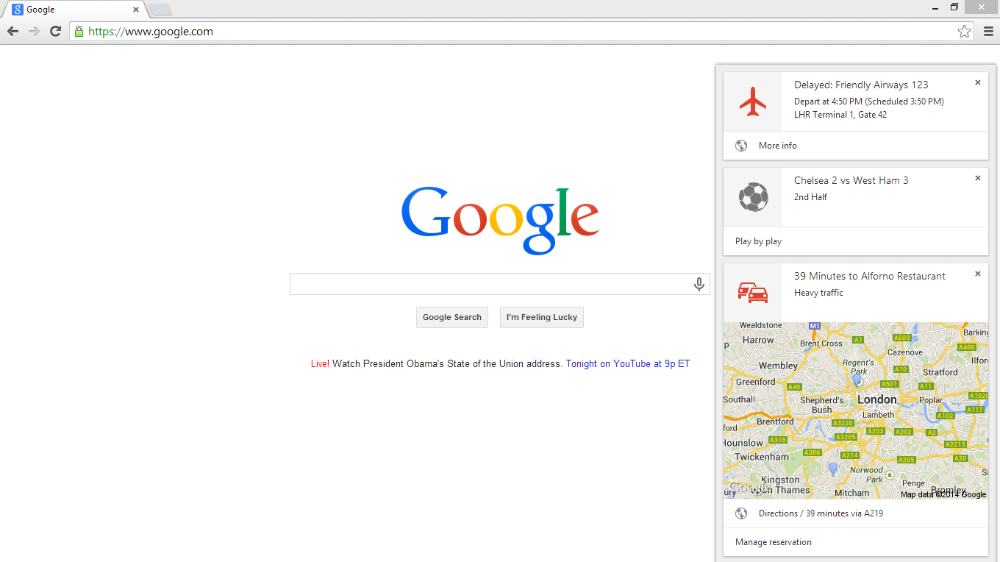
 Google Now is currently available on Windows, Mac, and Chromebook computers. You’ll have to download the beta version of Chrome, Chrome Beta, here: https://www.google.com/intl/en/chrome/browser/beta.html
Once you’ve downloaded that, you’ll find that Google Now has been automatically enabled and will appear on the right hand side of your screen. Don’t be surprised if Google Now appears in a future version of Chrome, however, once it leaves the beta. Google plans to dominate the world and Google Now will likely be an essential part of that master plan.
Google Now is currently available on Windows, Mac, and Chromebook computers. You’ll have to download the beta version of Chrome, Chrome Beta, here: https://www.google.com/intl/en/chrome/browser/beta.html
Once you’ve downloaded that, you’ll find that Google Now has been automatically enabled and will appear on the right hand side of your screen. Don’t be surprised if Google Now appears in a future version of Chrome, however, once it leaves the beta. Google plans to dominate the world and Google Now will likely be an essential part of that master plan.
Google Now isn’t for everyone. Not everybody leads such an exciting and busy life that they need their smartphone to manage every square inch of it. But most of us can agree that Google Now has at least a few useful features. With Google Now for Chrome on desktop computers, you can make Now more useful than ever before.