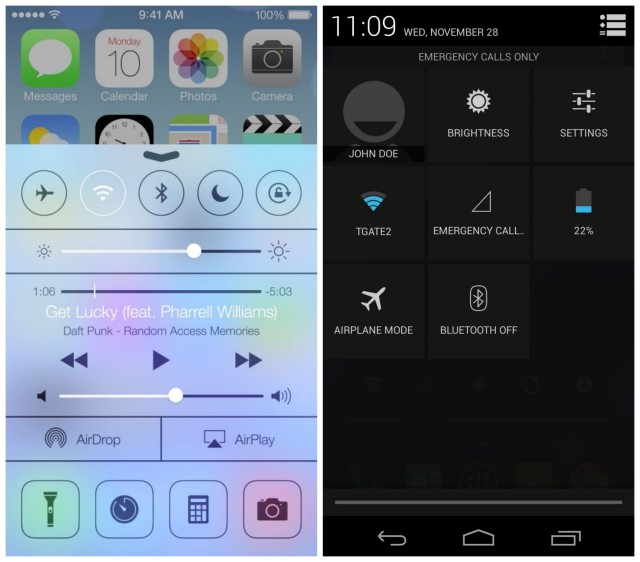
Over the past few days, I’ve seen more comments about iOS 7 on Facebook and Twitter than any other news event of the year. Surprisingly, most of these comments are negative and want a return to the old iOS.
But some people like iOS7, and I suspect the rest of the users will get used to it soon enough. Meanwhile, some Android users have noticed that iOS7 looks remarkably like Android - albeit with some changes and unique features.
Are you jealous of your iOS7-wielding friends? Want to make your Android look like iOS7? Fortunately, there are a number of easy ways to do that. Here’s how.
Real iOS7 Launcher
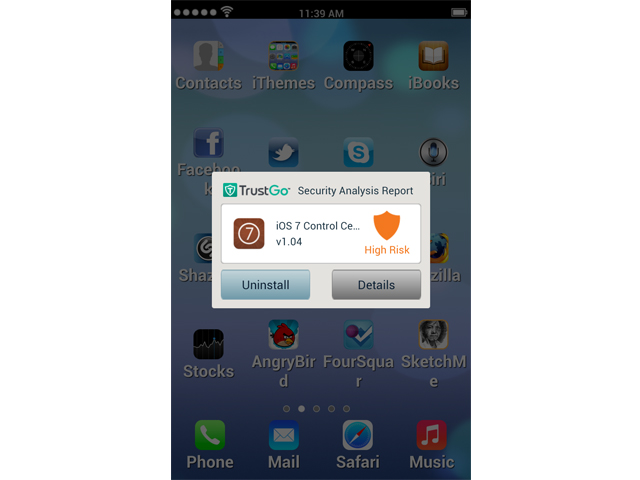
The Real iOS7 Launcher is available for free for the Google Play Store. It does a good job of recreating the iOS7 interface on the Google Play Store, but it’s far from perfect.
The app makes your Android look a little too child-like for my tastes, and the new home screen can make it difficult to access all of your apps. It also comes with built-in advertisement shortcuts, like an ‘AngryBird’ shortcut (seriously, it says ‘AngryBird’ and not ‘Angry Birds’) that takes you to some scammy download page.
If you want to give this app a try, check it out here. It has been deleted from the Google Play Store once, so we’ll see how long the newest version lasts.
iOS7 Control Center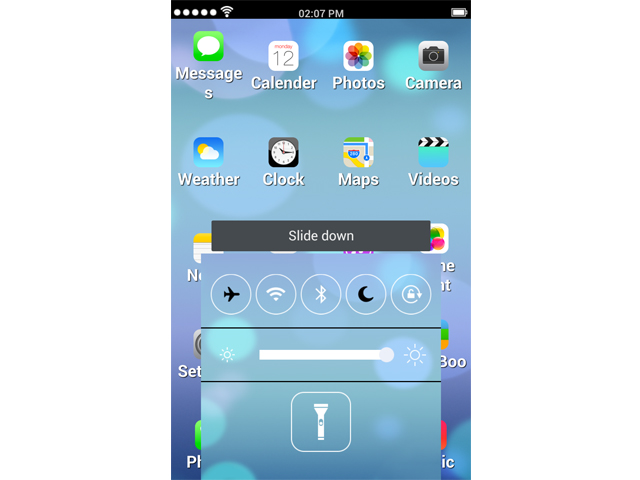
There have been a bunch of apps that aim to replicate the iOS7 Control Center. Many of these apps have been taken down from the Google Play Store after copyright complaints from Apple.
However, this one remains up for free on the app store. It adds an iOS tab at the bottom of your smartphone screen that you can tap to slide up. Once the tab slides up, you can access all of the functions you can access from the real iOS7 notifications screen, including Wi-Fi, airplane mode, Bluetooth, flashlight, screen brightness, etc.
Like the Real iOS7 Launcher listed above, the purpose of this app is to make money - not provide an authentic iOS7 experience. When installing the app, you’ll get warnings saying that the app will try to replace homepage links, modify bookmarks, and push ads to your notifications bar. Great, that’s exactly what I wanted.
If you really like iOS 7 that much, then you can download the iOS7 Control Center for free
iOS7 Calculator
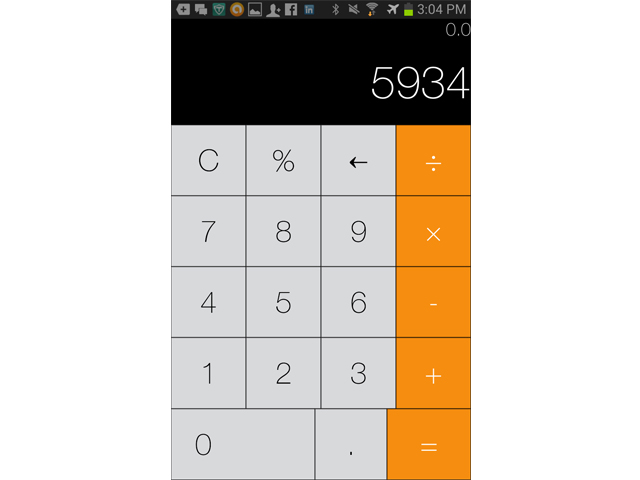
iOS7 comes with a new calculator that performs basic operations over a flat interface. And what do you know? The calculator looks a lot like the Android calculator.
With the iOS7 calculator, you can bring the unique appearance of the iOS7 calculator to your Android device. Download it for free here. Out of all the apps listed on this page, this app is the most genuine and least self-serving, so it’s a safe download.
I’m not saying you should buy an iPhone, but if you really want iOS7 on your Android that badly, then you should consider switching to Apple. Because let’s be honest: Apple is playing catch-up to Android with iOS7, and trying to make your Android look like iOS7 is like forcing your phone to downgrade.