We all know that radio’s role as a news and information disseminator has been dying a slow death for the past few decades as it just can’t keep pace with its competitors on the information highway. Surprisingly, the emergence and growing popularity of podcasts has served as a powerful alternative model for radioheads to switch over to and access a whole new dimension of on-demand content. Podcasts abandon the conventional touch-and-go Q&A interview formats in favor of having an extended, informal and passionate video or audio only discussion between guests to give listeners an authentic feel of a natural conversation and real insight into the speaker’s personality.
Thanks to podcasts, people from all walks of life can tune in to share or listen to the rants, ramblings and rhetoric of other fascinating people. It’s an all new immersive experience that integrates a layer of social networking into traditional radio and transforms it into something that a lot of us can relate to one way or another.
For those of you who just can’t get enough of listening to podcasts, it’s time to get yourself an app to access all your favorite podcasts and listen to them whenever and wherever you want. Enter Pocket Casts – a state of the art podcast-centric app for the Android platform that promises to deliver your favorite podcasts. This unique app was developed by Australian app developers Shifty Jelly and is sold for $3.99.
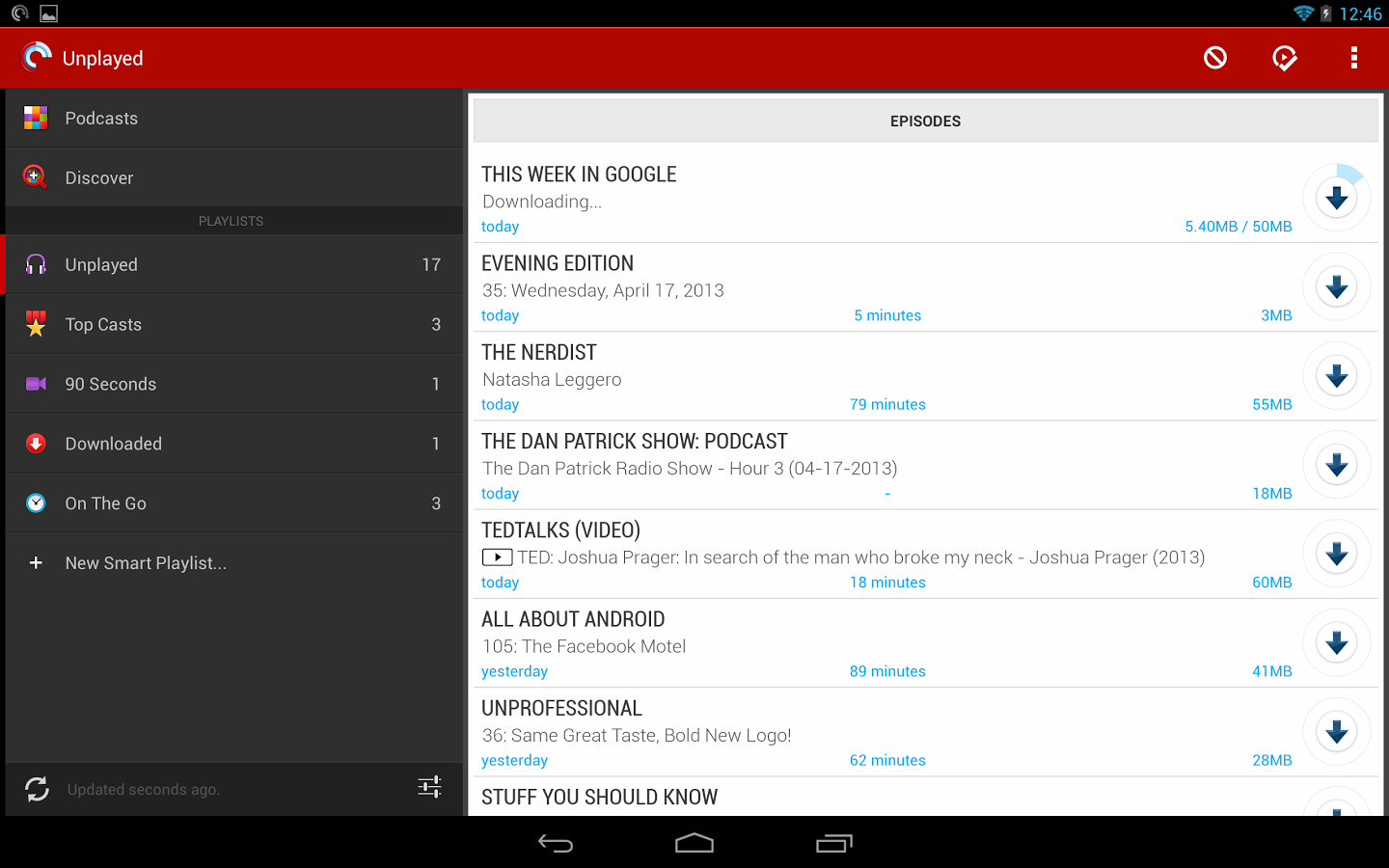
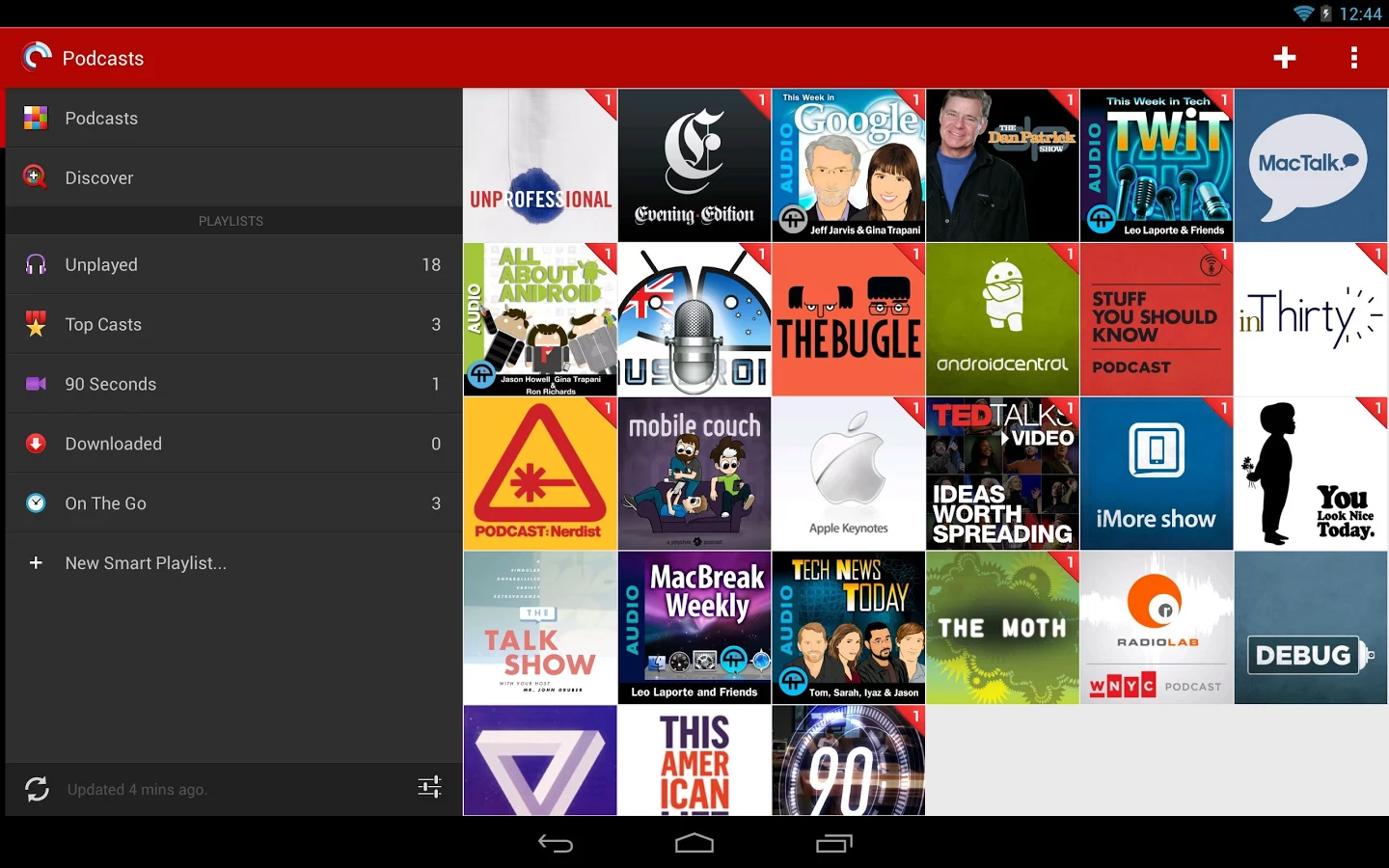
The design of the Pocket Casts app is simple and sleek. It has tags on a red background and that makes readability of its features very good. The black background is also good for conserving battery. The layout of the app is done in colours like white, red, blue accents. However, it isn’t jarring to the eye. The colours used are very fresh. It allows you to customise your own view by choosing your interface from a number of selections they provide, so it’s unique to Pocket Casts and still fits your personality.
The Pocket Casts app directly can import your OPML subscription list saving you the hassle of manually moving to this new app. However, it doesn’t force you to move your pre-existing selections and allows you to start fresh if you choose to.
The lower band has a number of frequently used options form which you can select the one that interests you most. It includes the Featured tab which essentially compiles all the prominent podcast recommended in the app. There’s also Top Charts, Search, Networks, and Categories. Basically these make searching for a podcast easy as they allow you to search for it based on a number of distinguishing factors. The lower band is translucent so you can see the art of the podcast from underneath and it gives the app a clean professional look.
The Top the Charts tab contains all the standard podcasts which are going well and are thus top of their charts. The Search tab allows you to run a wide search for any podcast you might have heard of or want to find. If it exists, it will show up. If this was not detailed enough, Pocket Casts even allows you to segregate podcasts further into All, Video and simply Audio. So this makes searching for podcasts a lot simpler. Networks and Categories are just other tools to browse and simply searches.
If you’re starting fresh and your subscription grid is empty you can hit the add button which looks like a plus sign and appears at the top right corner of the screen. The interface flips over angularly and you are able to see the featured podcasts to start with. The Pocket Casts’ colors and large font sizes make the app easy to use. The shortcuts of swipes and touches make for increased functionality.
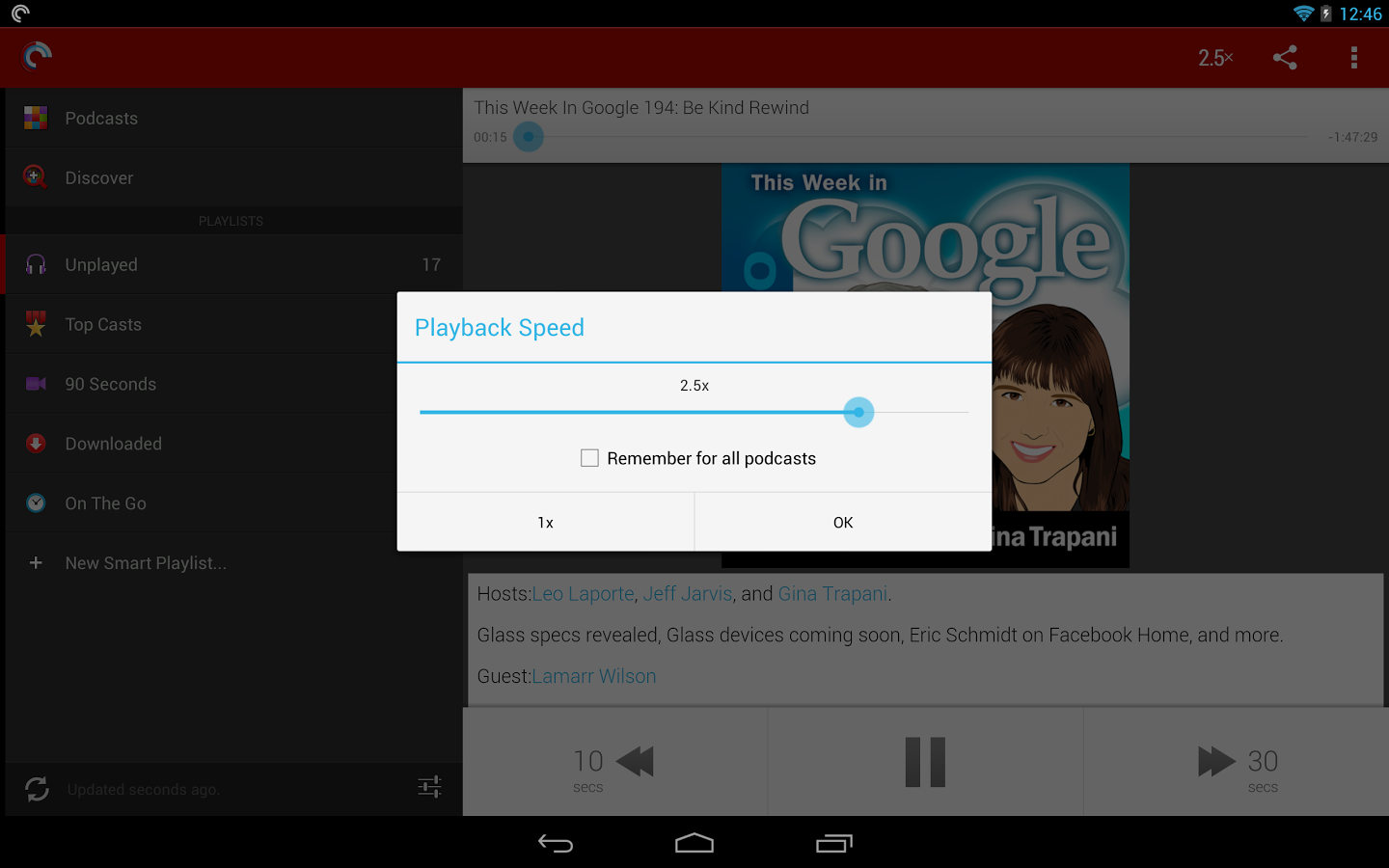
Once a podcast has been added, a simple tap on the app screen opens the podcast you are interested in. You can then pick from the variety of episodes it has to offer to view, listen or enjoy the one that caught your attention. Everything is simple and just a click away or a swipe away. The specific one can be favorited, played, added (downloaded) and you can assign episodes from a podcast to download automatically. Unsubscribing is a rectangular bar on the podcast homepage and equally easy to do. For all the hardcore or casual podcast fans out there, Pocket Casts is the perfect Android app to meet all your needs.