You probably do a lot of typing on your Android. And all of that typing can get difficult and time-consuming if you don’t know some important Android tips and tricks. To help you text faster and write emails like a professional, read through the following Android typing secrets:
The ol’ double spacebar trick
Of all the secrets on this list, this trick might be the most well-known. When typing, hit the space bar twice in order to automatically place a period and begin a new sentence.
Many smartphones – like Blackberries – also have a double-space bar feature, which means that Android users were using this feature long before they bought their Android. But in any case, it makes texting and typing much easier on the fingers.
Type special characters using longpress
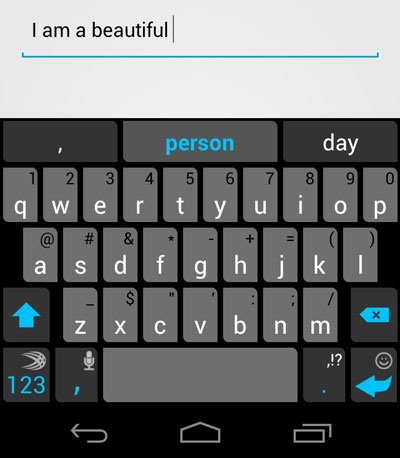
If you take a look at your Android keyboard, you’ll notice that there are special symbols above many of the keys (or all of the keys, if you’re using an alternate keyboard like SwiftKey 3). It’s not immediately clear how to access these keys, and many Android users end up hopelessly looking for a ‘shift’ key. Instead, users access these alternative key functions simply by longpressing (tapping and holding) on each key.
Turn caps lock on and off
Whether you’re yelling at someone or just telling somebody a really exciting story, the caps lock key is at its best when used sparingly. To turn caps lock on and off, all you need to do is double-tap the ‘upper case’ key (the up arrow along the left hand side of your keyboard). To deactivate caps lock, simply tap that upper case key one more time.
Cutting, copying, and pasting
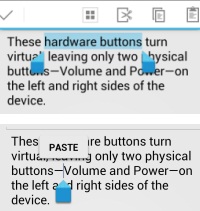
These three functions are incredibly useful on computers, but many people don’t know how to perform them on their Android smartphones and tablets. To cut, copy, and paste any text, simply double tap or longpress on your chosen word. If you need to highlight multiple words, an entire sentence, or a full paragraph, then you can do so by dragging the blue handles to either side.
Once you’ve finished choosing the word or sentence you want to edit, tap cut or copy. Then, find the text box where you want to insert that word and choose the Paste button from the cursor.
Turn off auto-correct
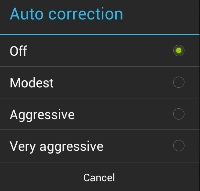
Depending on which type of Android you have, your autocorrect might be ridiculously awful. I know my default Samsung autocorrect keyboard makes absolutely no sense. If you want to get rid of autocorrect and start living a healthy, normal life, then you can do that from Settings > Language & input.
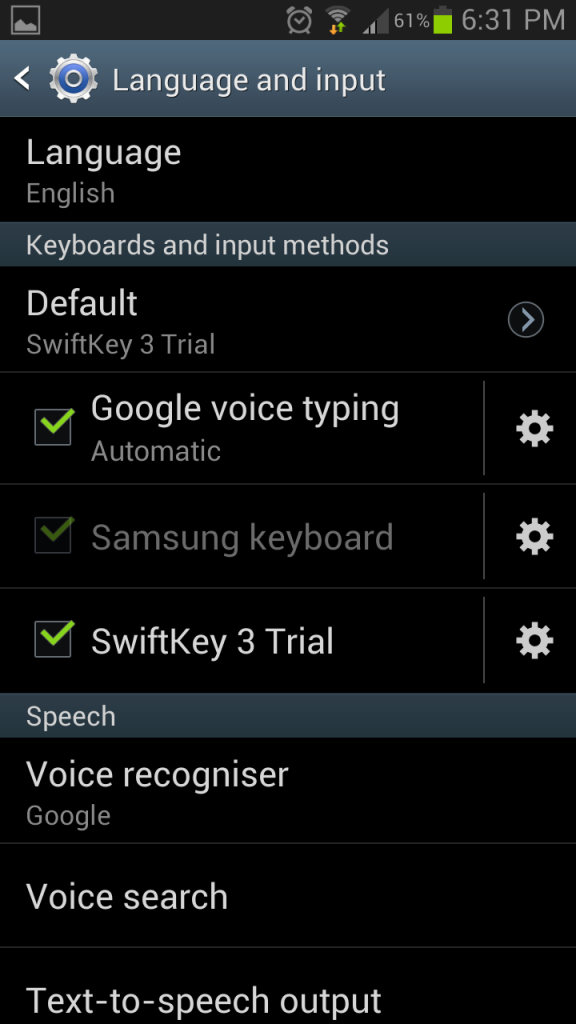
Your menu might look like the one listed above. As you can see, I have the default Samsung keyboard installed as well as the SwiftKey 3 trial keyboard (which is awesome, by the way). Simply tap the gear icon to the left of these keyboard names in order to edit every possible setting – including auto correct and prediction options.
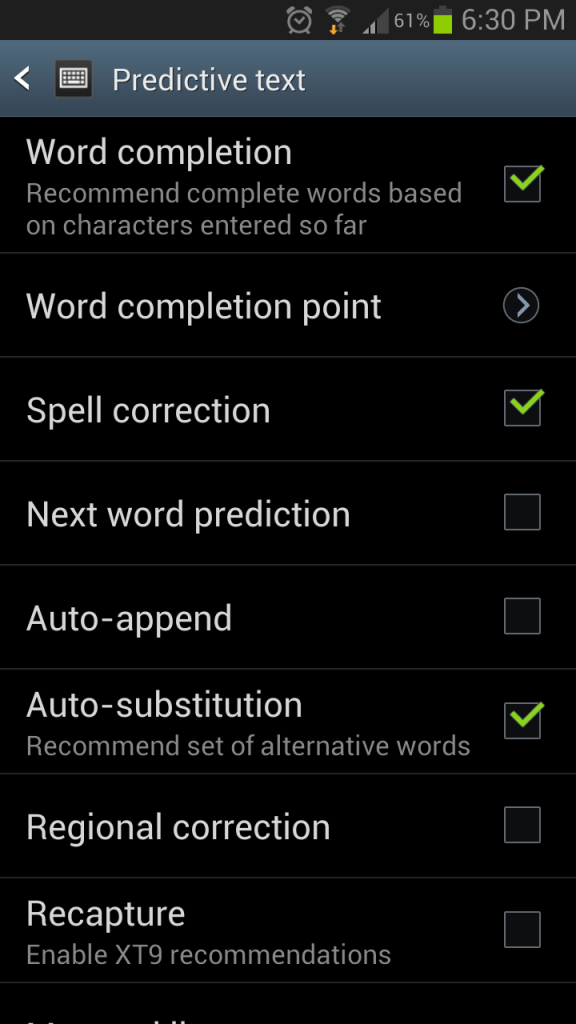
On Nexus Android devices, your autocorrect edit menu might look more like this: