For most Android users, motion controls are a gimmick. The only time they get used is when you’re showing your phone off to your friends.
But Samsung has invested a lot of time, effort, and money into making its motion controls as intuitive as possible. Today, we’re going to highlight some of the best motion controls you should actually consider using on your Galaxy S or Galaxy note smartphones:
How to turn on motion control
Before you enjoy these features, you need to activate motion control. To do that, go to the
Settings menu and tap
Controls from the top-right section of the menu bar. Then, check the slider beside
Motions to ‘On’.
On the Galaxy S3, you access the menu in a slightly different way. Go to
Settings > My Device > Motion
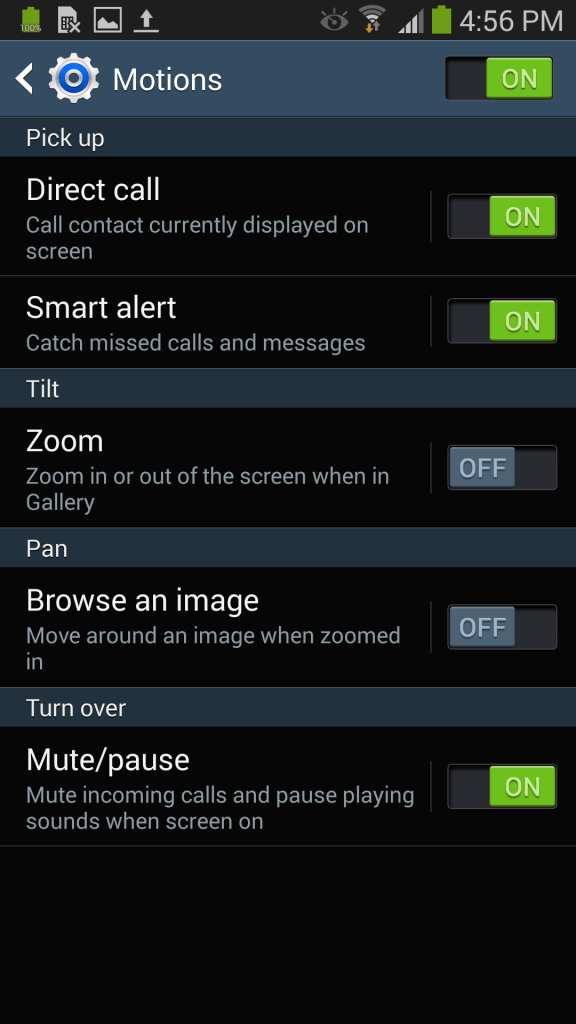
This setting is enabled by default, so you might be able to ignore all of the above steps. However, you’ll still need to activate the individual motion commands you want to use. After turning
Motions on, you can choose to turn specific motions on or off, including:
But which motions should you actually use? Keep reading.
The best Galaxy motion controls
Direct Call
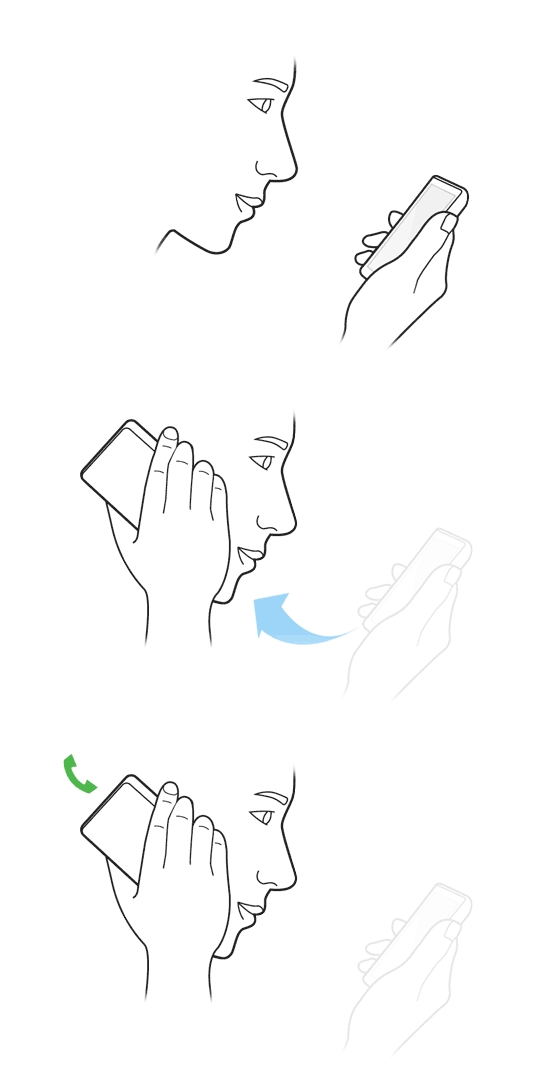
If you’ve ever been texting someone and thought, “This would be way easier to explain if I just called”, then you’ll like the Direct Call motion control. Whenever you’re viewing a contact’s message or contact details, you can simply hold the phone up to your ear to instantly call that person.
Smart Alert
Smart Alert is a useful feature that will vibrate your phone whenever you pick it up after missing a call, text, or alert. So if you leave your phone on your desk, walk away, and get a text, then your Galaxy will vibrate when you pick it up.
Gallery zoom
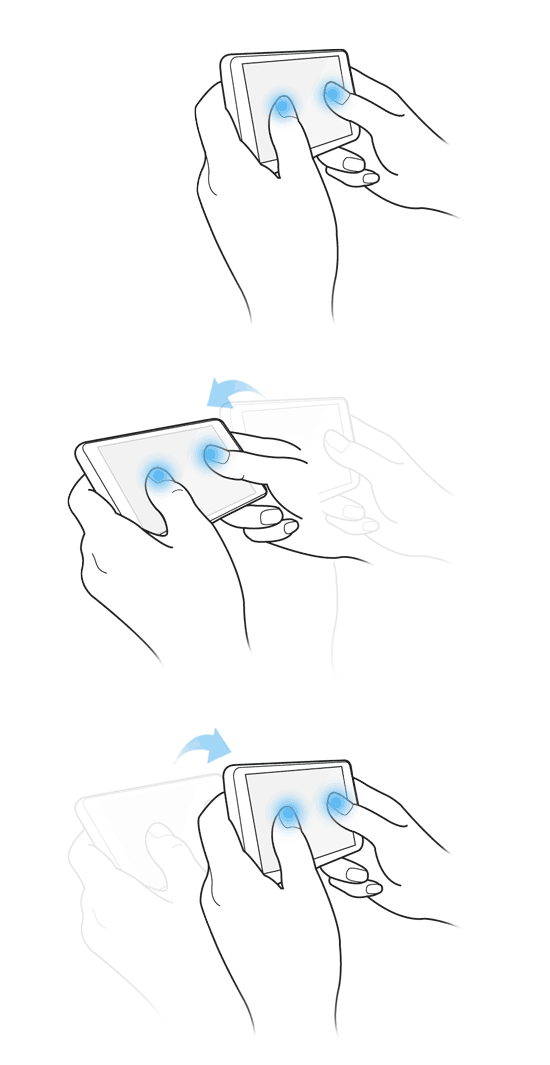
You can easily zoom in on an image in your Gallery by holding both your thumbs on the screen and tilting forward or backward to zoom. It’s useful when you don’t want to take one hand off your phone to do the awkward ‘pinch to zoom’ motion.
Pan around a photo
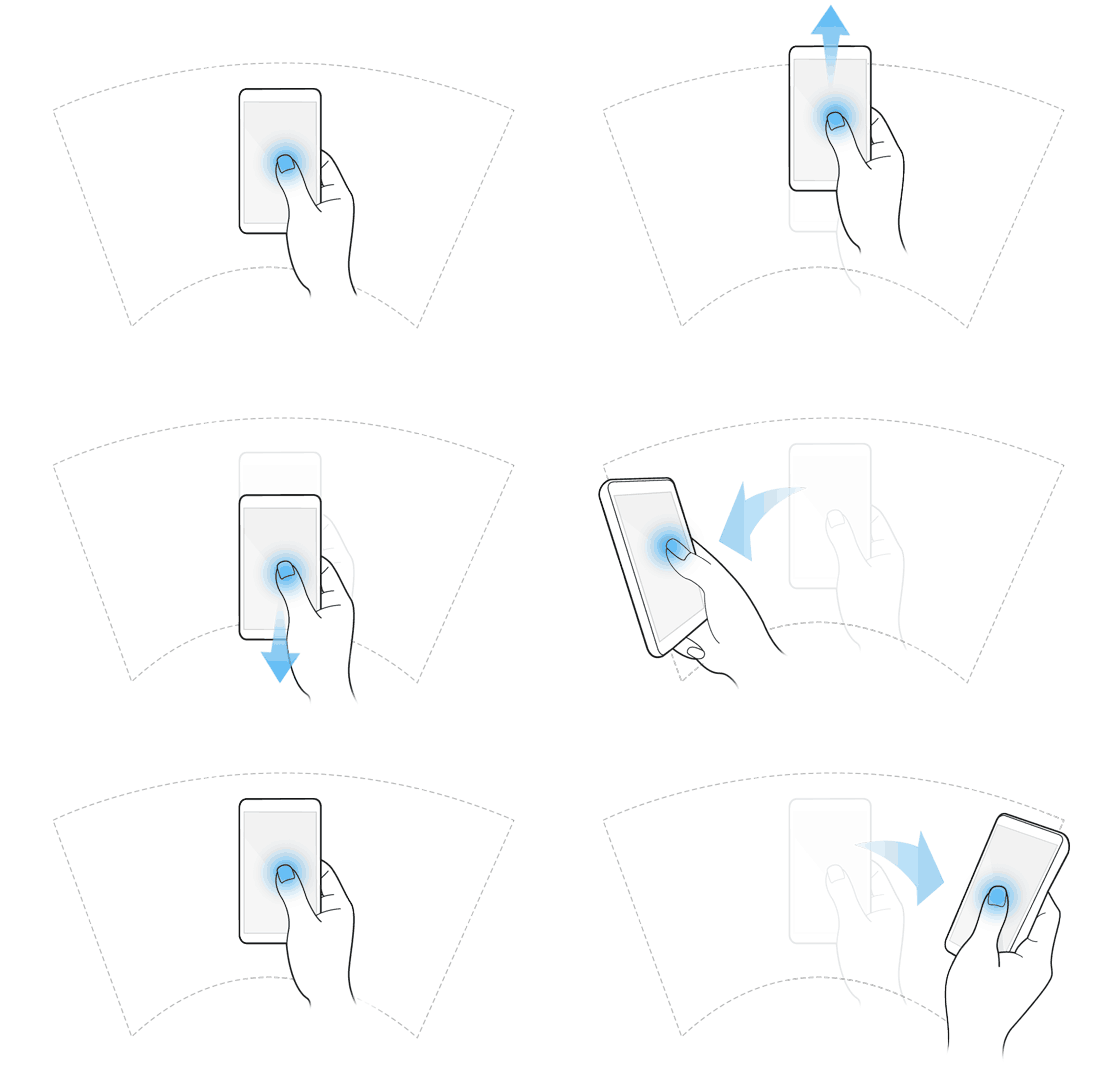
After zooming in on a photo using the motion control mentioned above, you can pan around that photo by tapping and holding the screen with one finger. Just tap, hold, and continue holding as you move your finger around.
Mute and pause
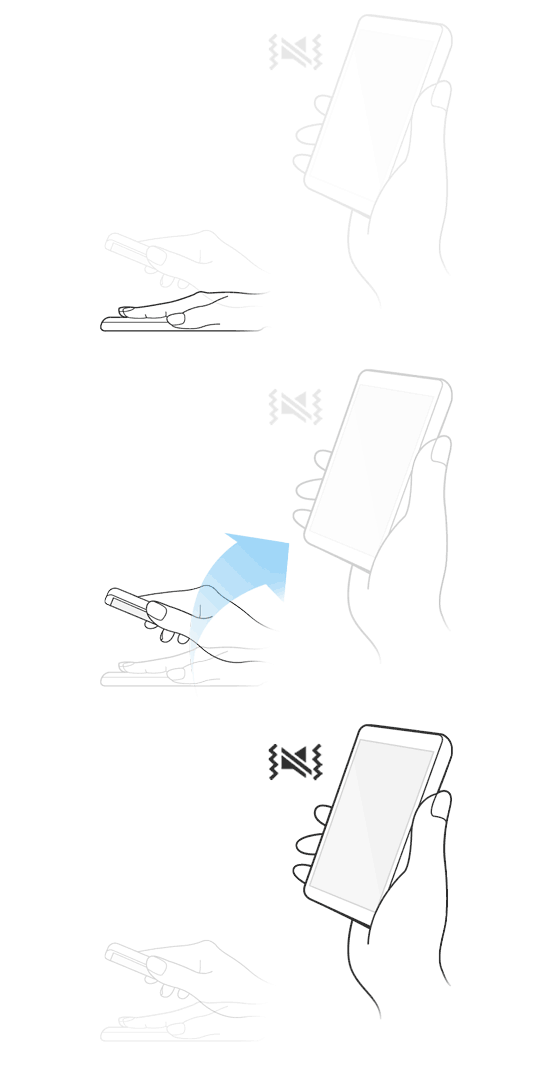
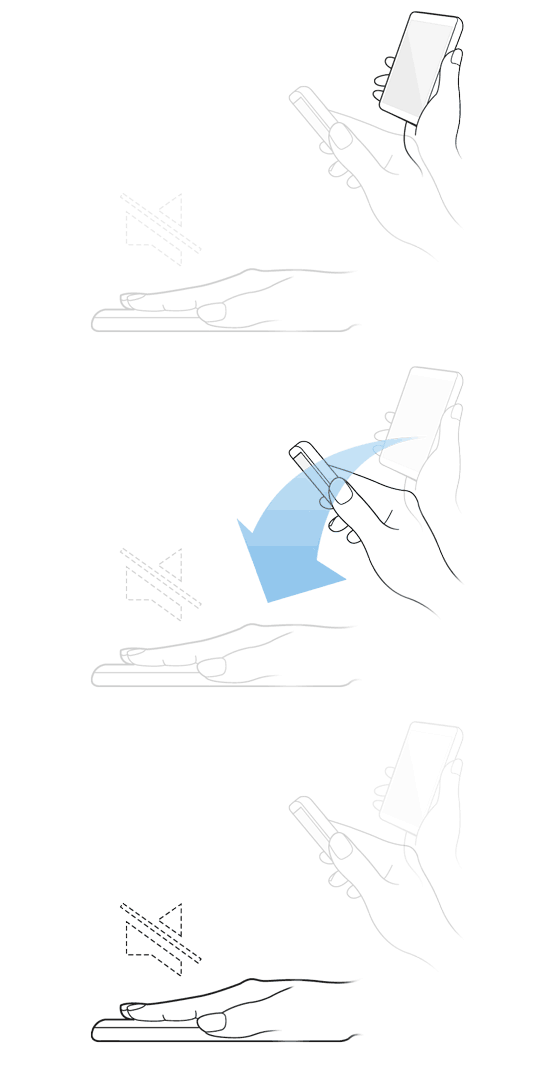
You can mute your phone and its alerts simply by
flipping it over. So if you’re listening to music and somebody starts to talk to you, you can simply flip your phone over to pause the song. This also works with incoming calls, alerts, alarms, notifications, etc.
You can also mute and pause songs/media by covering the screen with your hand. Simply
place your hand over the Galaxy screen and whisper
Shhhh to pause your media. Note: the last part is not required.
Take a screenshot
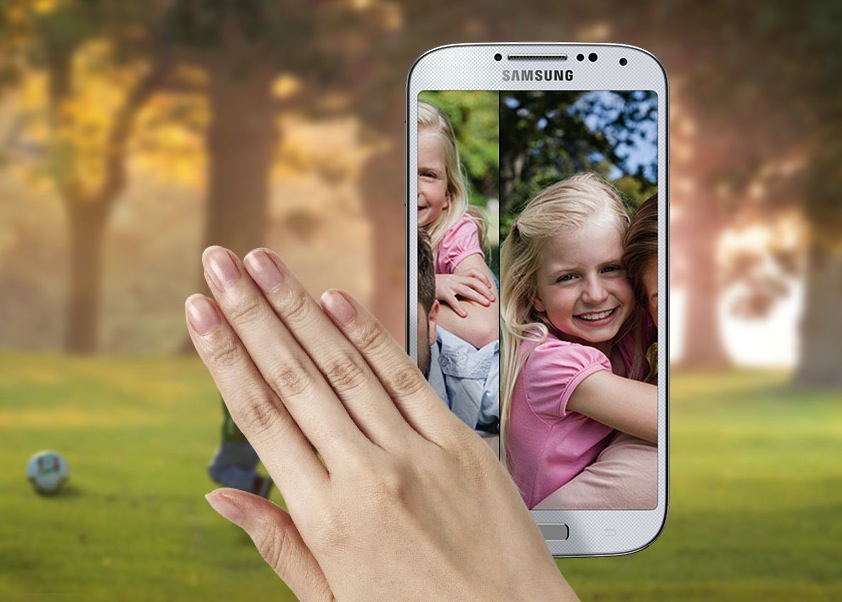
You can take a screenshot with your Galaxy motion controls by swiping your palm right to left or left to right across your screen. This will capture an image of anything that’s on your screen.
These motion controls work on all modern Galaxy devices, including the Galaxy SII, SIII, SIV, Note, Note 2, and Note 3.