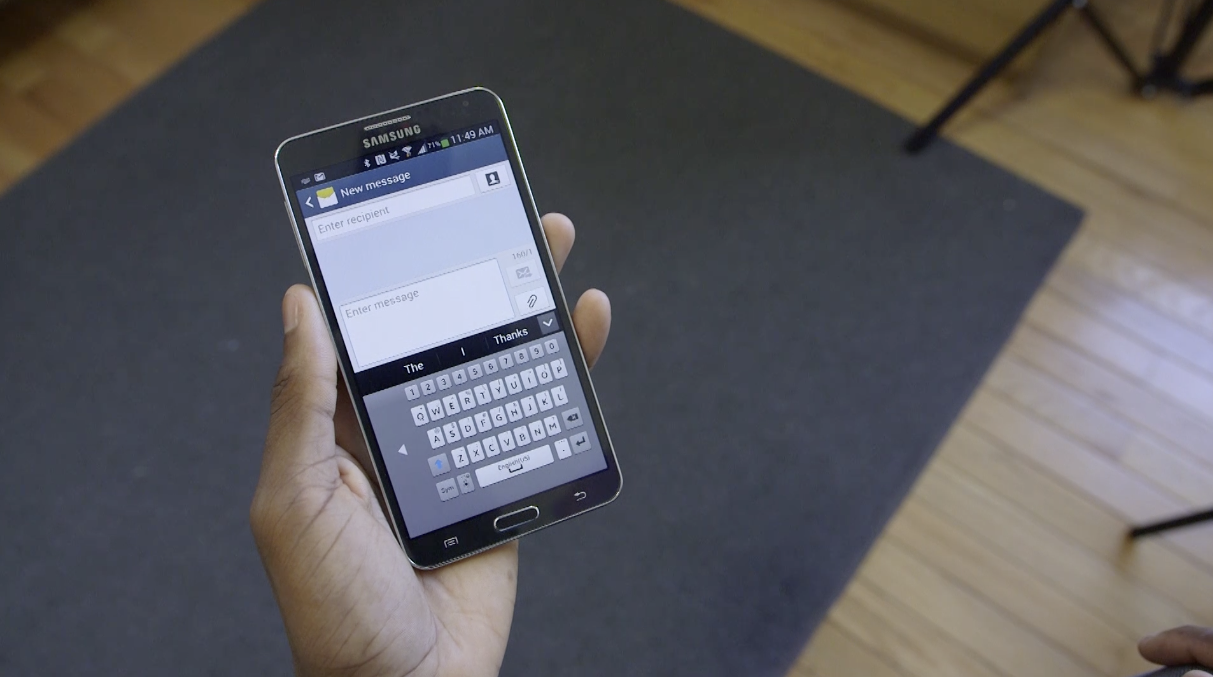
There are two main problems with having a large phone screen:
Problem 1: It doesn’t always fit in your pocket
Problem 2: It’s difficult to type one-handed
We can’t solve the first problem for you (buy new pants?), but we can help you solve the second problem.
What’s the secret to typing one-handed on the Galaxy Note 3, Galaxy S4, and other large Androids and Samsung devices? We’ve got a few tips and tricks to show you:
Use your one-handed keyboard
Samsung is way ahead of you when it comes to one-handed typing. They know their phones are big and difficult to type on with one hand, which is why they gave you a one-handed keyboard. To access that keyboard, open your Messaging app and act like you’re sending a text.
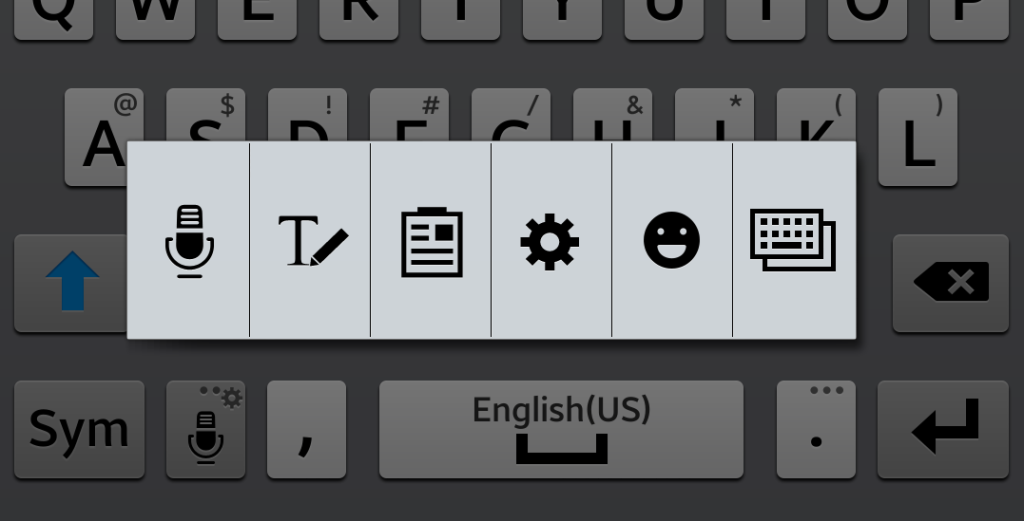
Once the Enter Message window pops up with your keyboard, tap and hold the key with the microphone and gear at the bottom left of the keyboard. A menu should appear that looks like this:
See the keyboard icon on the very far right? Tap that one and then tap
One-handed operation from the next menu that pops up.
Just like magic, your keyboard shrunk and shifted to one side of the screen, making it significantly easier to type with one hand. You can shift the keyboard to your left or right hand by clicking the small arrow to the side of the keyboard.
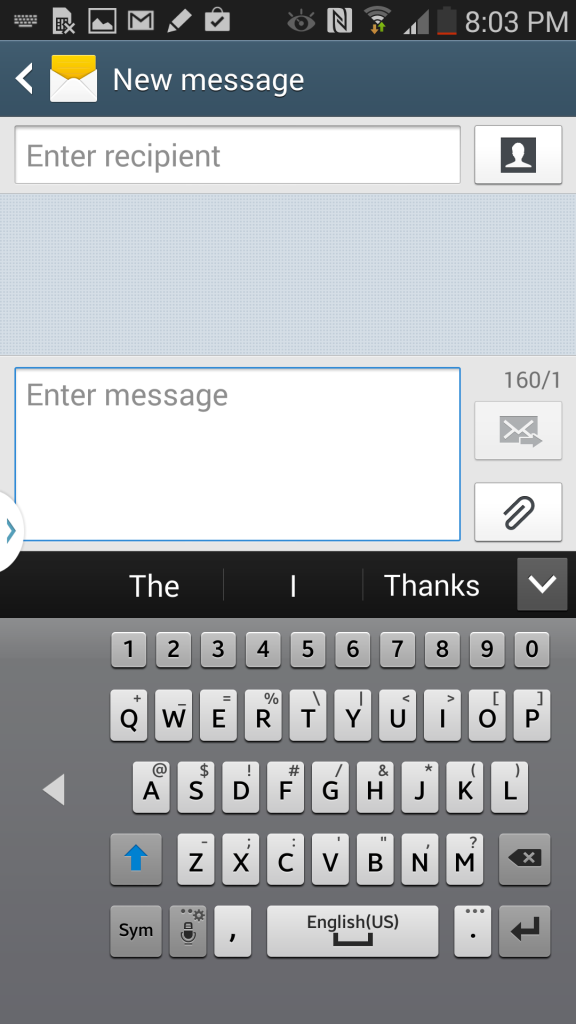
To switch back to your normal keyboard, just reverse the process (long-press the gear/microphone key, choose the keyboard option on the far right, and choose the
Normal keyboard).
This makes it way easier to text while driving. Just kidding. Don’t do that.